
Barcode Scanner Troubleshooting
Door/Hand Held Barcode Scanner
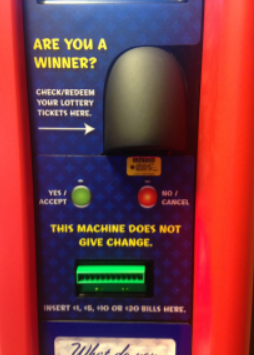
No Read / Intermittent Read
-
Ensure the tickets are held within the correct range.
-
The ticket may need to be held closer or farther away depending on the size of the barcode. The ticket should be raised or lowered under the beam until the barcode registers.
-
- Power reset the Gemini using the power switch above the managers display/touchscreen.
Contact Brightstar for help or additional troubleshooting:
- Select the chat icon in the bottom right corner of this screen and type in Hello to get started.
OR
- Call the Hotline at 1-800-729-4832.