
MEI Bill Acceptor - Troubleshooting
Video Available:
Removing the MEI Bill Acceptor (1.06 minutes)
- Power off the terminal by toggling the highlighted on/off switch above the keypad to the down position (leave terminal off until below steps are completed).
- Open the bill acceptor door with the security key and tilt the assembly down.
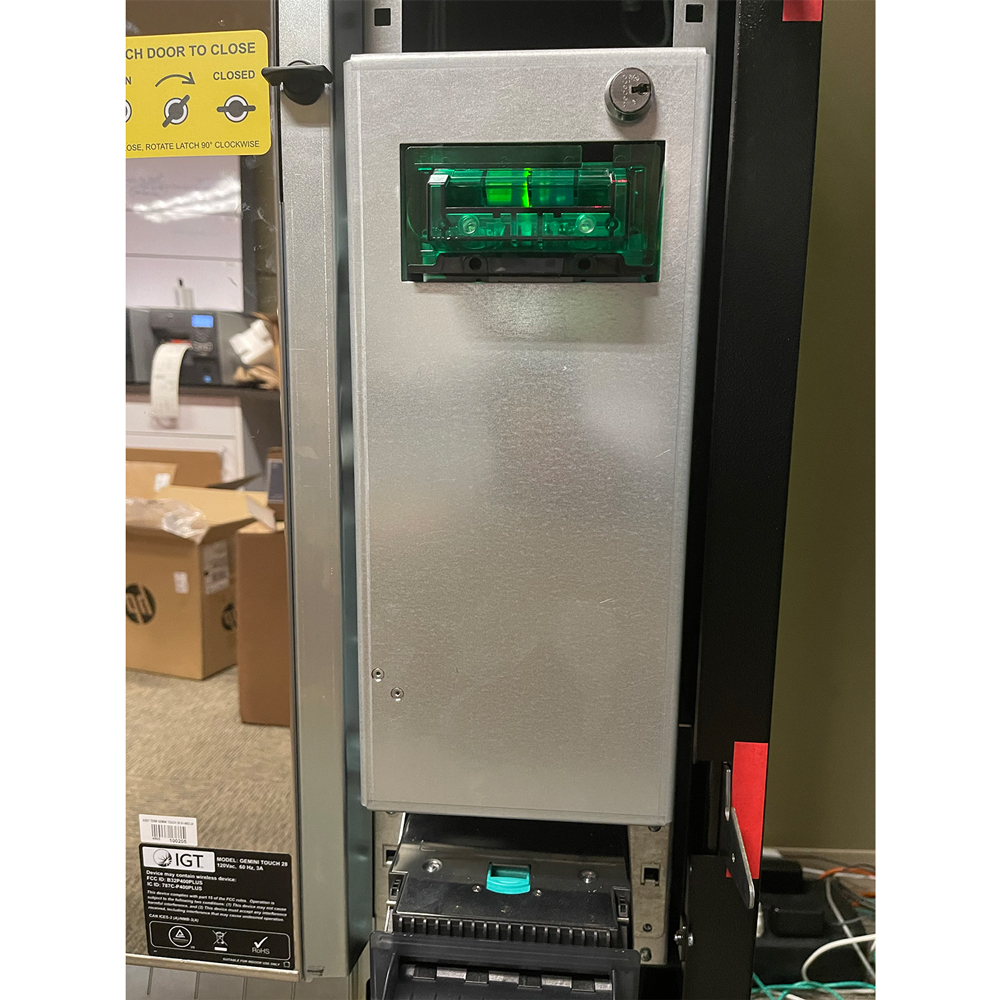
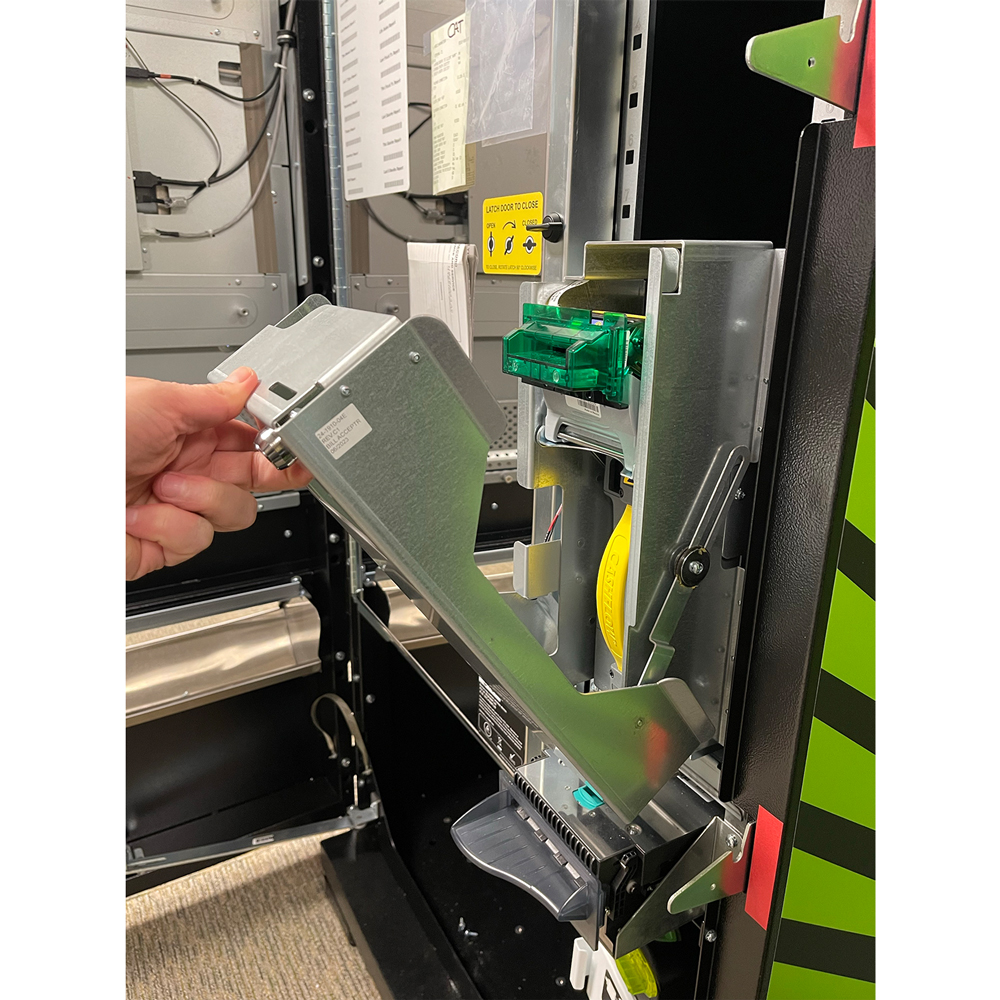
- Remove the acceptor module by pushing up the silver latching and pulling straight out.

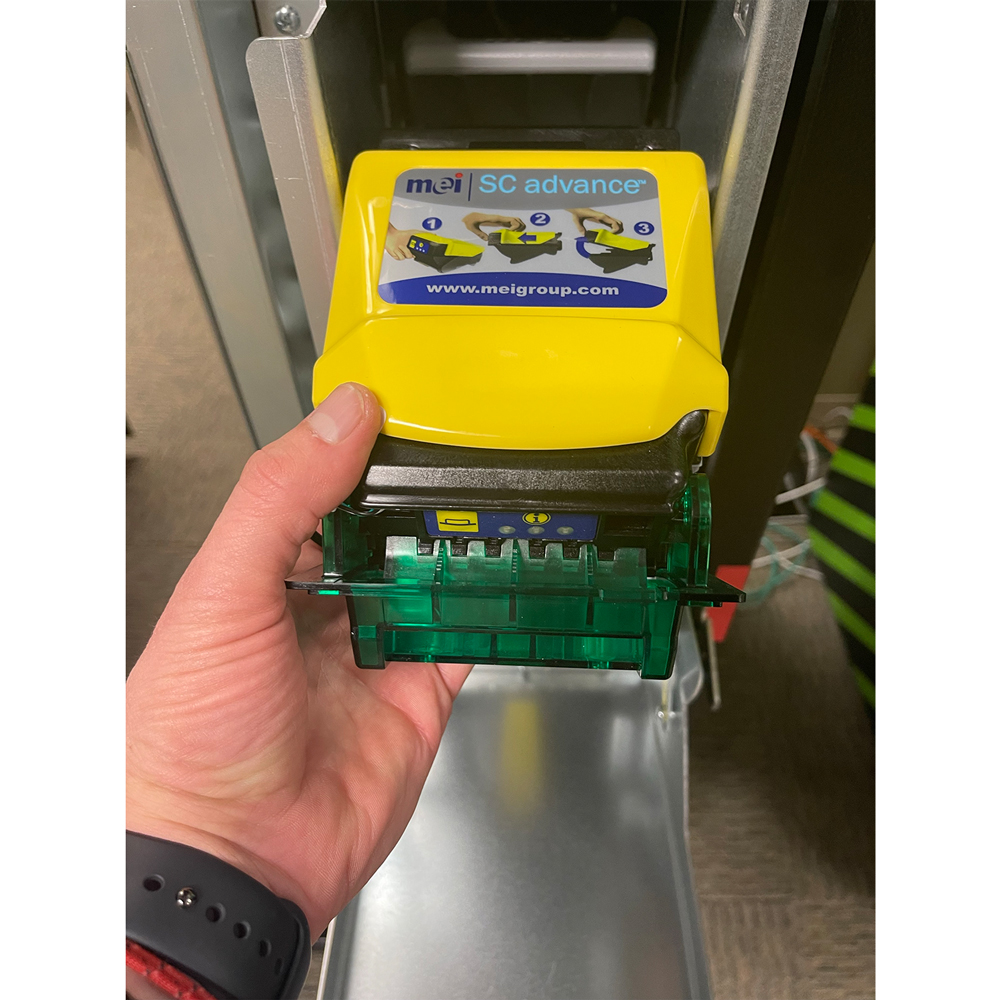
- Place your fingers on the black groove and chrome bar and squeeze to release the bill acceptor read head.
- Gently lift the read head from the bill acceptor - this allows the clearing of jammed bills.
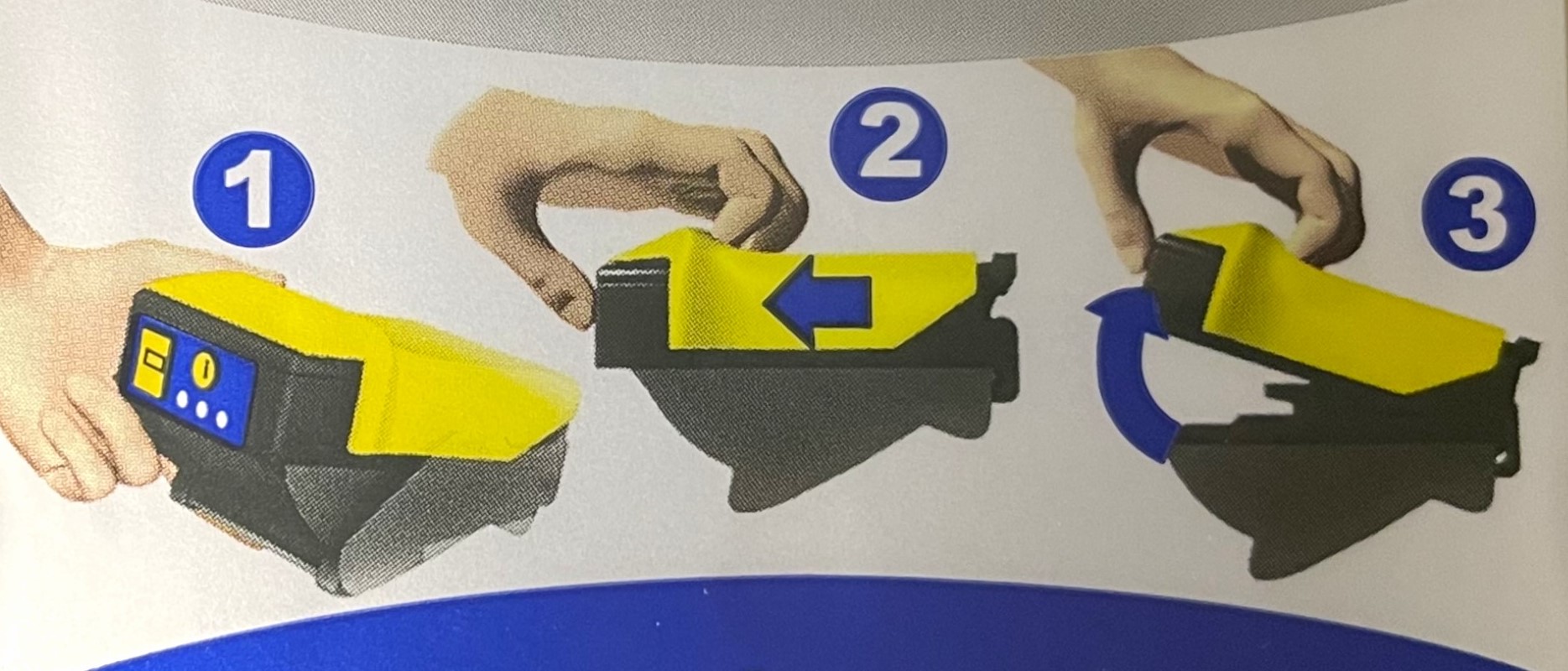
- After the bill acceptor has been cleared, gently slide it down into its locked position. If the bill acceptor is put into its proper position it will reset after 10 seconds.
- Power on terminal by toggling the on/off switch above the keypad to the up position.