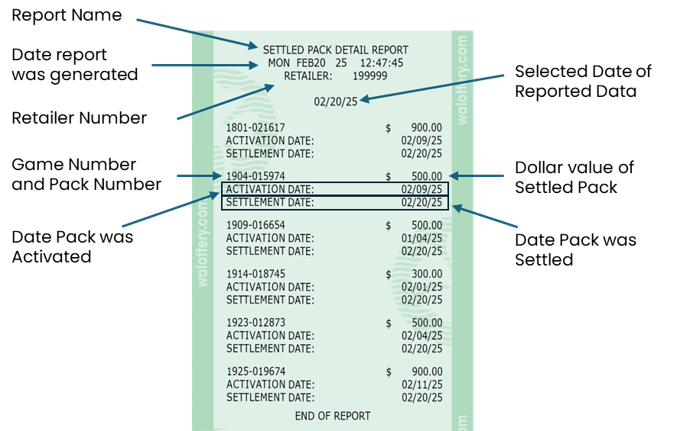
Scratch Reports: Settled Pack Detail
The Settled Pack Detail report is generated by using the “Settled Pack Detail” button on the GT-1200s. This report shows all packs – Game & Pack number, Date Activated, Date Settled, and Pack Values - that were Settled during a selected timeframe.

- OR -

Options for Settled Pack Reports
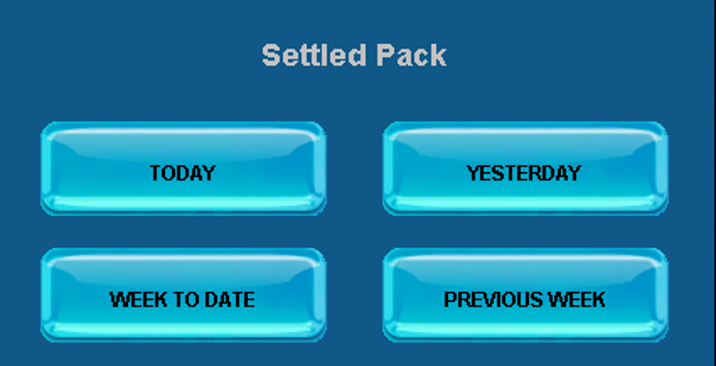
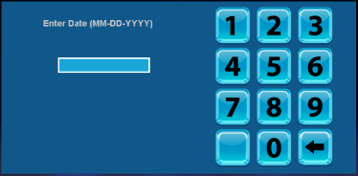
When Previous Week is selected, Retailers must enter the selected date. Report will show data from a week leading up to the date selected.
Settled Pack Detail Report Overview