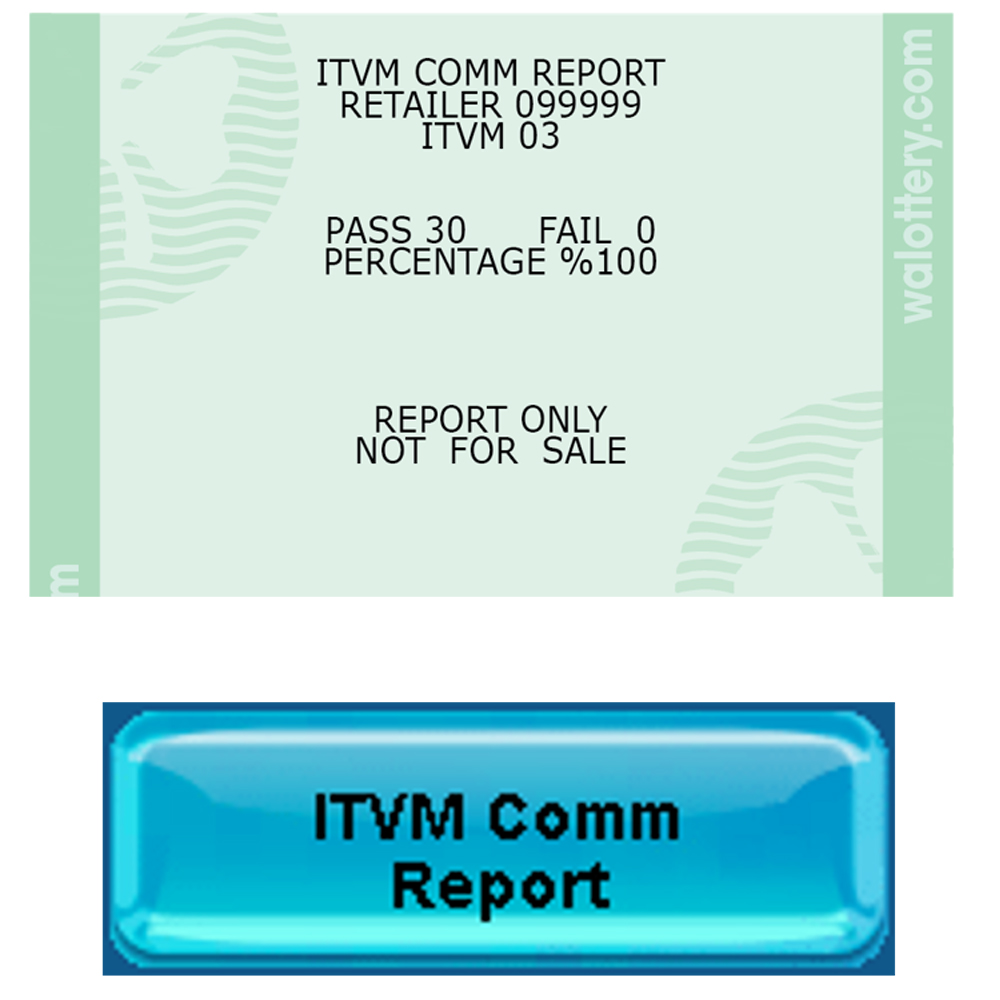
The Self-Service/ITVM reports can be accessed two different ways on the GT1200.
 - OR -
Please Note: Suspend ITVM, Resume ITVM, and the ITVM Com Report are only accessible through the Scratch Functions pathway. Retailers should navigate to Self Service ITVM Reports by using the Scratch Functions button to have all options displayed,
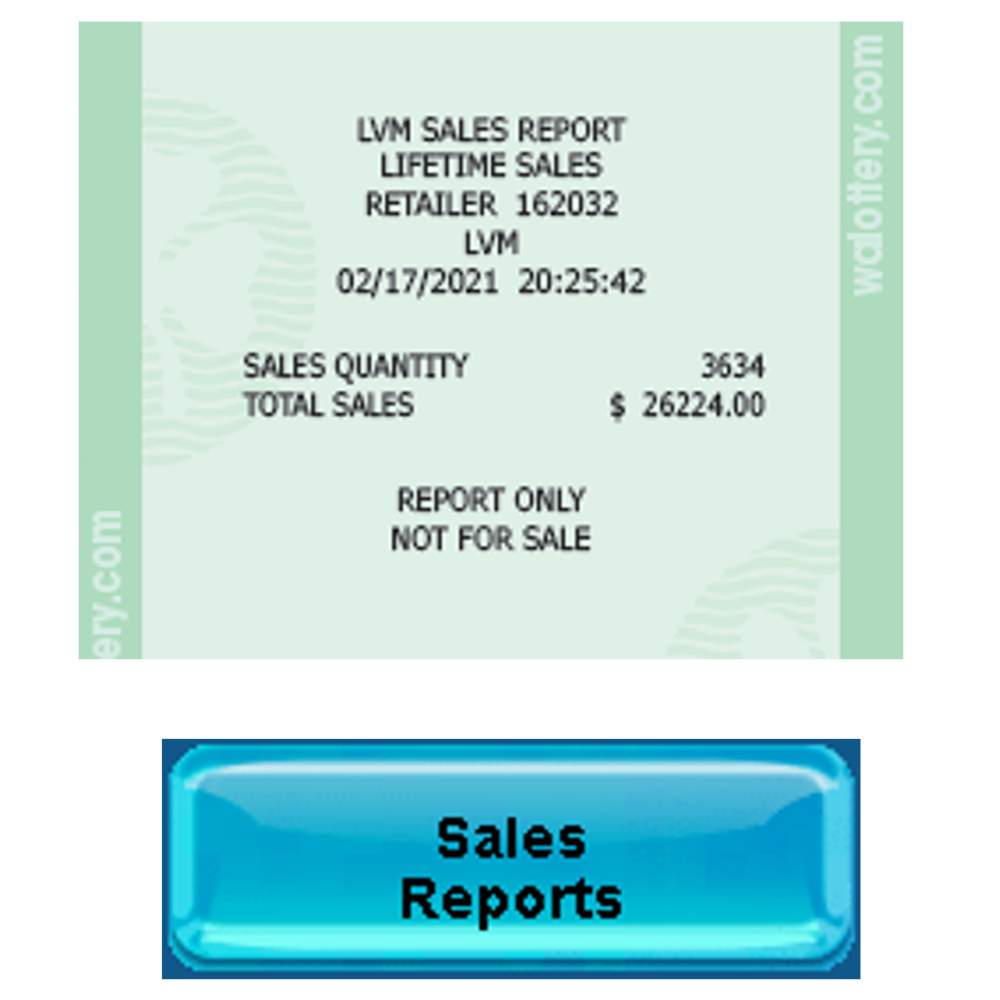
Sales Reports
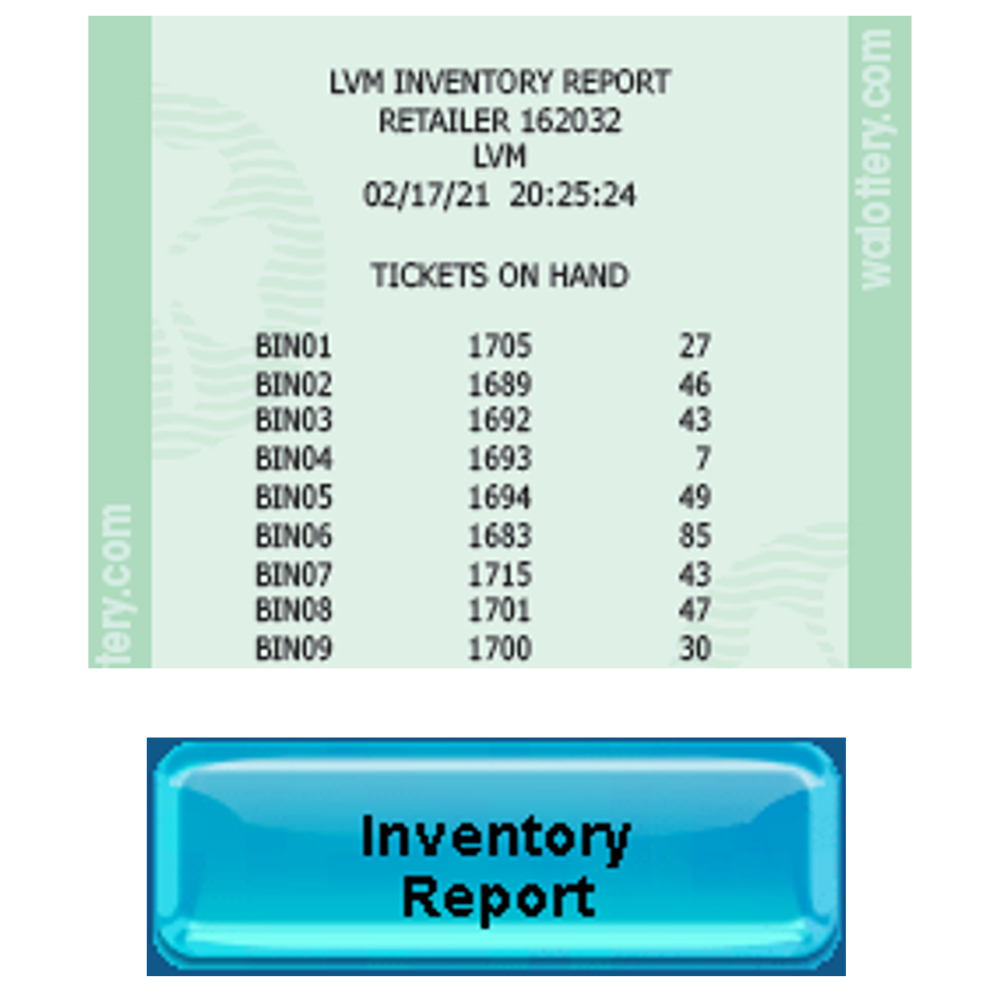
Inventory Report
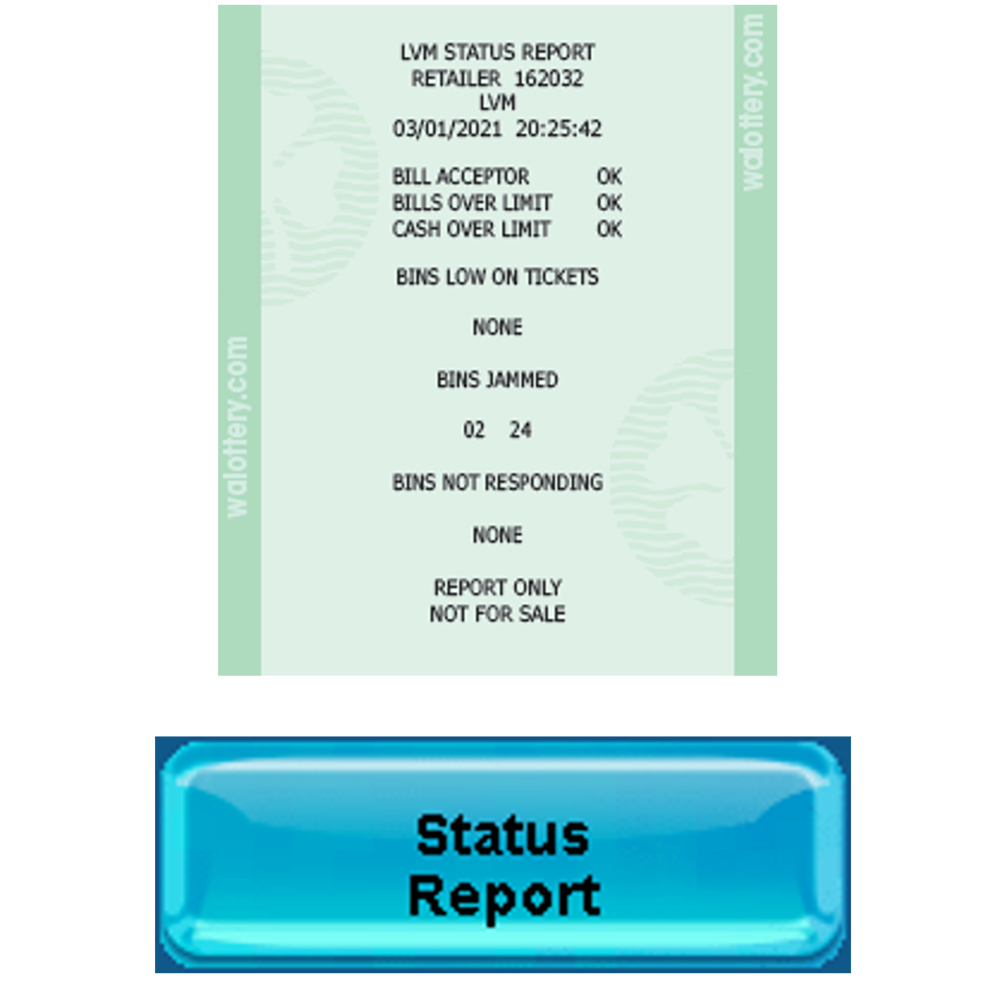
Status Report
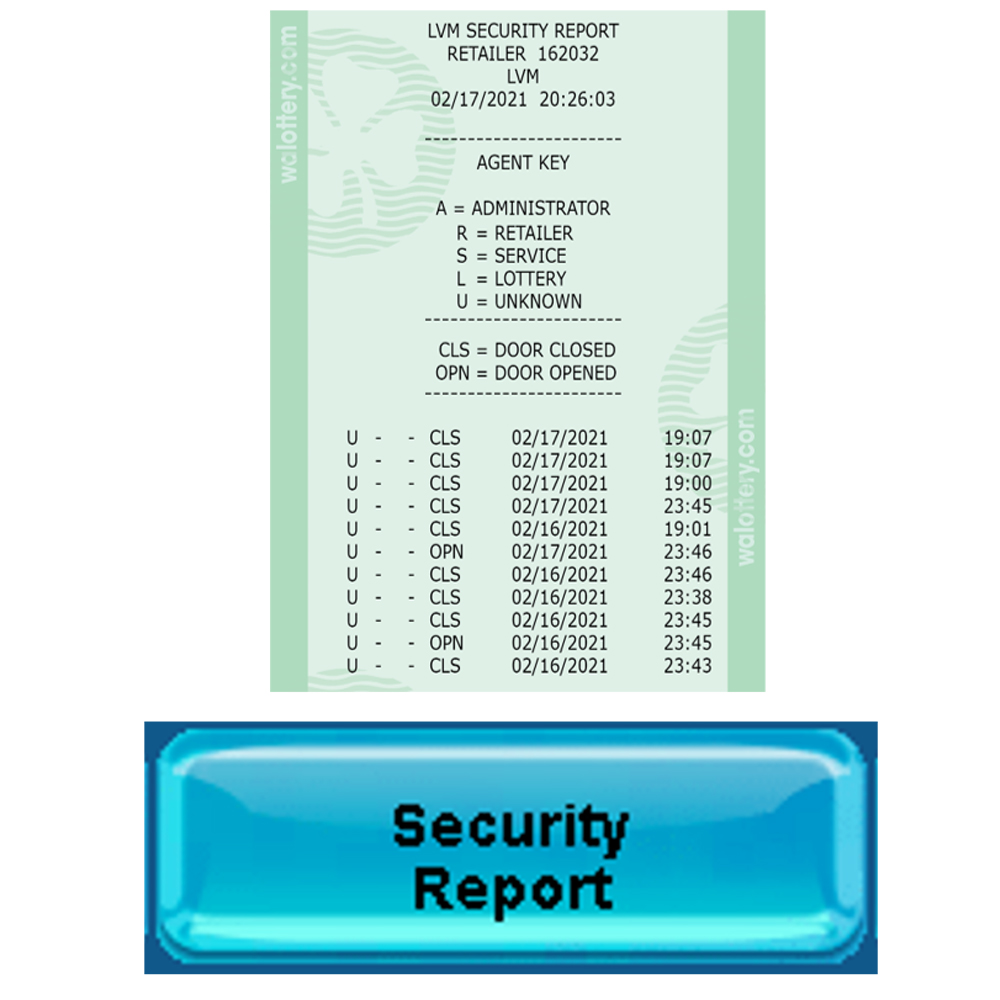
Security Report
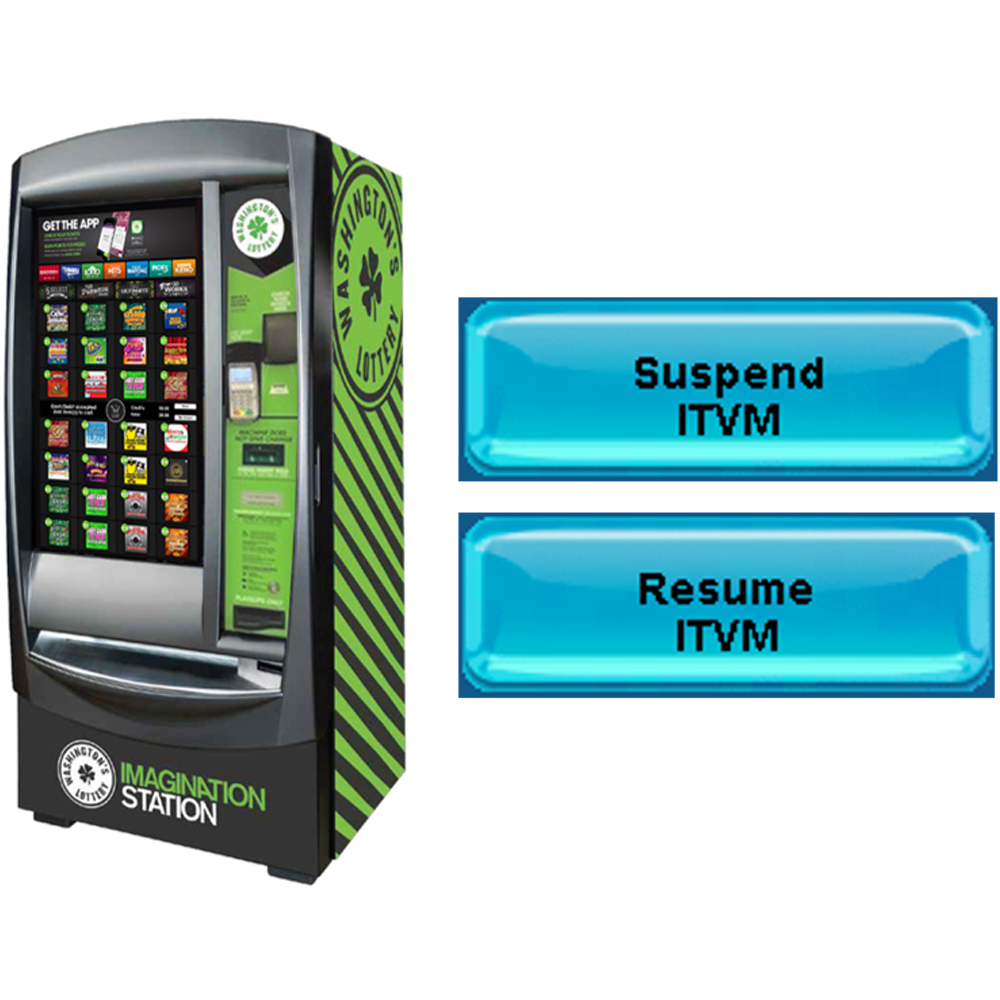
Suspend / Resume
ITVM