
Winning Numbers
Retailers can quickly print out current, or previous, Winning Number information for any Draw Game or Promotion. Retailers can also select “ALL Winning Numbers” to generate a single report showing the winning numbers for each Draw game’s last drawing.
NOTE: When selecting a Draw game, Retailers can also choose a previous day to see what the winning numbers were for that specific date.

Winning Number Report Options:
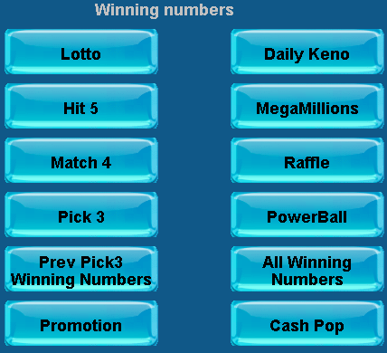
When a Retailer selects any of the individual Draw Game options, they will be shown a window with the option to Enter Date or Press Send Button.
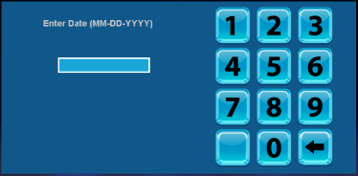
If no date is entered the SEND Button is pressed, a report will be generated using that same day.
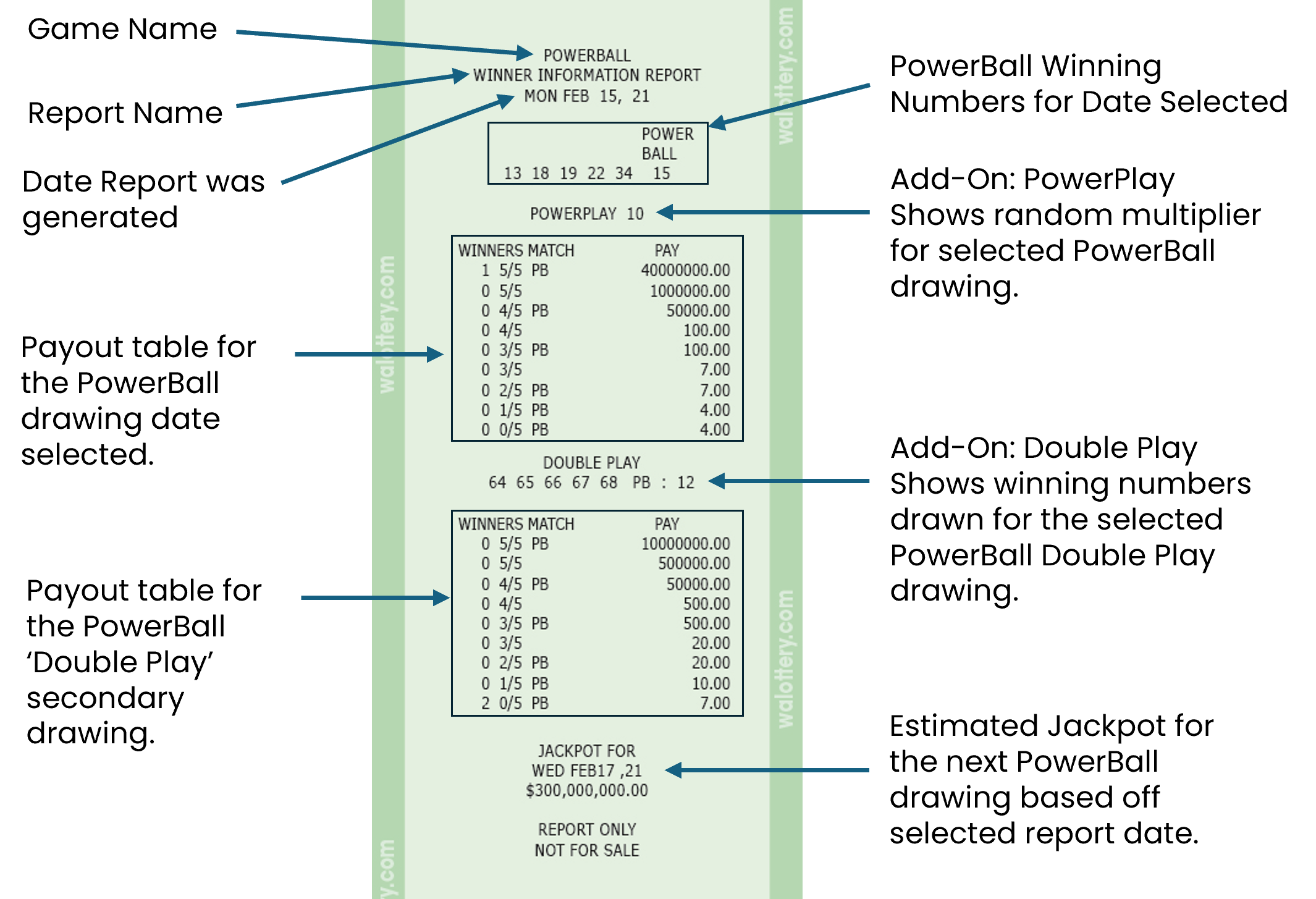
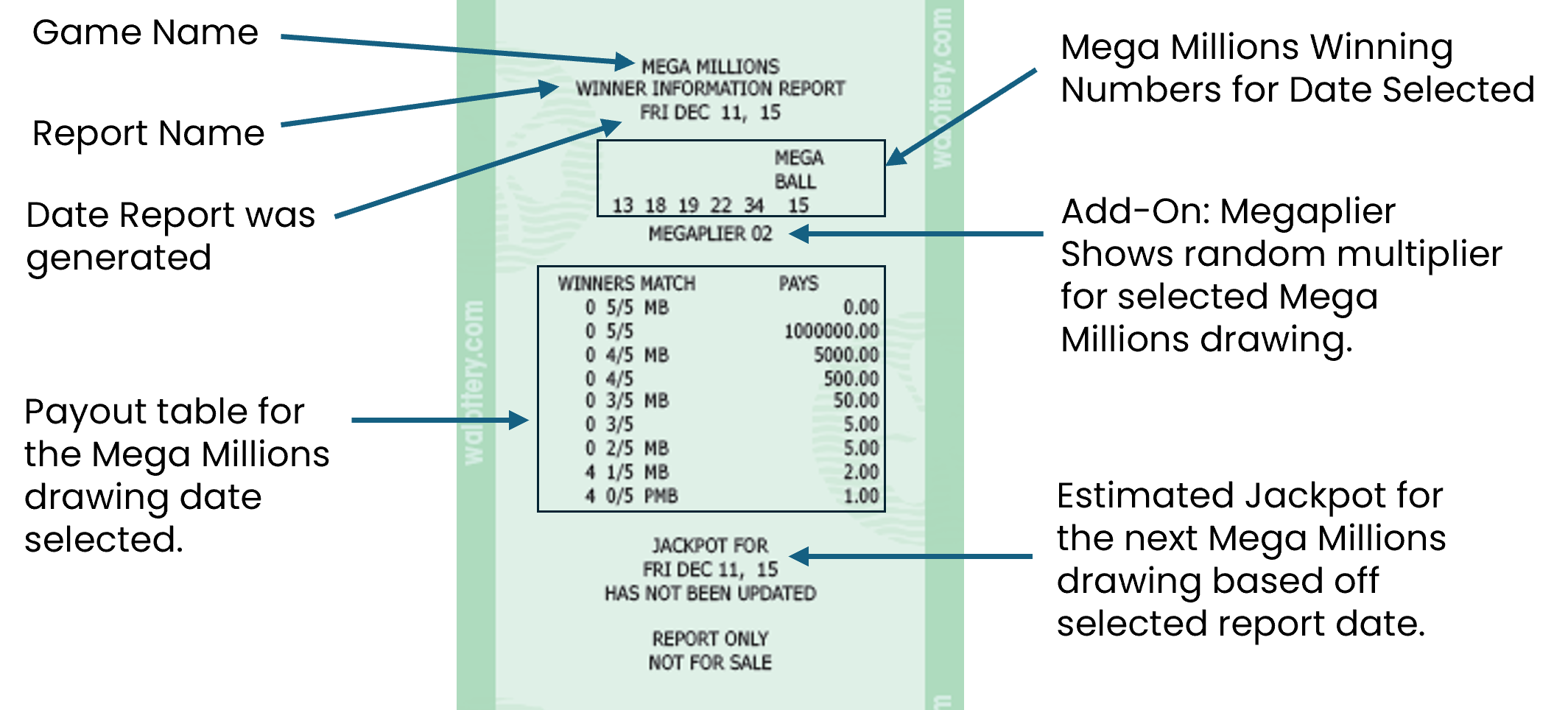
Winning Number Report Examples
PowerBall

Mega Millions

LOTTO

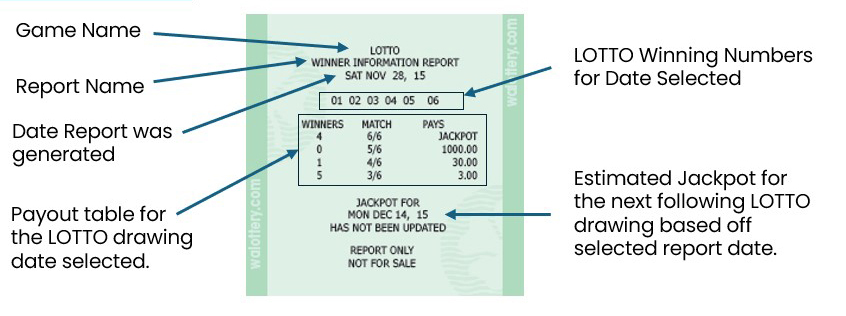
Cash POP

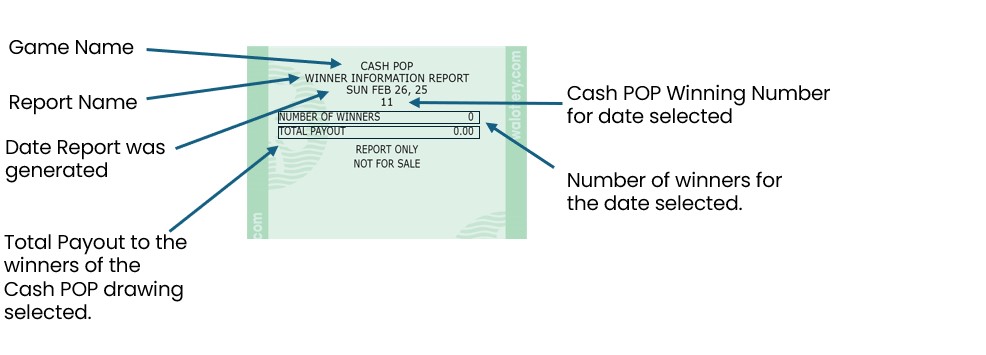
HIT 5

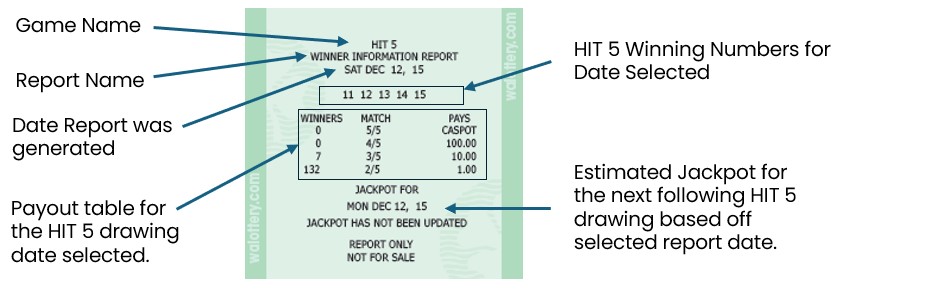
Match 4

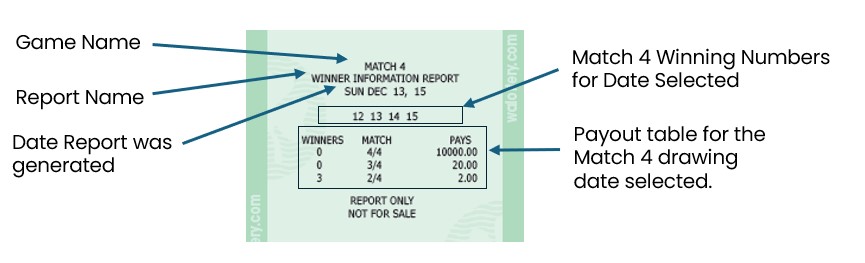
Pick 3
The GT-1200 provides two options for running Pick 3 Winning Numbers.
Pick 3:

Report shows only one set of PICK 3 winning drawing numbers for the date selected.

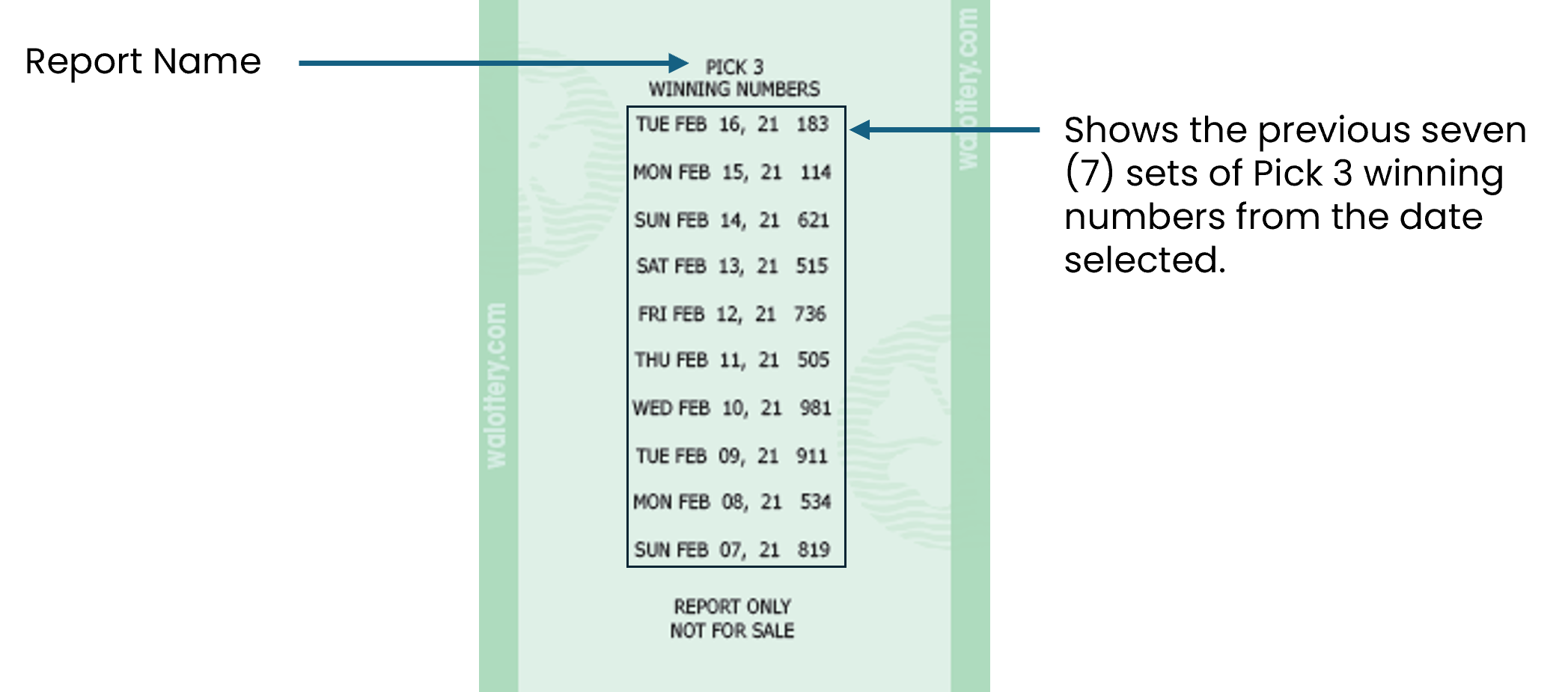
PREVIOUS PICK 3 WINNING NUMBERS:

Report shows the previous seven (7) sets of Pick 3 winning numbers based off the date selected.
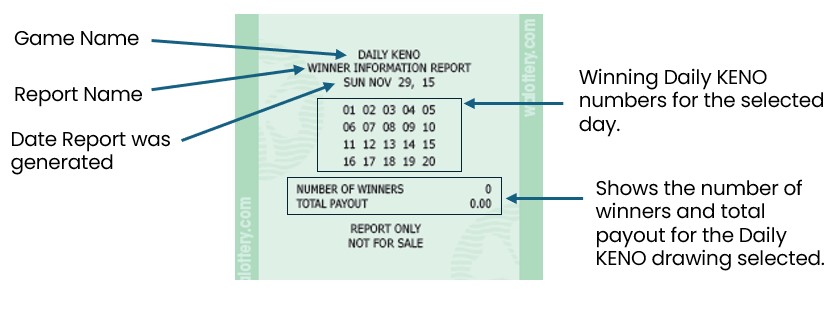
Daily KENO

ALL WINNING NUMBERS

The All Winning Numbers button will combine all Draw Game Winning Numbers into a single report.
Promotions

Retailers can print winning numbers for applicable Draw promotions.
Please Note: Requires Promo Number