
Terminal Settings
Provides general setting options and terminal information.
Accessing Terminal Settings on the GT-1200

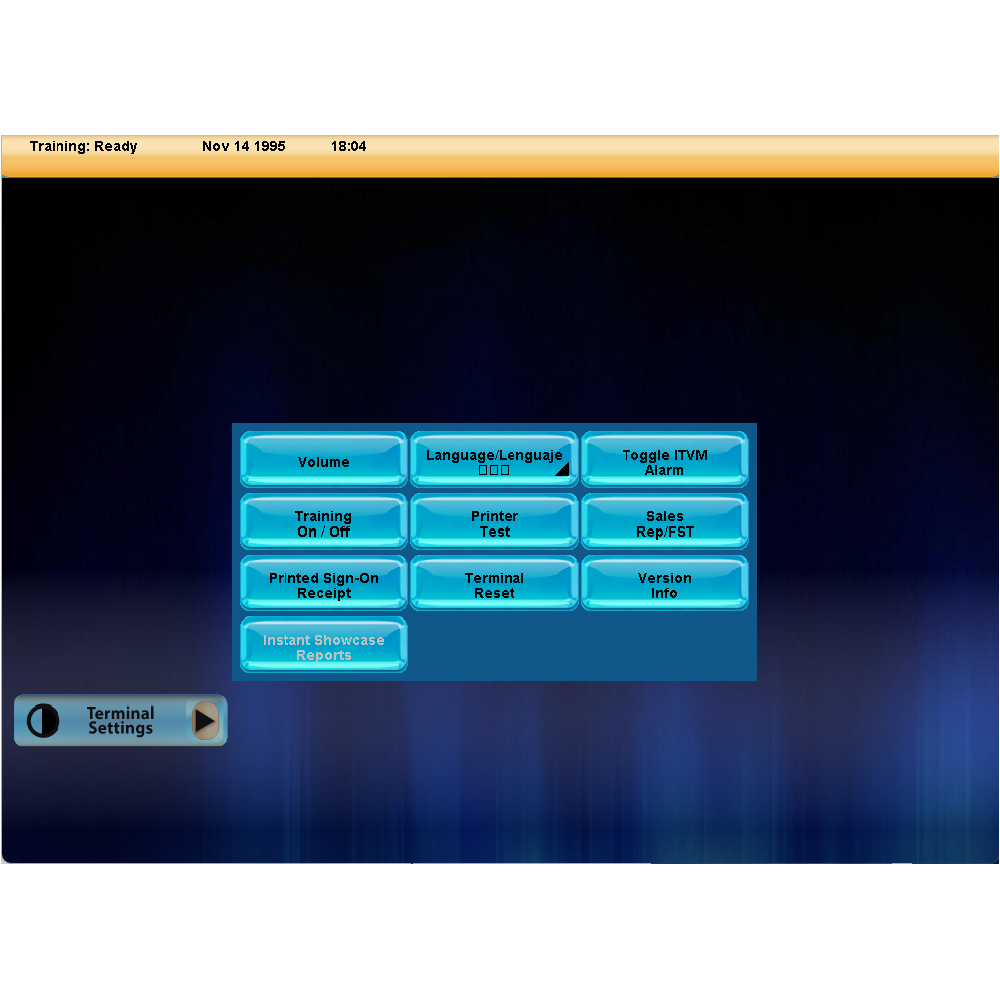
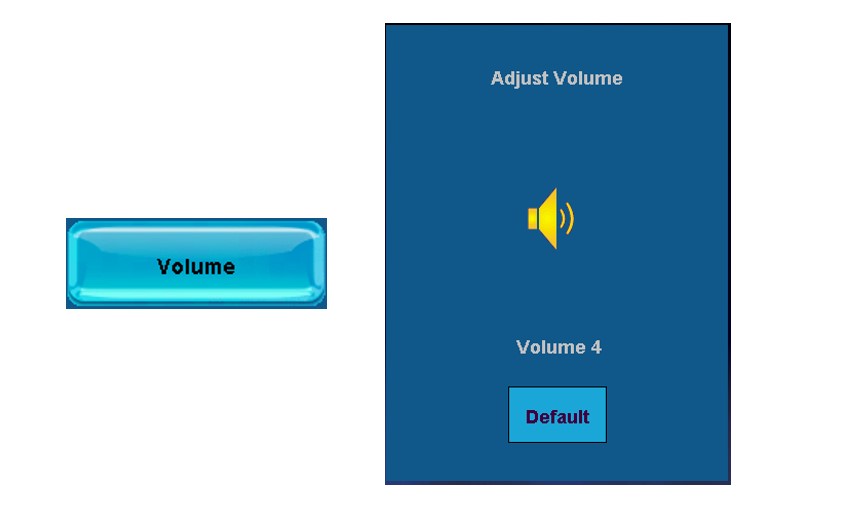
Volume
- Adjust GT-1200 terminal volume
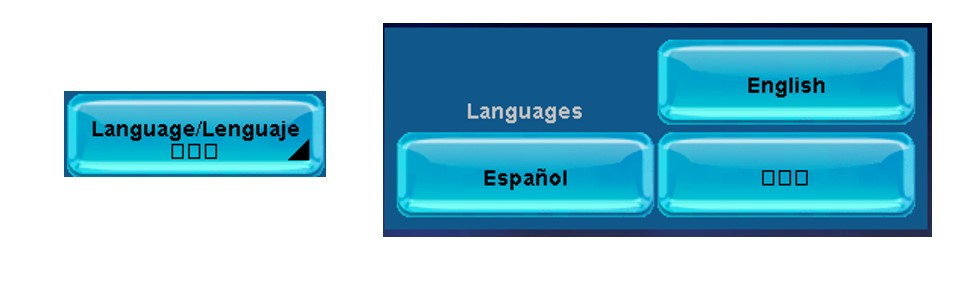
Language/Lenguaje
- Change terminal language (English / Espanol / Korean)
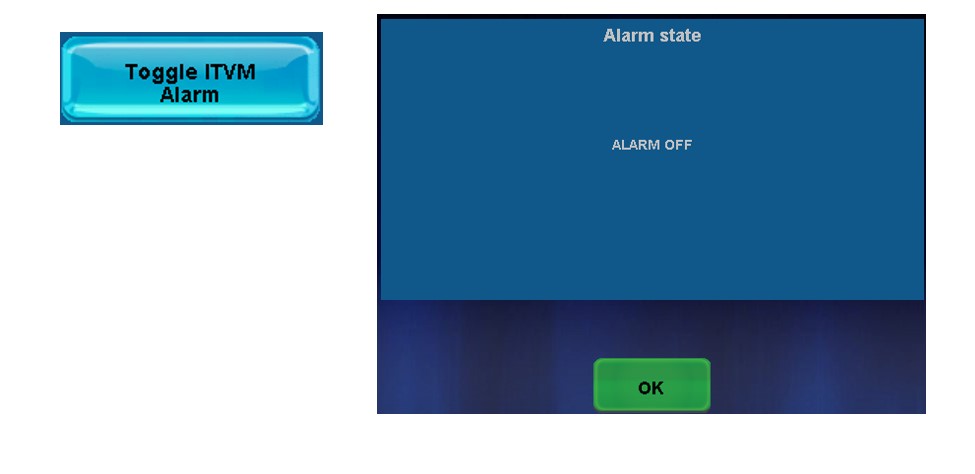
Toggle ITVM Alarm
- Turn terminal alarm On or Off
Training On/Off
- Turn Training mode On or Off (FOR BRIGHTSTAR LOTTERY PERSONNEL ONLY)

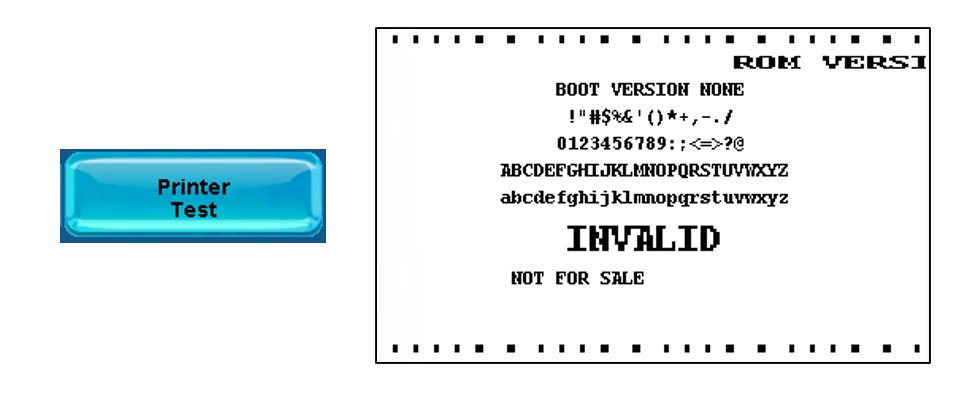
Printer Test
- Test Printer
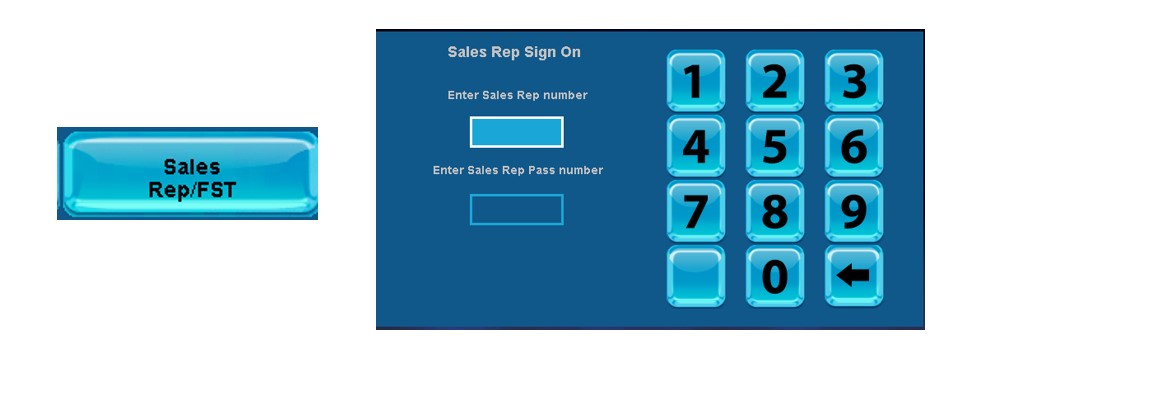
Sales Rep/FST
- Display assigned Lottery Representative and Field Service Technician information.
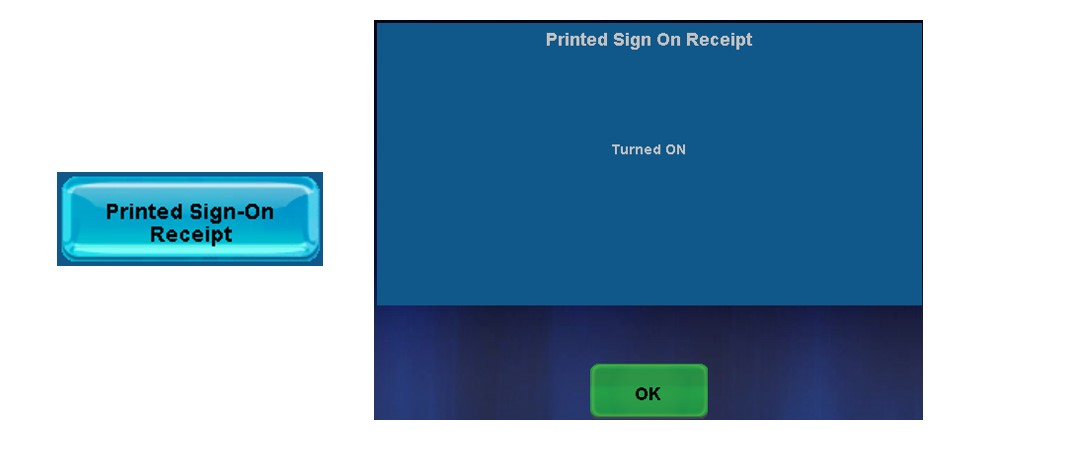
Printed Sign-On Receipt
- Turn On or Off automatic Printed Sign-On Receipt
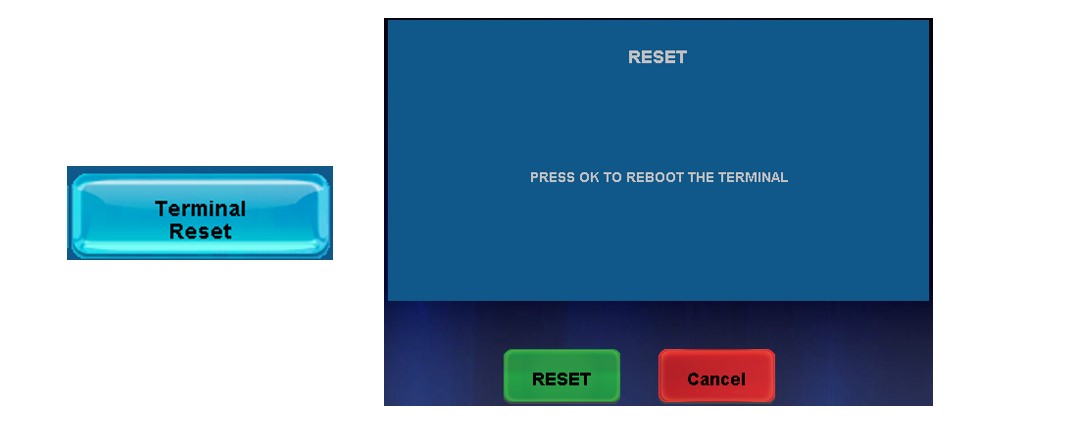
Terminal Reset
- Resets terminal
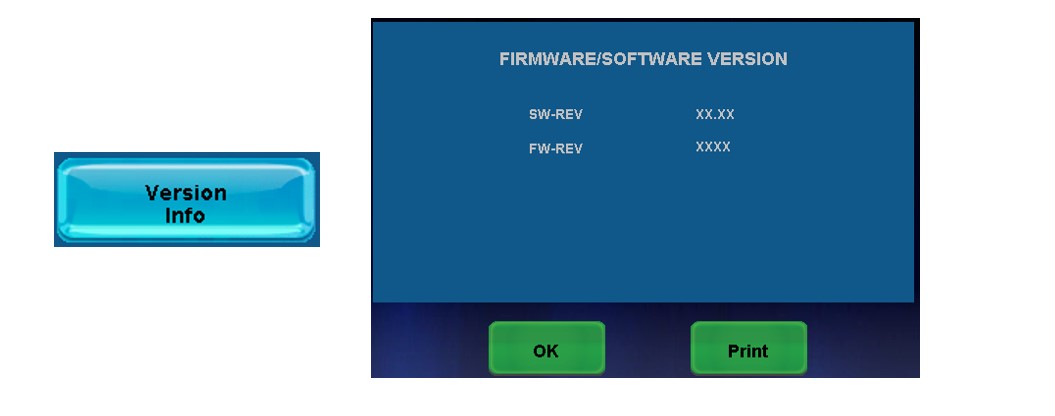
Version Info
- Displays terminal details
Instant Showcase Reports
- For Retailers with a connected Instant Showcase peripheral equipment.