GT28C Printer - Change Paper


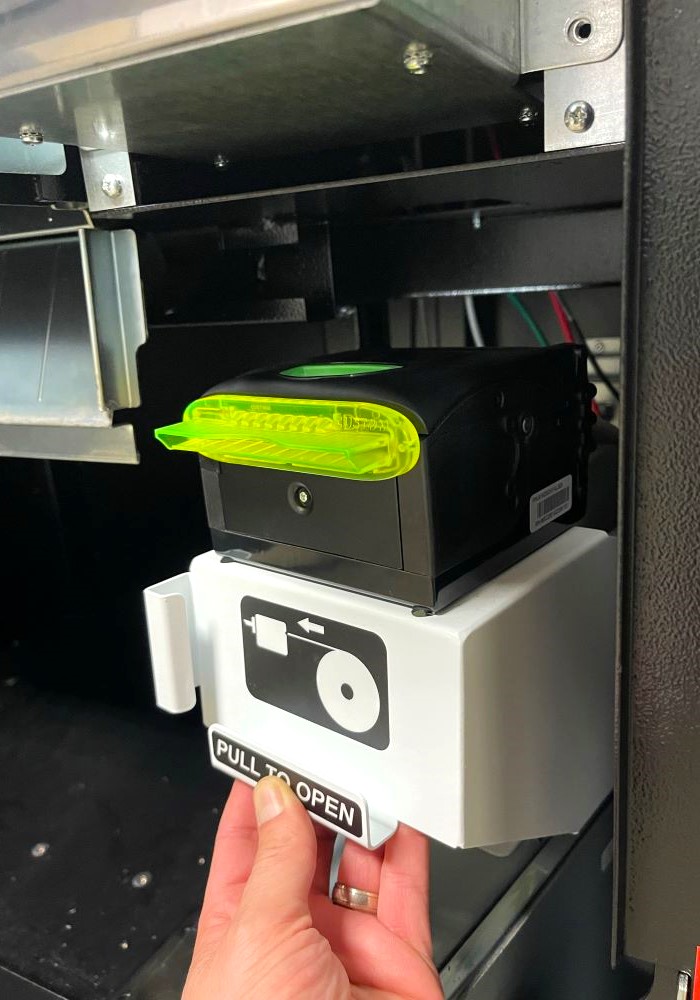
  1. Using the "Pull to Open" Handle, slide the Printer forward.
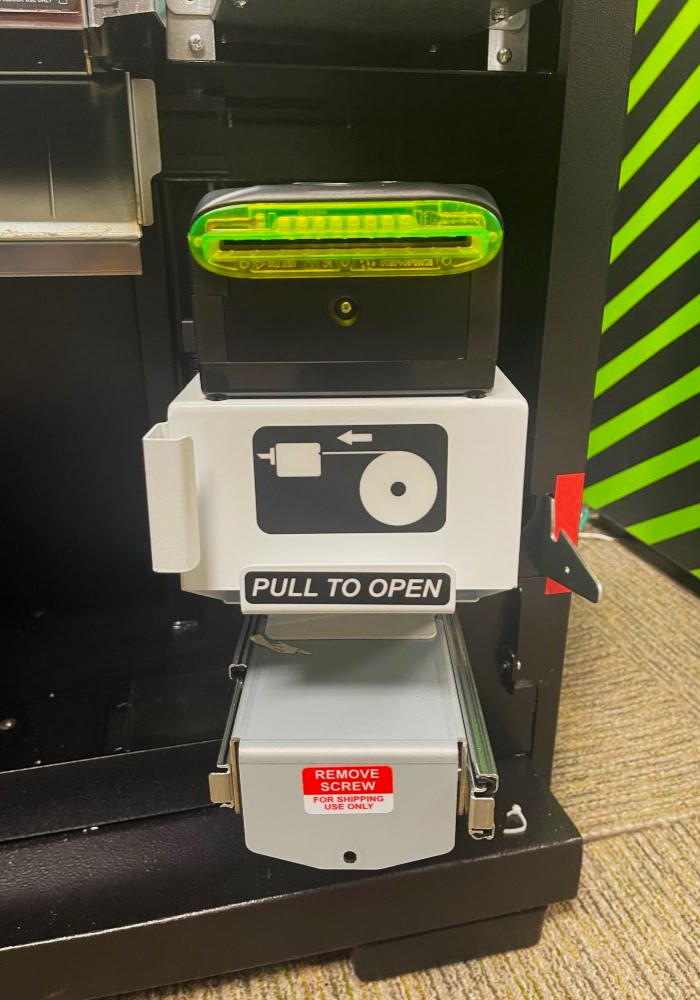
    image showing the GT28C Printer  use the pull to open handle to slide the printer forward
  2. Press Green button on top of printer to open.
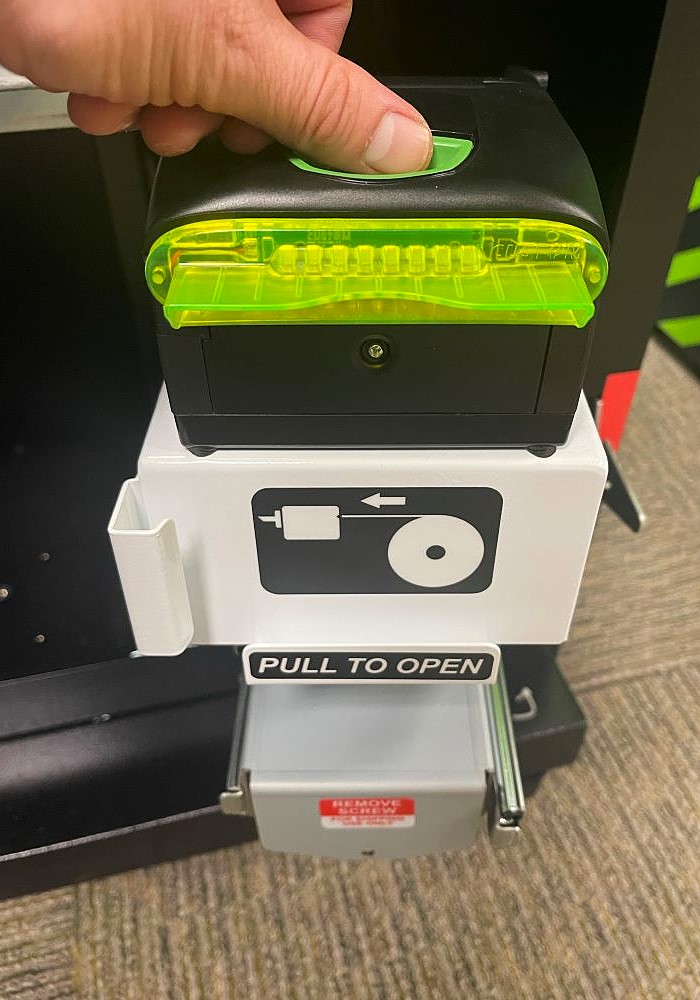
    press the green button on top of the printer to open it
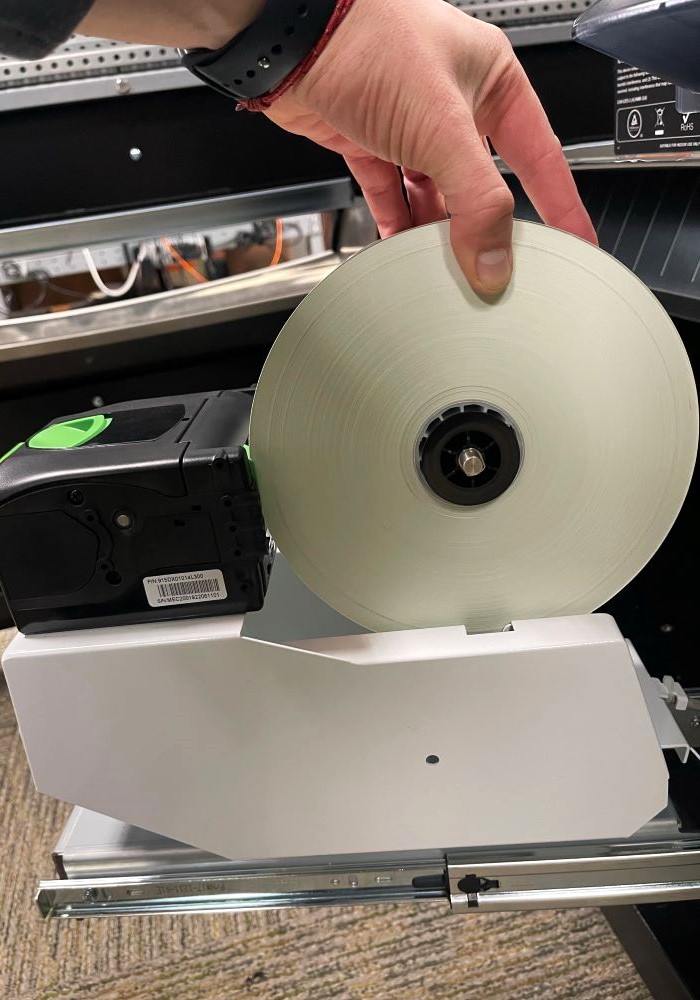
  3. Refill Paper Roll with new roll of Thermal Paper and place roll in Printer. Paper roll must be inserted so it feeds forward from the top of the paper roll.
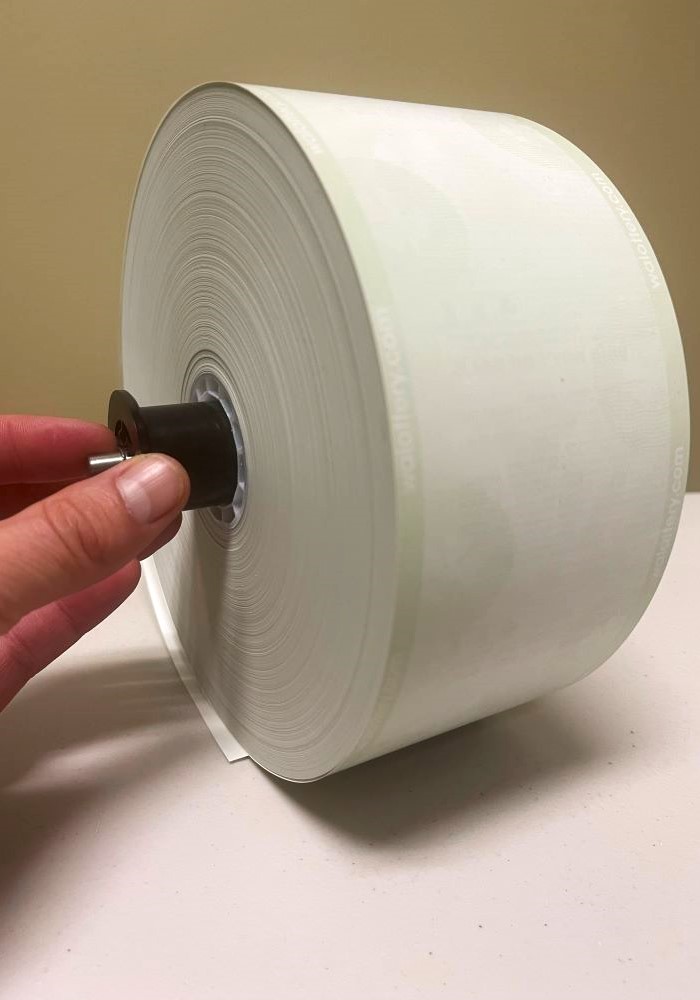
    image of a roll of GT28C Printer Paper  load paper into the gt28c printer so it feeds forward from the top of the paper roll
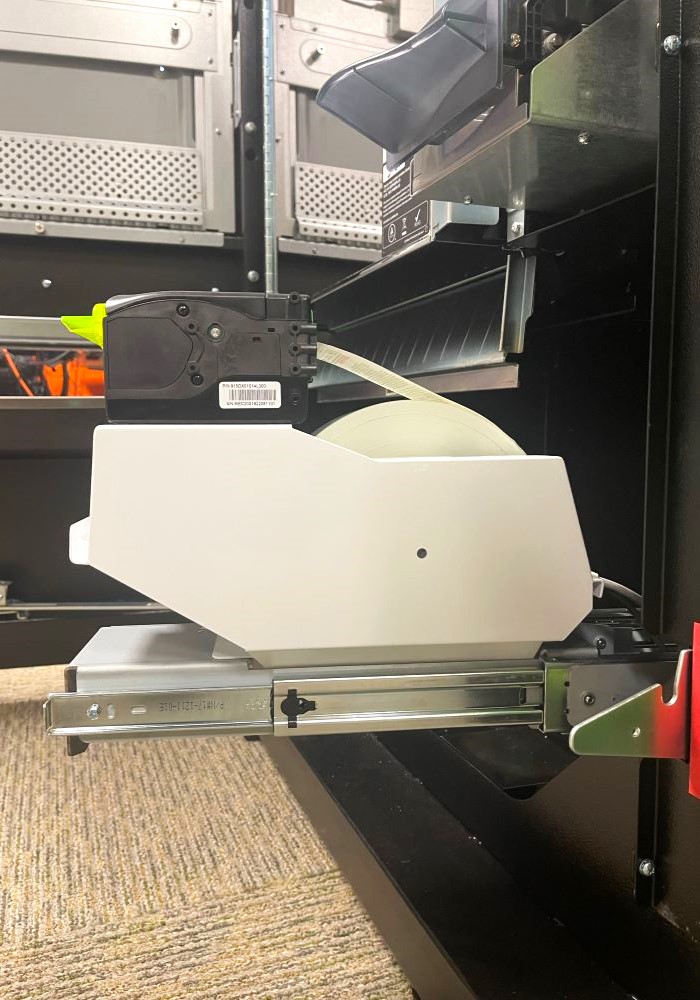
  4. Feed Paper through back and close Printer. The Printer will automatically begin to feed paper through.
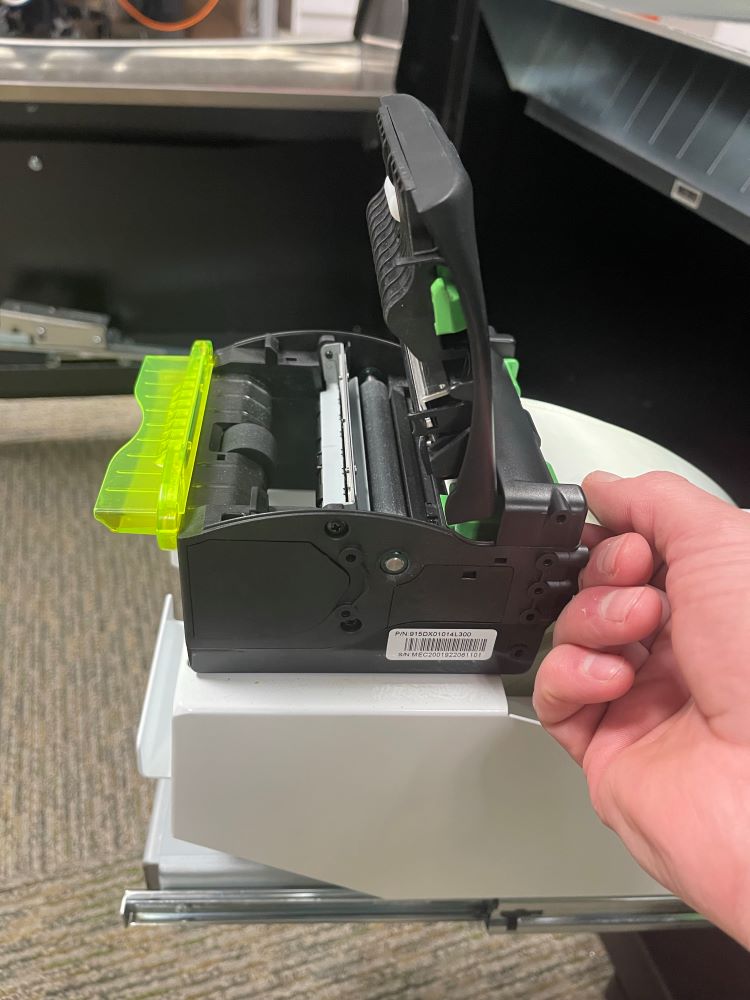
    feed paper through the back and close the printer to begin automatically feeding paper through image of the GT28C Printer after completing the process to add a new roll of paper