
Loading & Changing Printer Paper
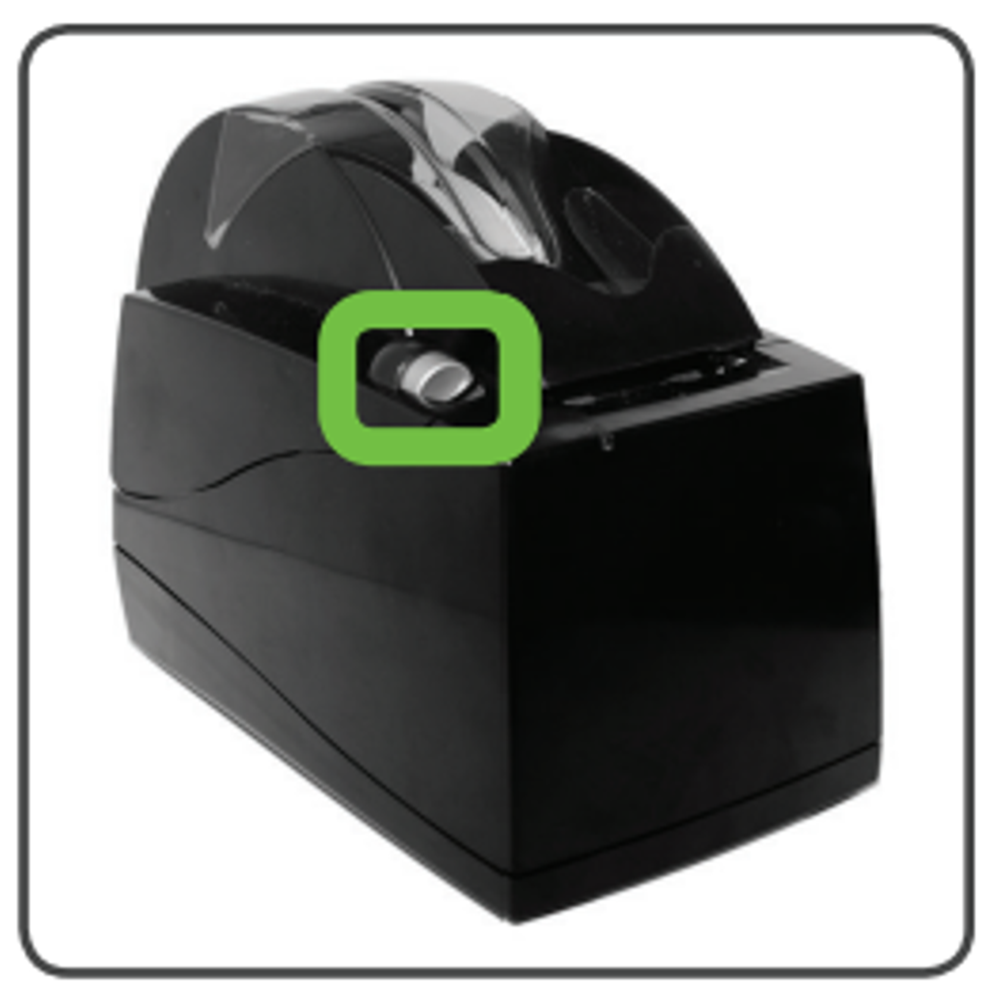
- Lift the latch up to open the printer cover.
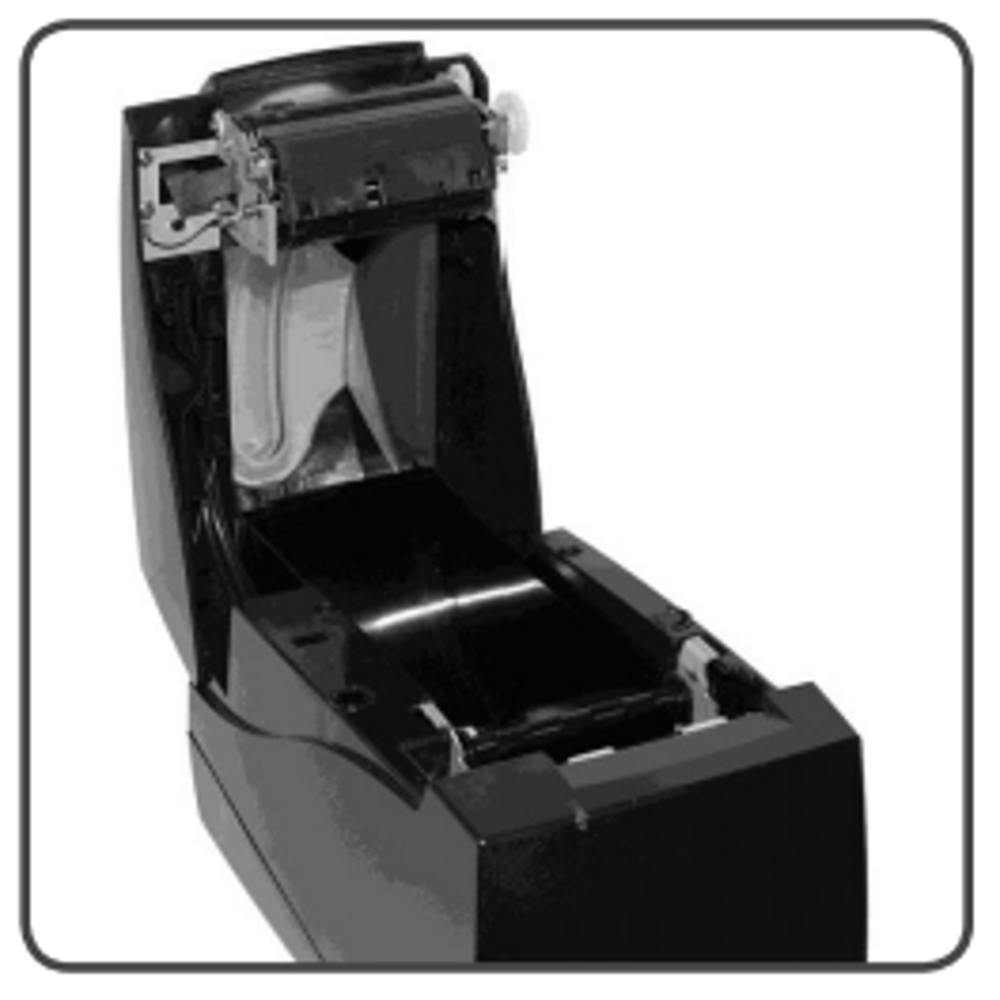
- Raise the paper cover to the open position.
- Raise the paper cover to open position.
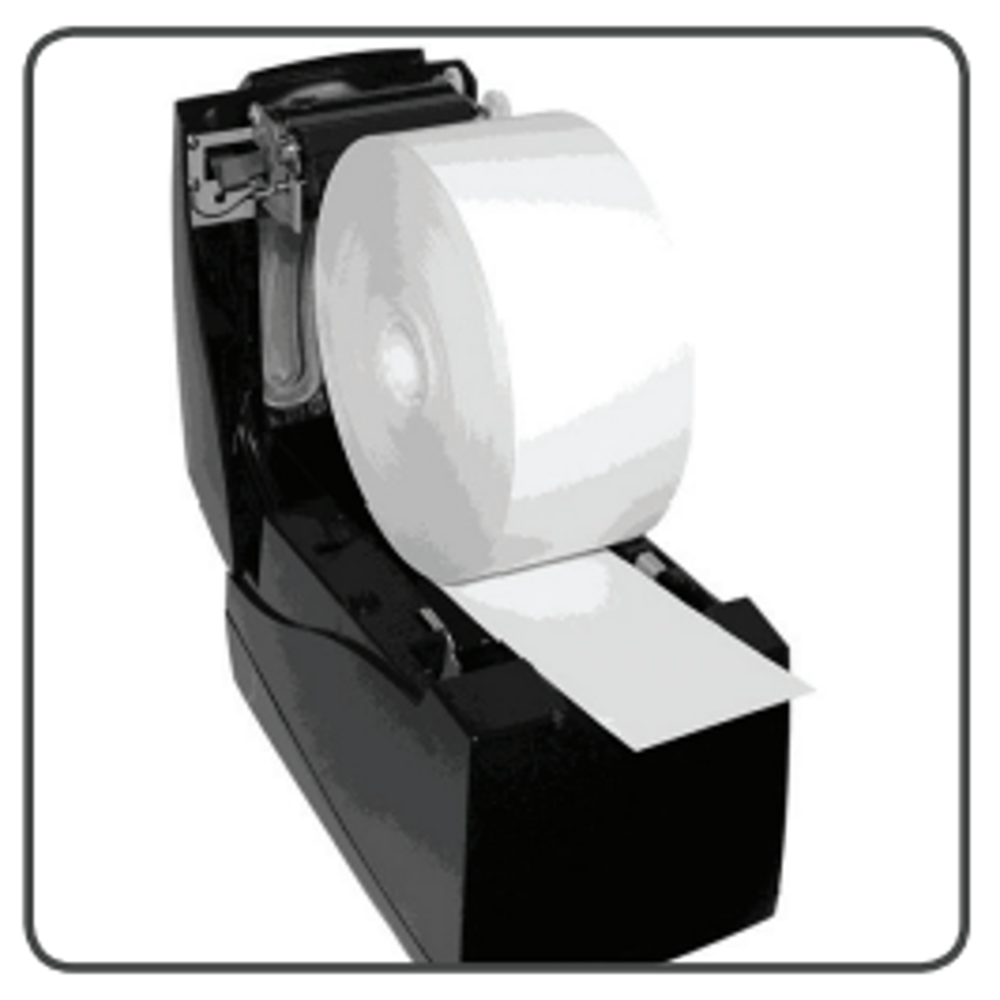
- Tear off the first layer of the paper roll and place it into the printer so that the paper unwinds from the bottom (front). See picture below.
- Leave a few inches of paper outside of the printer and close the paper cover firmly so that it latches securely.
- Paper feeds automatically to align itself then, the printer will automatically cut off the excess paper.
Videos Available:
- Cleaning the Accutherm Printer(1.10 minutes)
- How to change the Accutherm Paper Roll(.56 seconds)