Scratch Reports
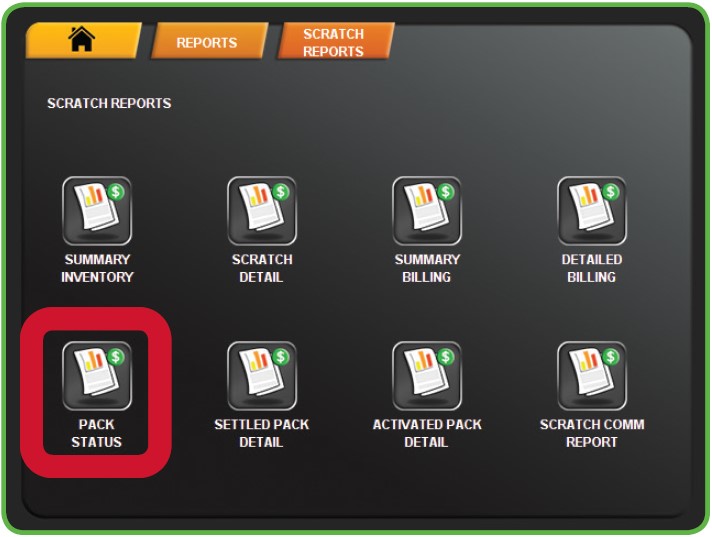
The Scratch Reports Menu provides access to the following reports: Scratch Summary, Scratch Detail, Summery Billing, Detailed Billing, Pack Status, Settled Pack Detail, Activated Pack Detail, and Scratch Comm Report.
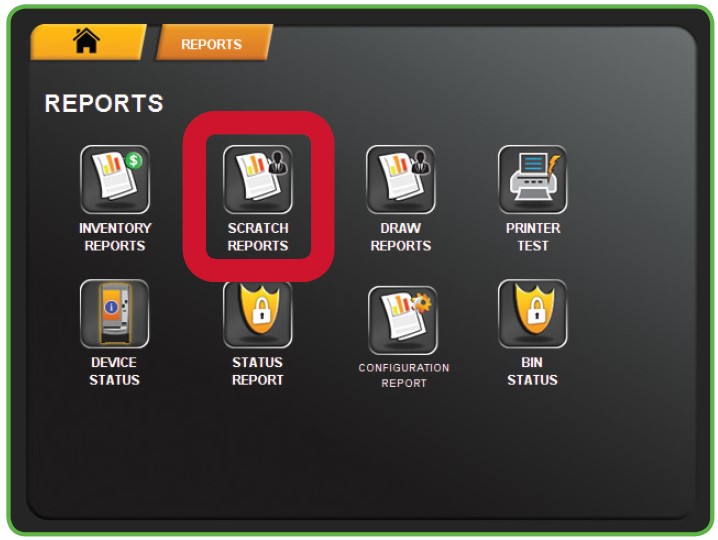
1. Touch SCRATCH REPORTS from the Reports Menu.
2. The Scratch Reports Menu displays. Select the desired option. For example, touch PACK STATUS.
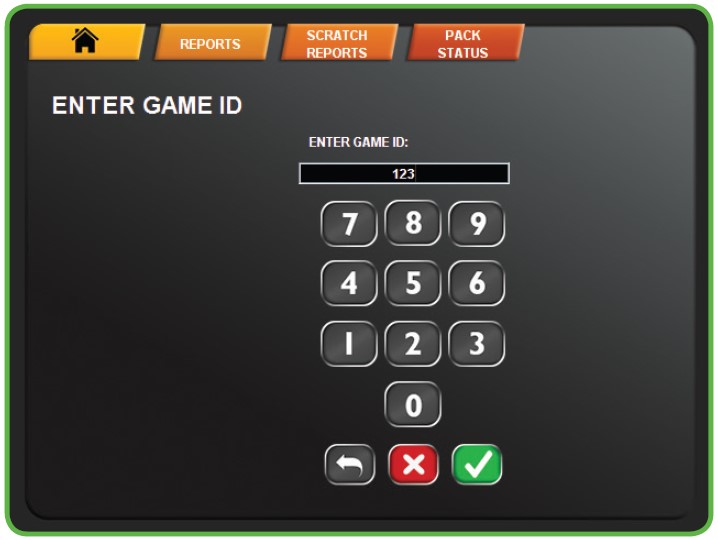
3. Enter the Game ID using the NUMERIC TOUCHPAD, then touch the GREEN CHECKMARK.
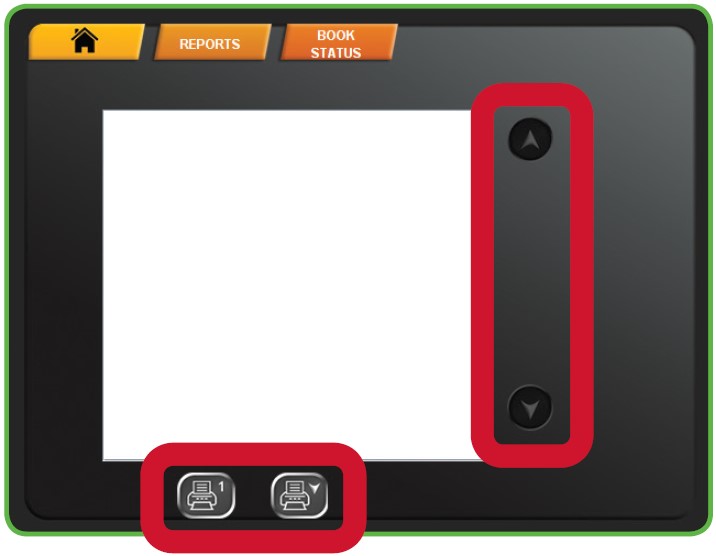
4. Use the UP and DOWN ARROWS to scroll through text. Touch one of the PRINT buttons to print the report. Touch HOME to return to the Manager Functions Menu.
NOTE: The first button prints only what is visible on the screen. The second button prints the full report.