Bin Status
Displays bin status via the following color coded buttons:
Green = Good
Orange = Low inventory
Red = Jammed Bin
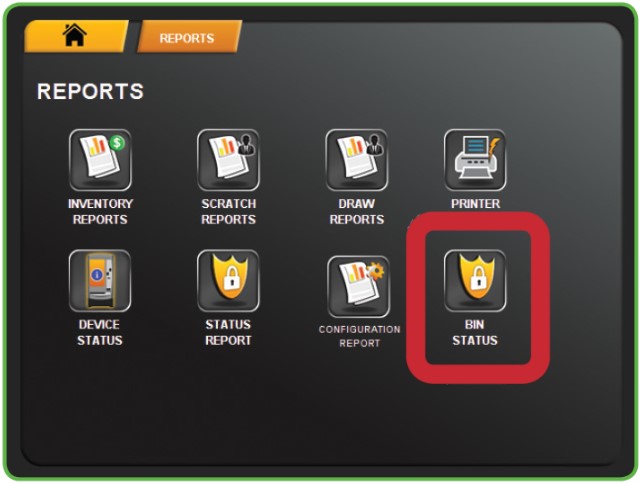
1. Touch BIN STATUS from the Reports Menu.
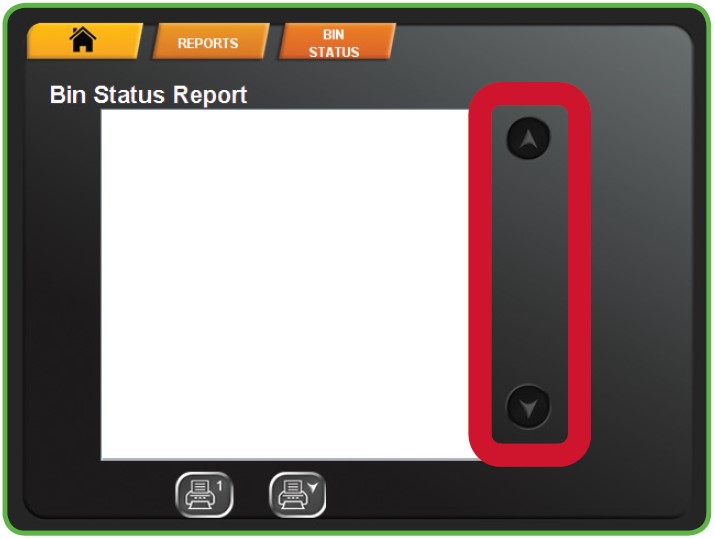
2. The screen displays the report. Use the UP and DOWN ARROWS to scroll through text.
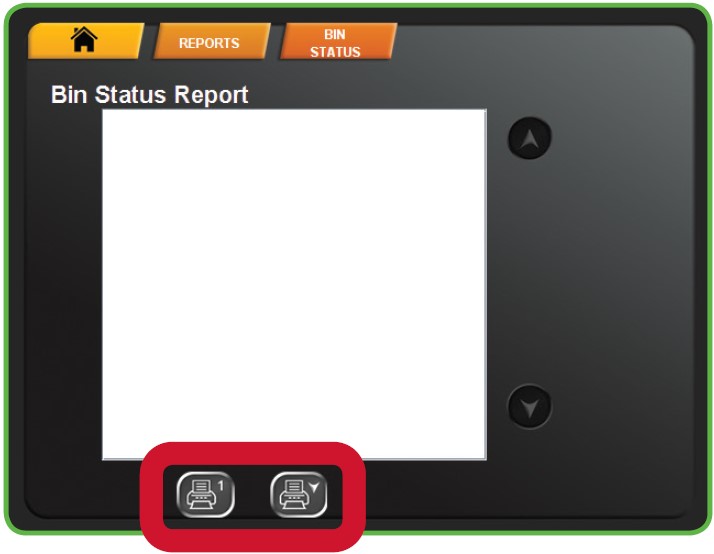
3. Touch one of the PRINT buttons to print the report. Touch HOME to return to the Manager Functions Menu.