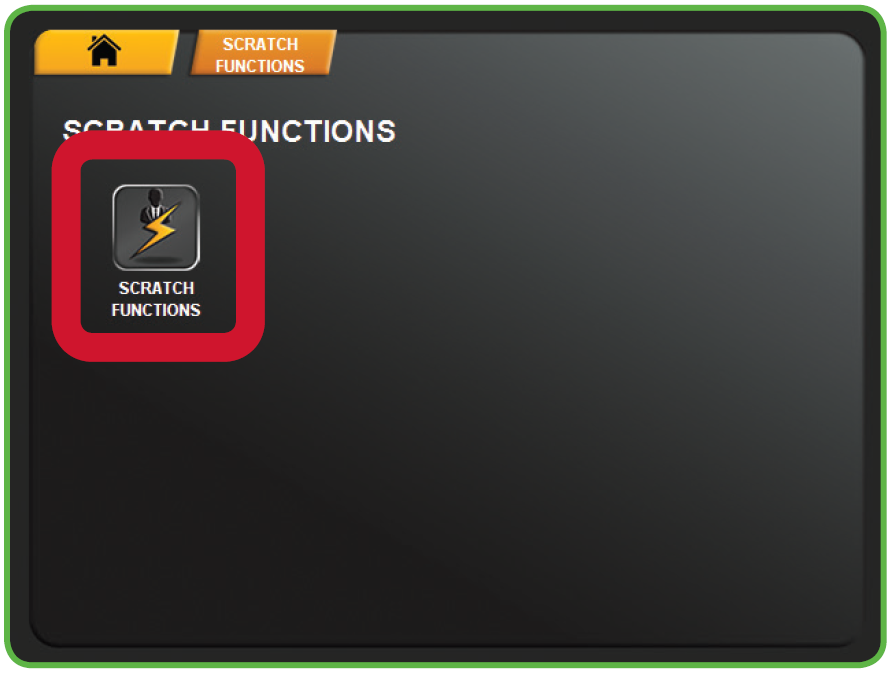
Scratch > Scratch Functions
RECEIVE PACKS/SHIPMENTS
Use to confirm delivery of Scratch Tickets.
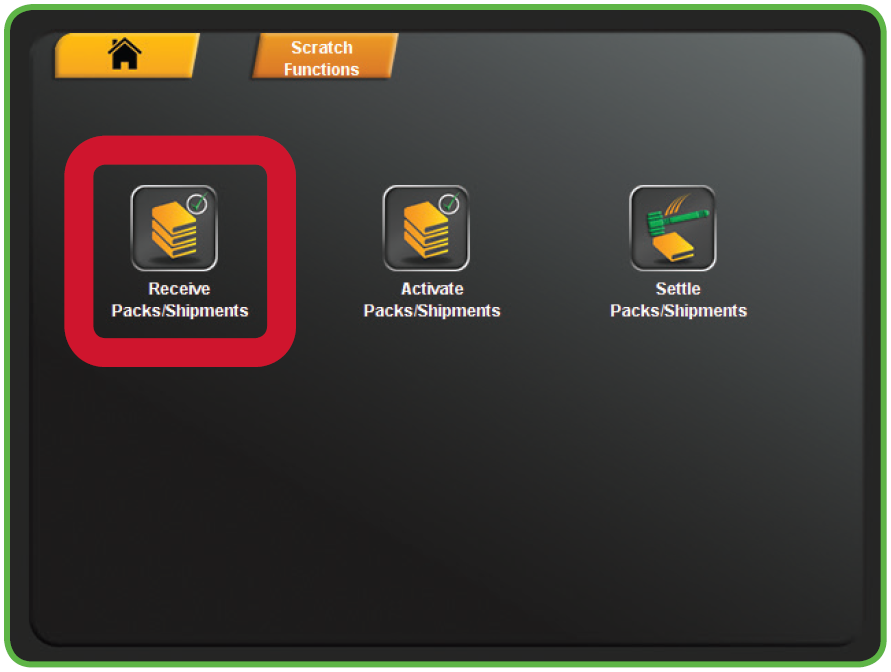
- Touch RECEIVE PACKS/SHIPMENTS from the Scratch Functions Menu.
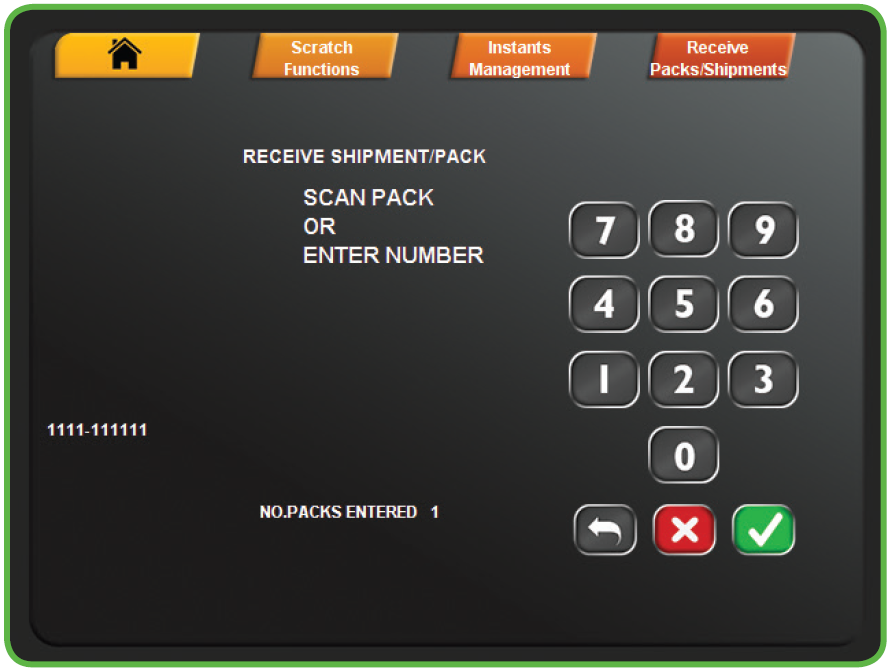
- Scan the barcode or manually enter the Order Number using the keypad, then touch the GREEN CHECKMARK.
- NOTE: Up to 10 packs can be scanned before touching the GREEN CHECKMARK.
- NOTE: Up to 10 packs can be scanned before touching the GREEN CHECKMARK.
- A confirmation screen displays. Touch the GREEN CHECKMARK to return to the Scratch Functions menu.