
Reboot Terminal
- Touch SPECIAL FUNCTIONS from the Manager Functions Menu.
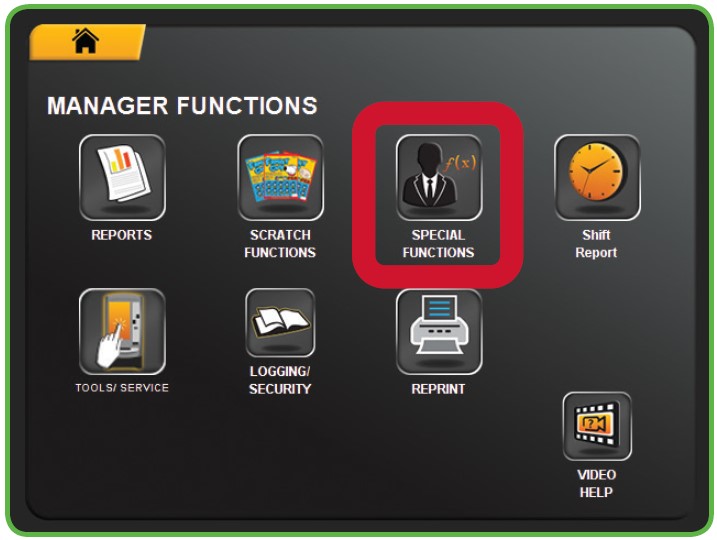
- The Management Functions screen displays.
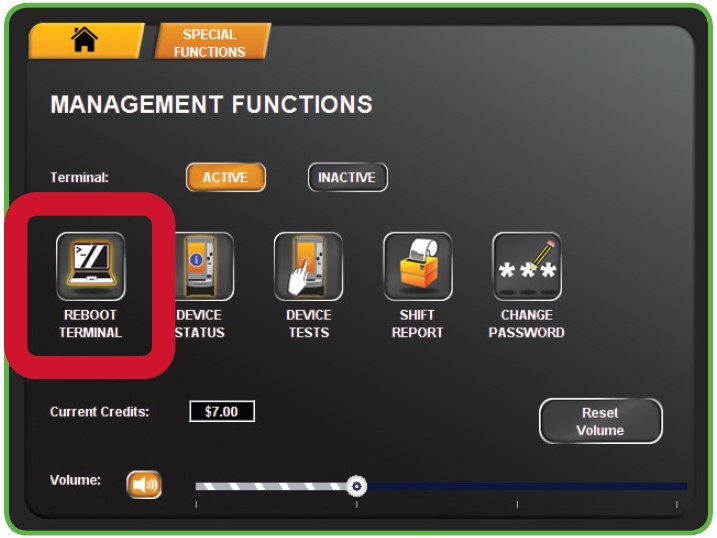
- Touch REBOOT TERMINAL from the Management Functions menu.
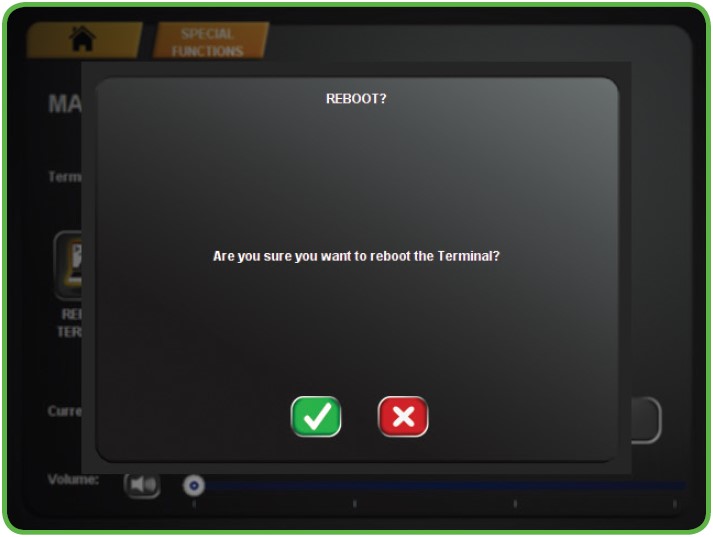
- A confirmation screen displays. Touch the GREEN CHECKMARK to reboot the terminal or touch the RED X to cancel.
Note: A reboot, also known as a soft reset, refers to the process of closing down all running software applications and background. This process is typically performed in the terminal setting built-in functionality, which can be accessed via the menu.
On the other hand, a power down, commonly referred to as a hard reboot or a power cycle, involves cutting off the power supply to terminal for a brief period before turning it back on. Both rebooting and powering down serve the purpose of refreshing the terminal, aiding in the resolution of various technical problems that may arise during the terminal’s operation.