Device Tests
The Device Status screen displays all of the components in the terminal and their current operational status.
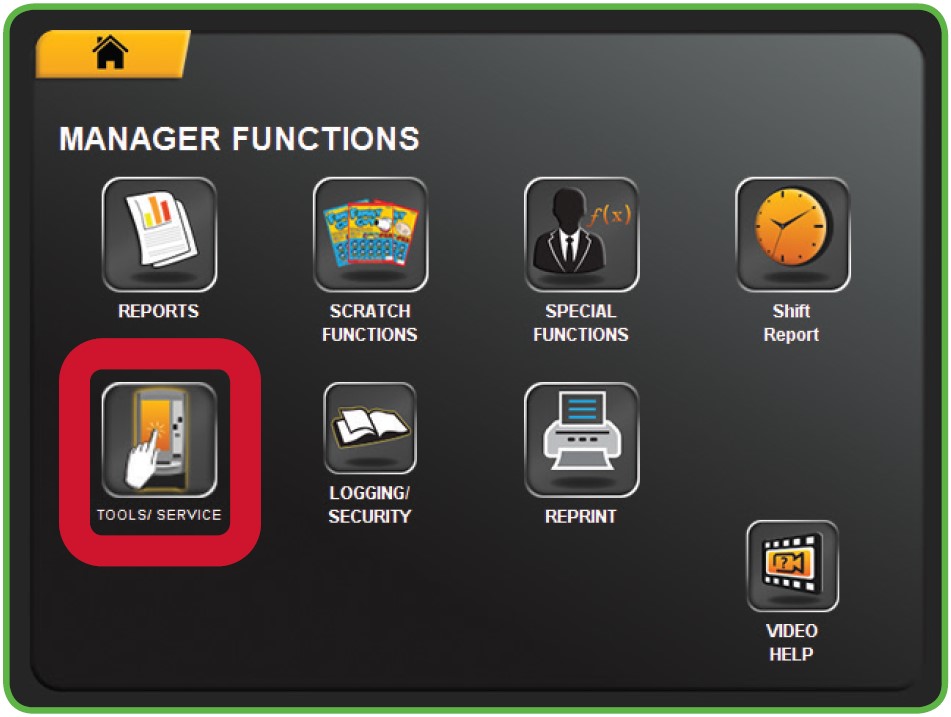
TO ACCESS THE DEVICE TESTS:
- Touch DEVICE from the Tools/ Service Menu.
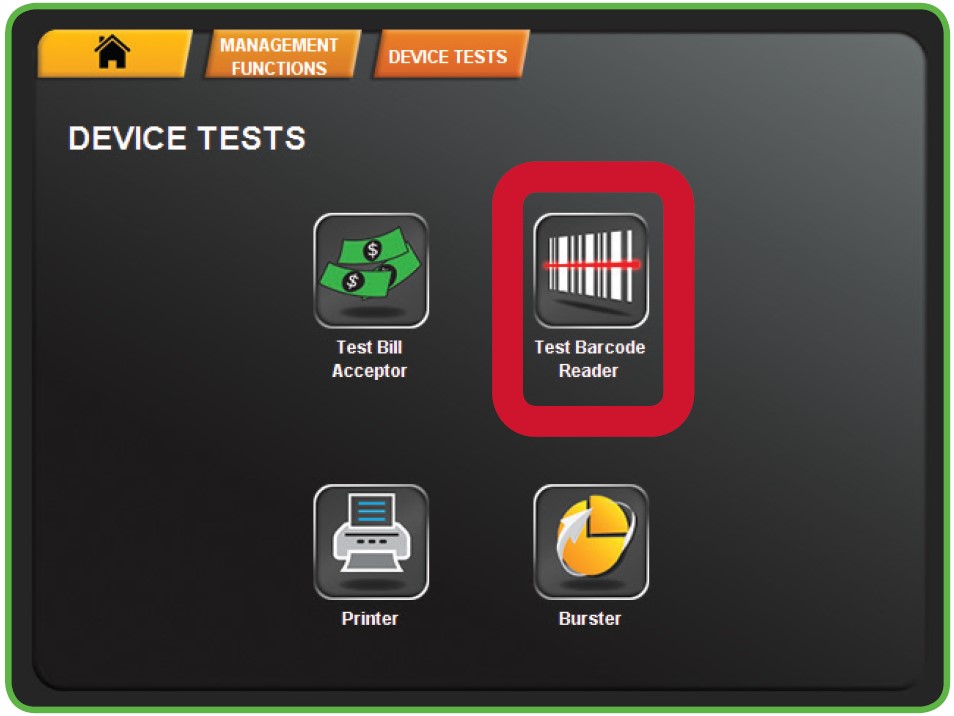
- The Device Tests menu displays. Select the desired option. For example touch TEST BARCODE READER.
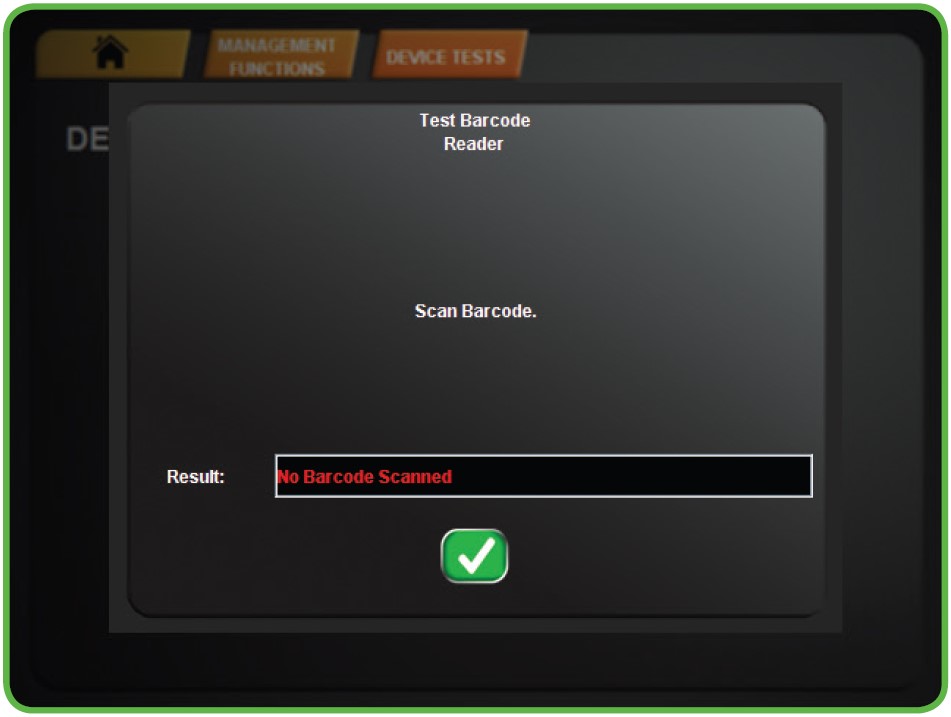
- Scan a barcode to test the Barcode Reader, then touch the GREEN CHECKMARK.