
Communications Network Troubleshooting
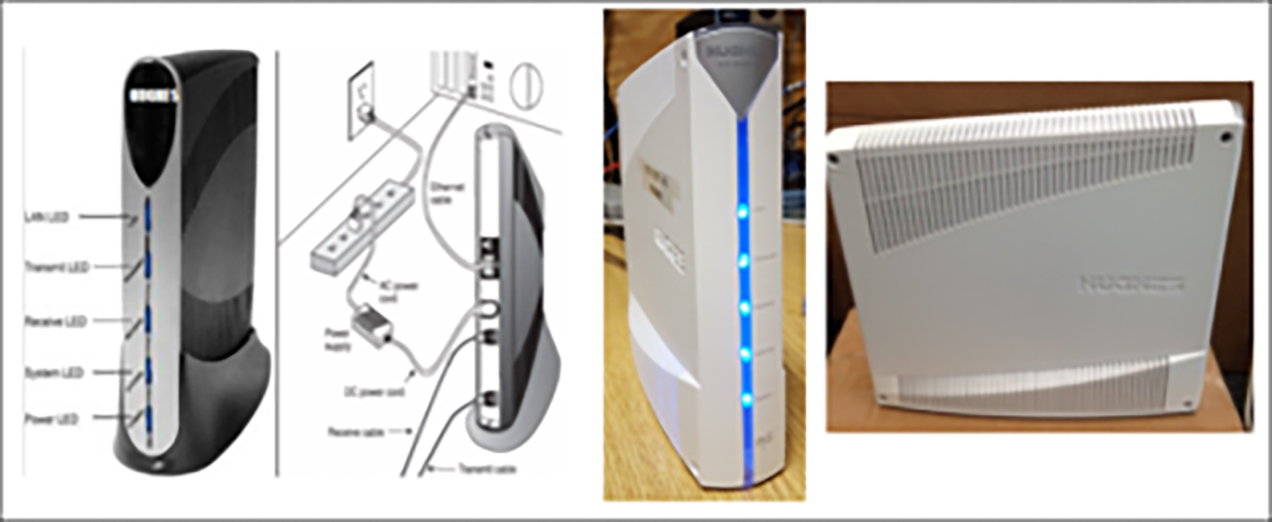
Hughes Indoor Unit (IDU) System Overview:
GT1200 Rear Terminal View:
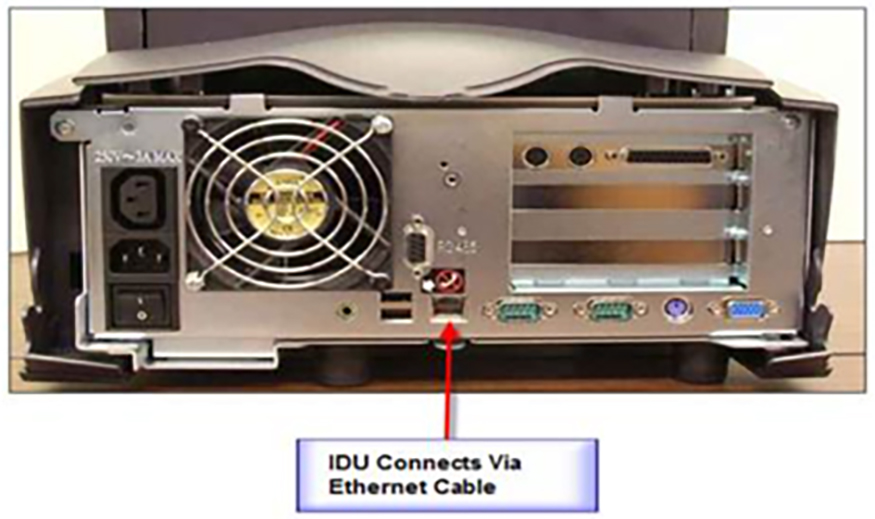
Communications Troubleshooting
If Comm Retry, Comm Waiting, or Comm Offline message display on the screen for more than 60 seconds, follow the steps below.
-
Secure all connections at the rear of lottery terminal.
-
Secure all connections at the rear of IDU. If a loose connection was secured, the terminal should reboot.
-
Unplug IDU from wall power outlet (check power pack connections).
-
Unplug terminal from wall power outlet (or by using power switch on rear of terminal).
-
Plug in IDU.
-
Plug in terminal.
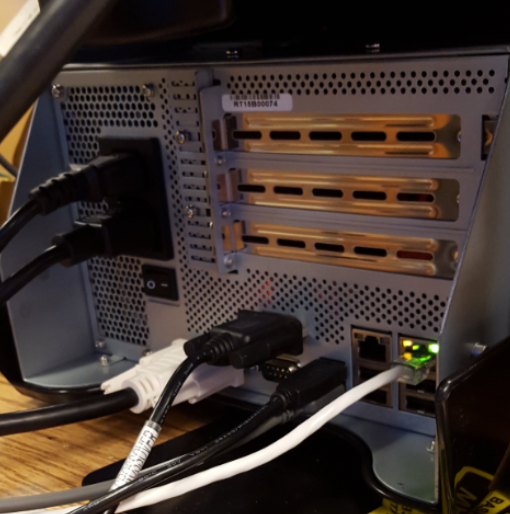
GT1200 - Rear View
Barcode Scanner
No Read / Error Message
-
Ensure that ticket being scanned has not expired and is legitimate.
-
Check the condition of ticket's bar code to ensure it is not damaged or misprinted.
-
Clean lens of bar code scanner with a soft dry cloth.
-
Power reset terminal by holding down the power button located on the top right of the screen for 15 seconds until the light turns yellow. Press and release again to restart.
OR
Unplug the terminal power cord from the wall for 10 seconds and then plug back in.
-
Test the barcode scanner again.

Barcode Scanner Troubleshooting
- Ensure that the ticket being scanned has not expired and is legitimate.
- Check the condition of ticket barcode to ensure it is not damaged or misprinted.
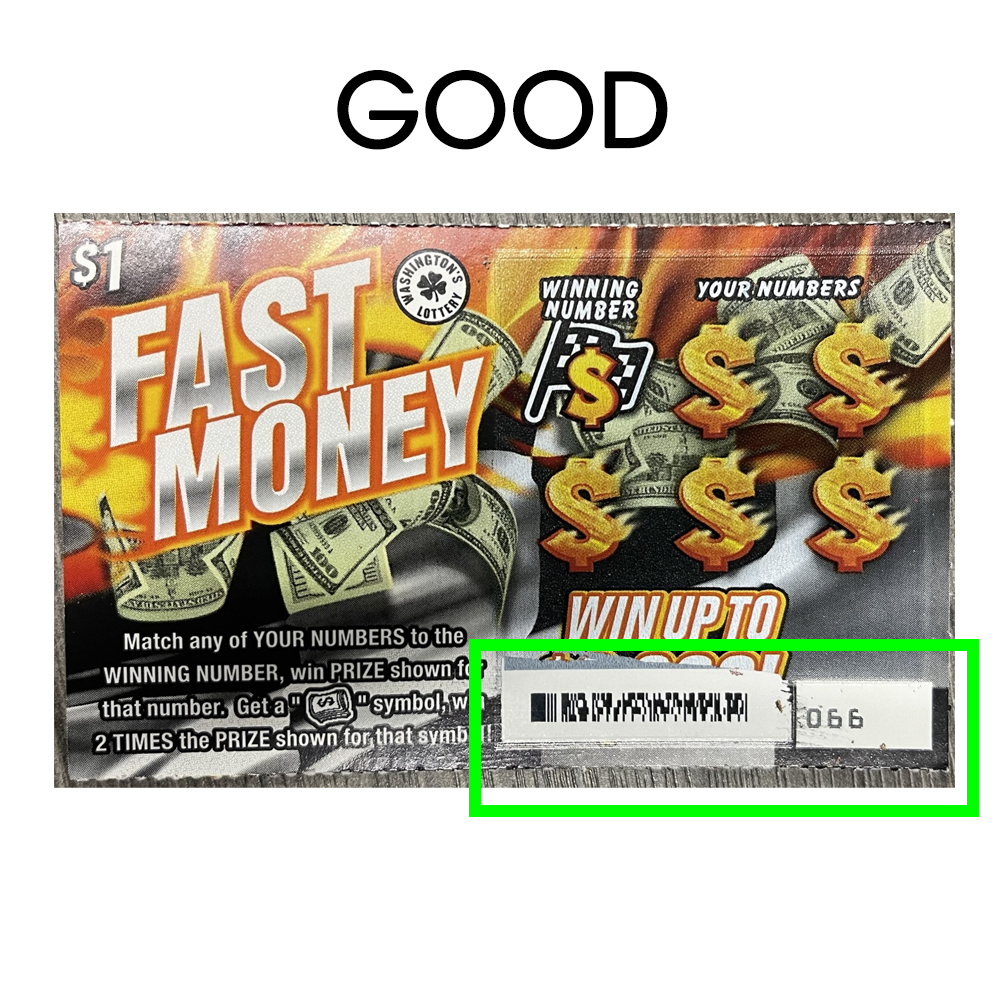
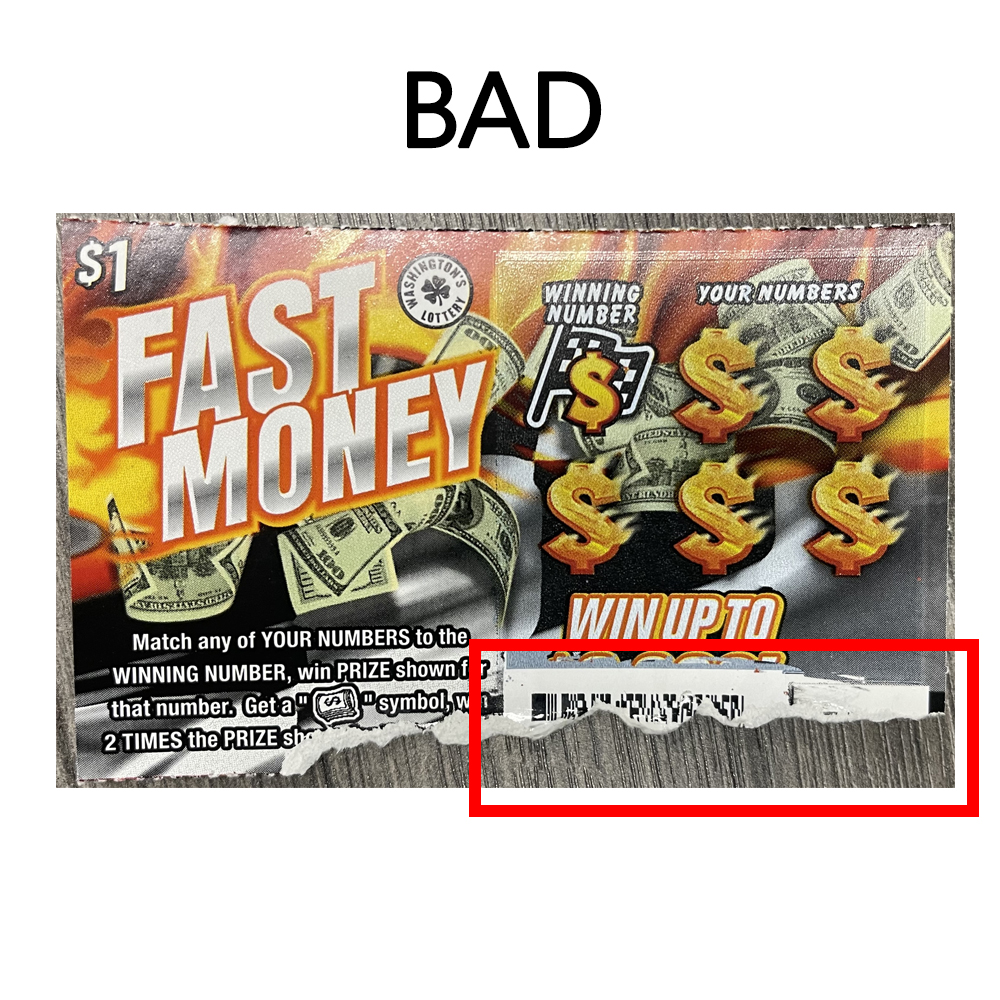
- Depending on the size of the barcode the ticket may need to be held closer or farther away. The ticket should be raised or lowered under the beam until the barcode registers.
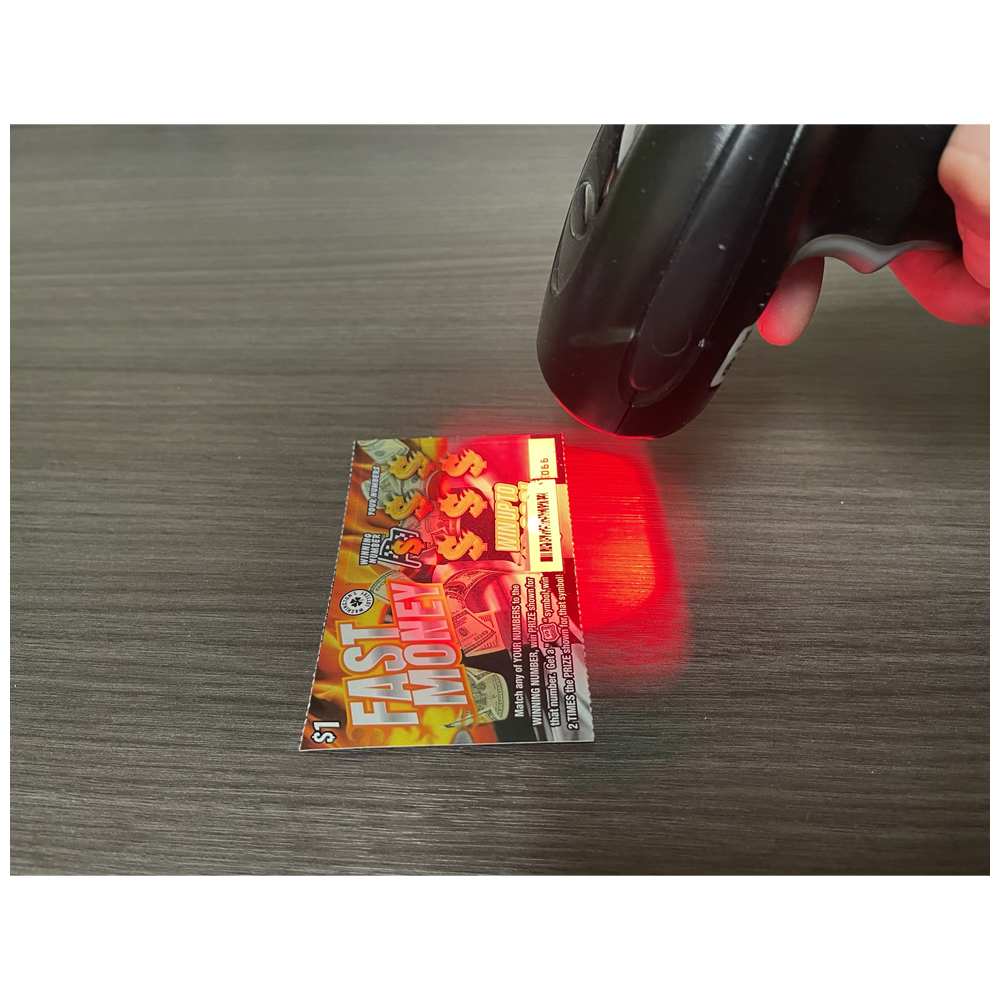
- Power reset by toggling ON/OFF switch off for 10 seconds, the switch back on.
- Test scanner again.
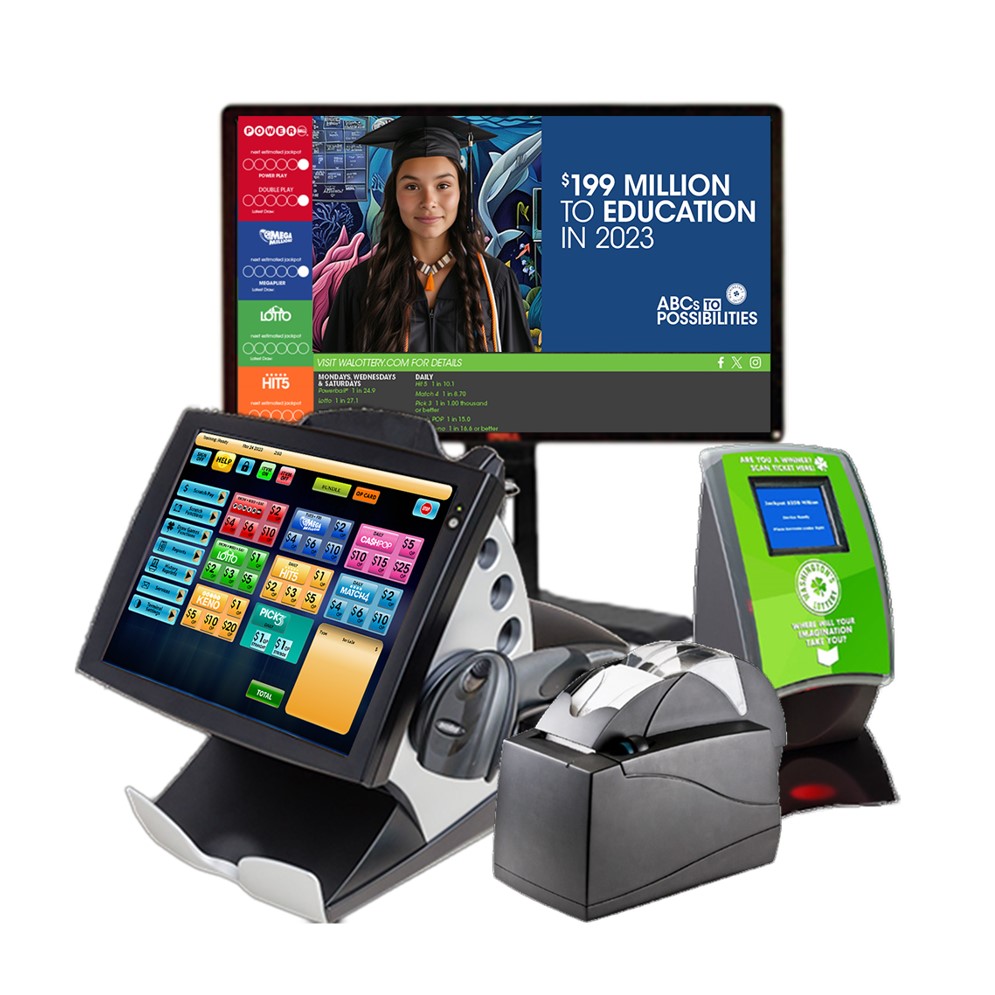
Equipment Overview
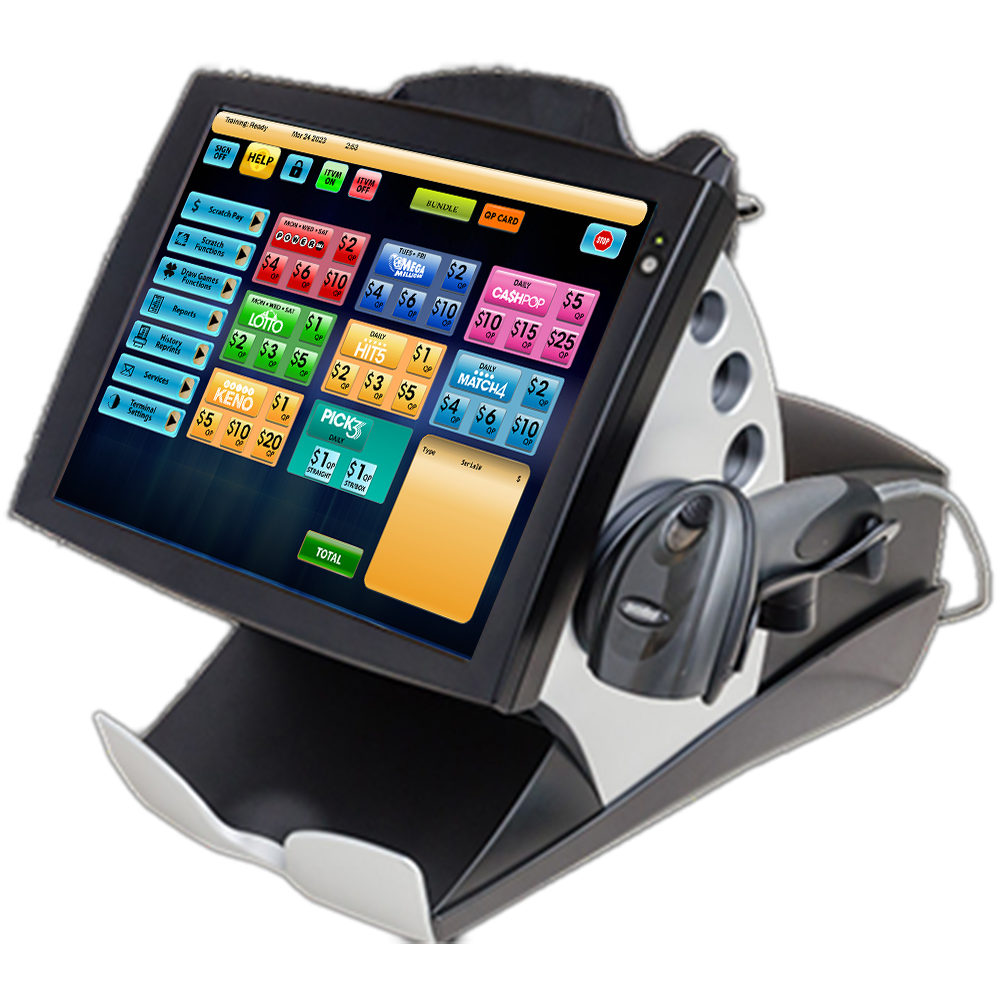
Display / Touchscreen
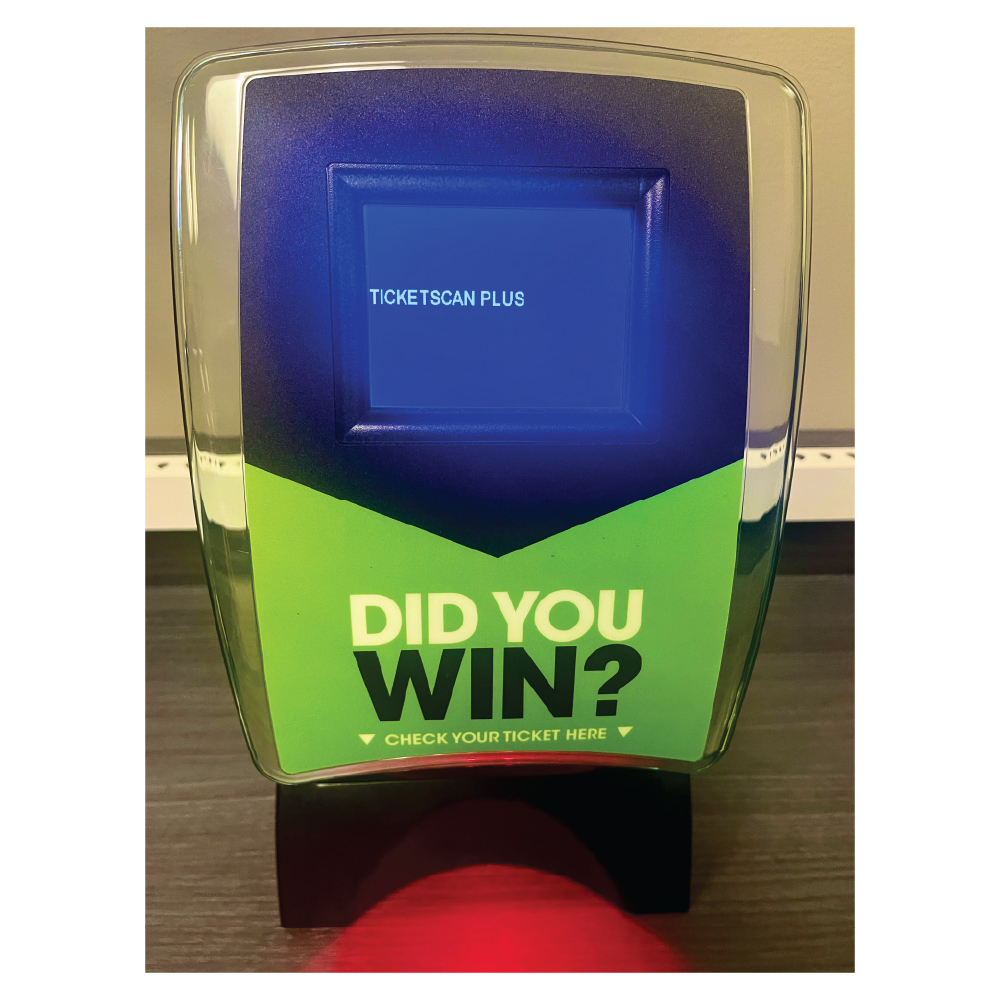
Customer Ticket Checker
Barcode Scanner
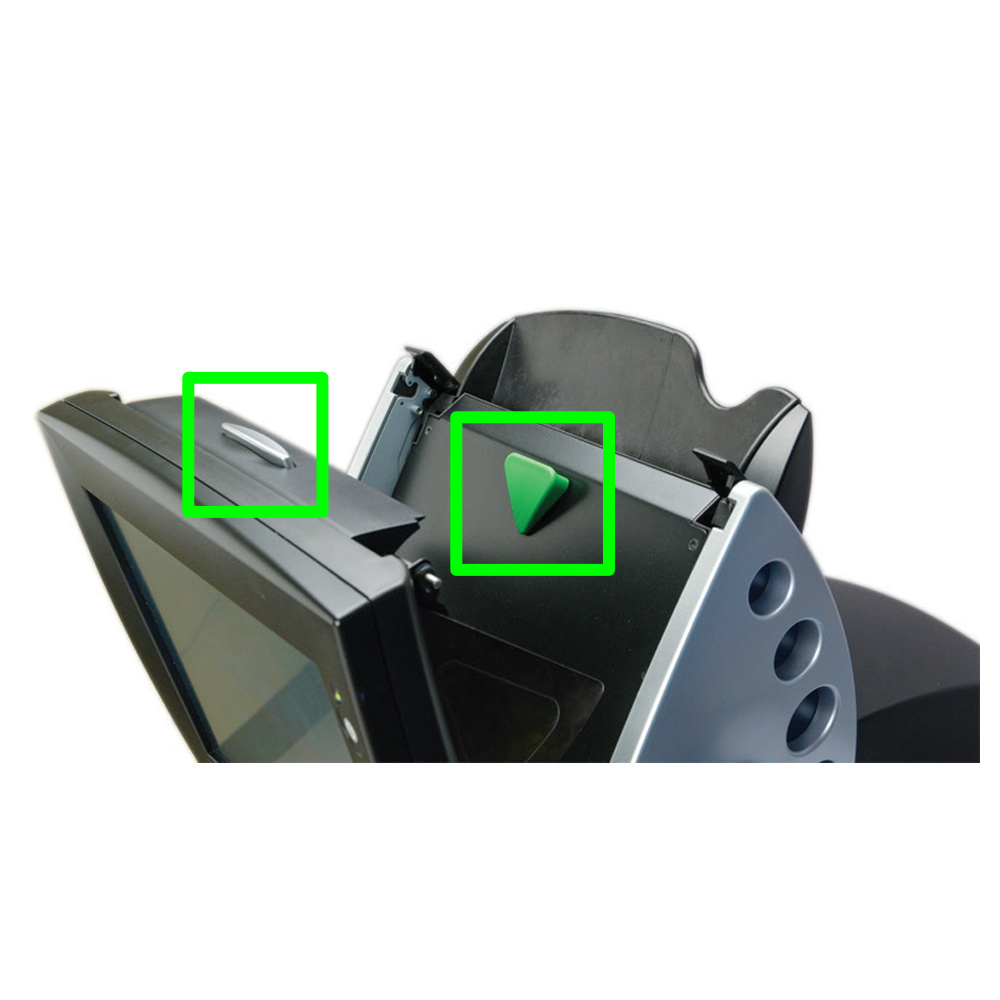
Reader
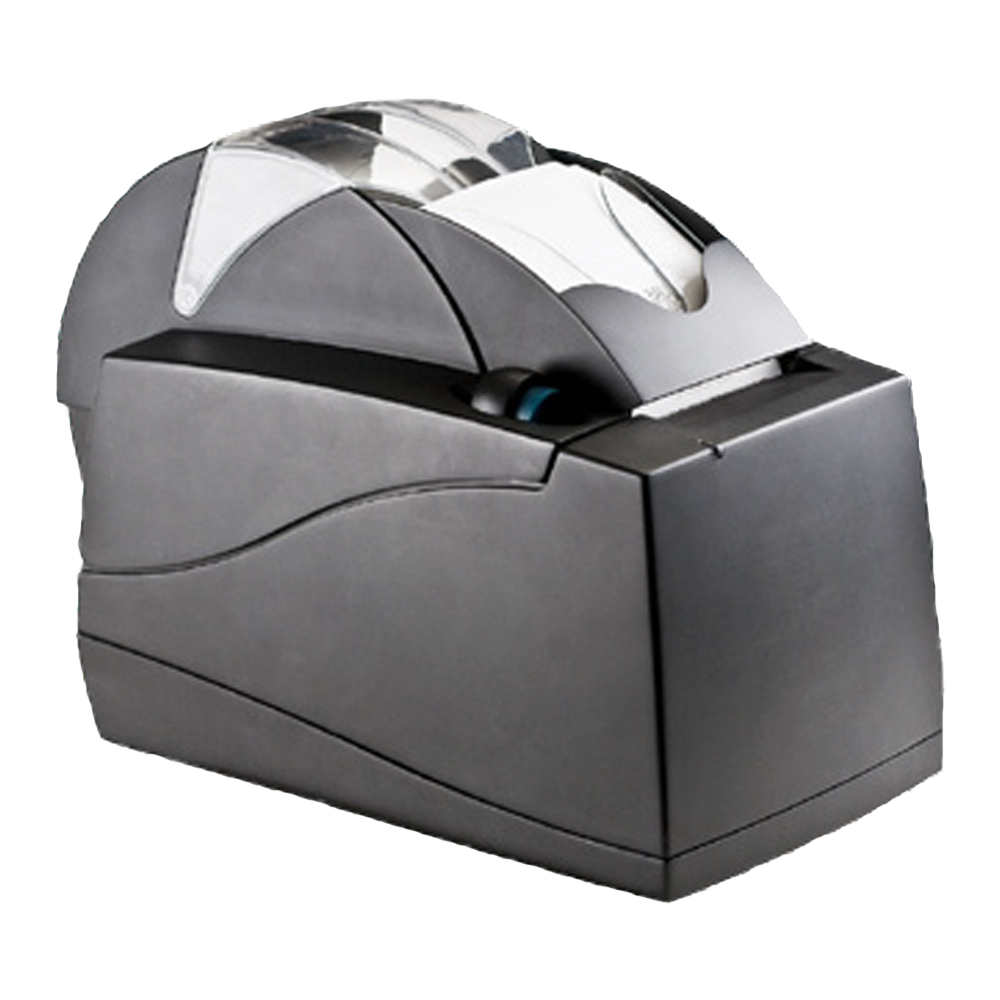
Printer
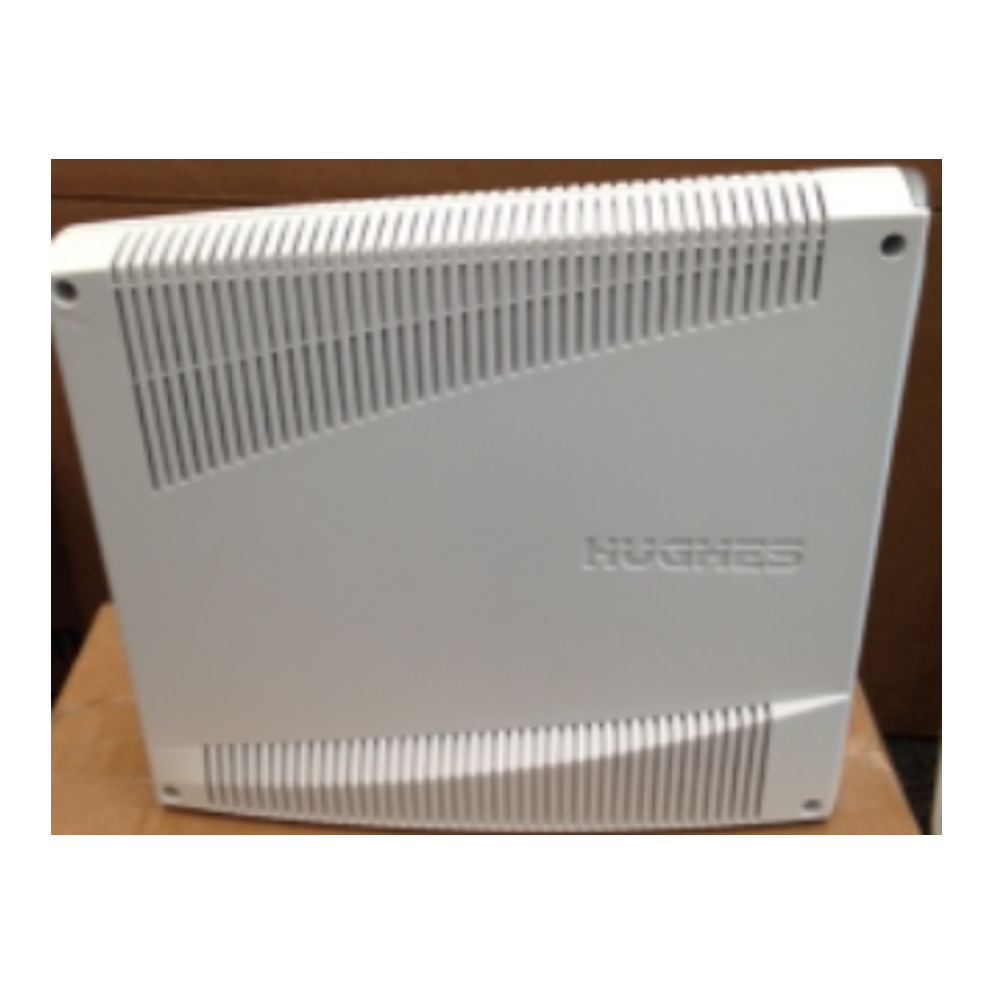
[Hughes] Satellite Communications
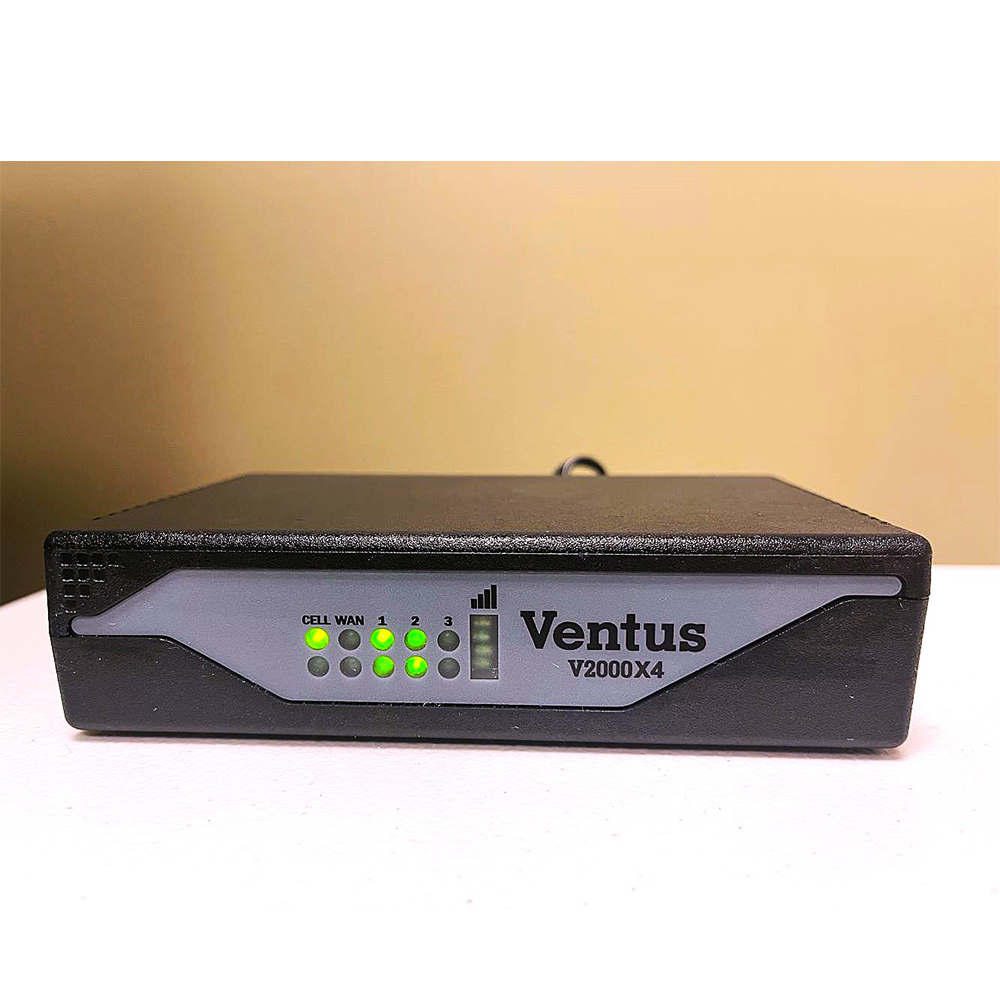
Ventus Cellular Communications
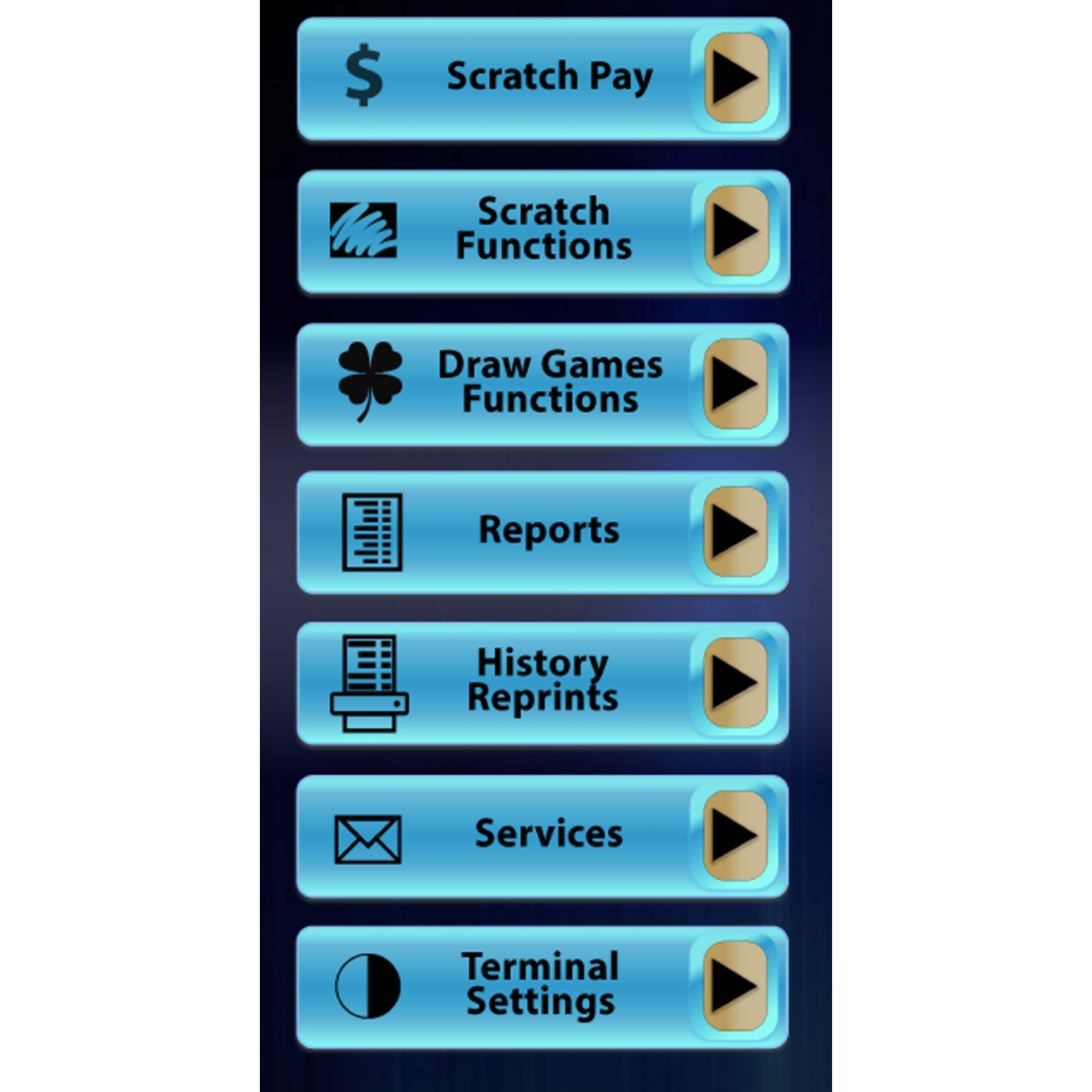
System Functions &
Reports