Ticket Checker Troubleshooting
-
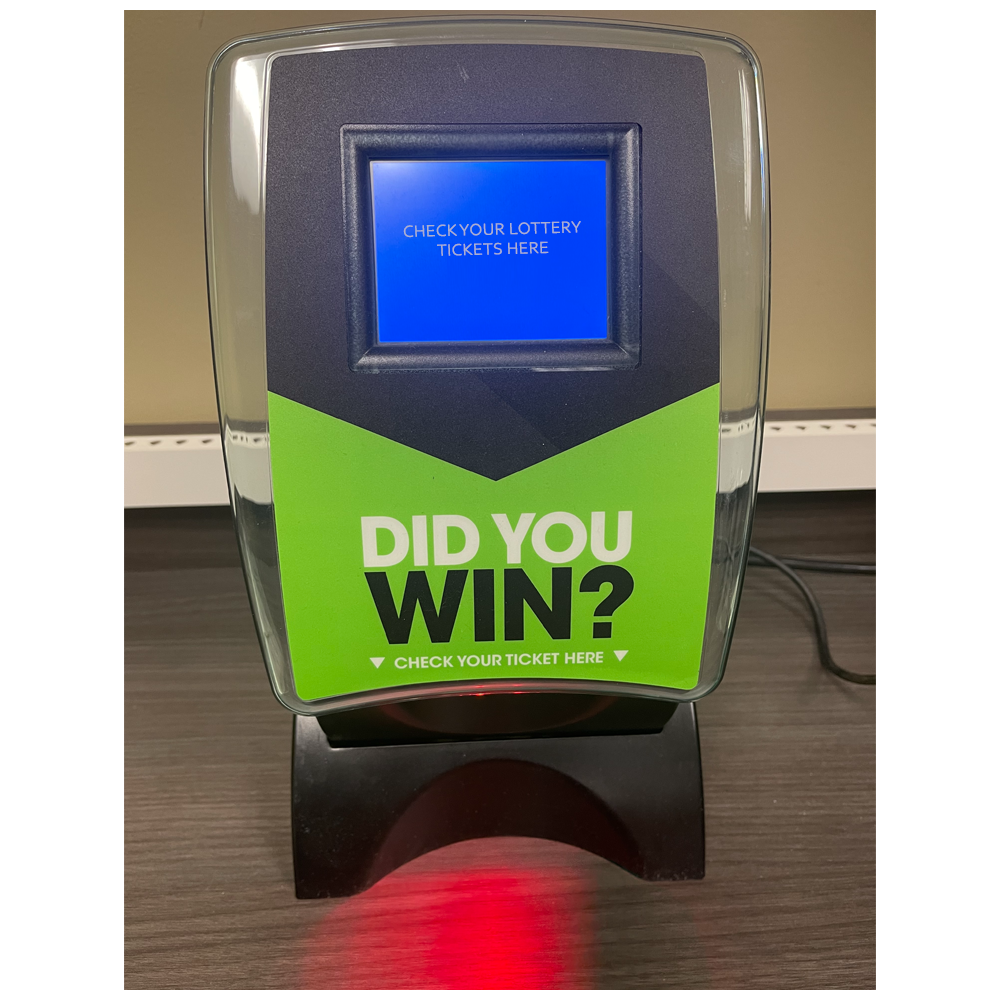
Verify what ticket checker display screen is showing.
-
Verify a RED light (beam) is showing on the barcode read area.
-
Check ticket checker for jammed tickets, which can cause error messages or make ticket checker unable to scan tickets.
-
Power reset ticket checker by locating ticket checker power cord and unplugging it from wall - wait 10 seconds then plug back in.
-
If ticket checker is still not working - reset terminal by one of the following methods:
-
Hold down the power button located on the top right of the screen for 15 seconds until the light turns yellow.
-
Press and release again to restart.
-
-OR-
-
Unplug the terminal power cord from the wall for 15 seconds and then plug back in
-
-
Test ticket checker by scanning ticket.