Scratch Reports: Scratch Cash Detail Report
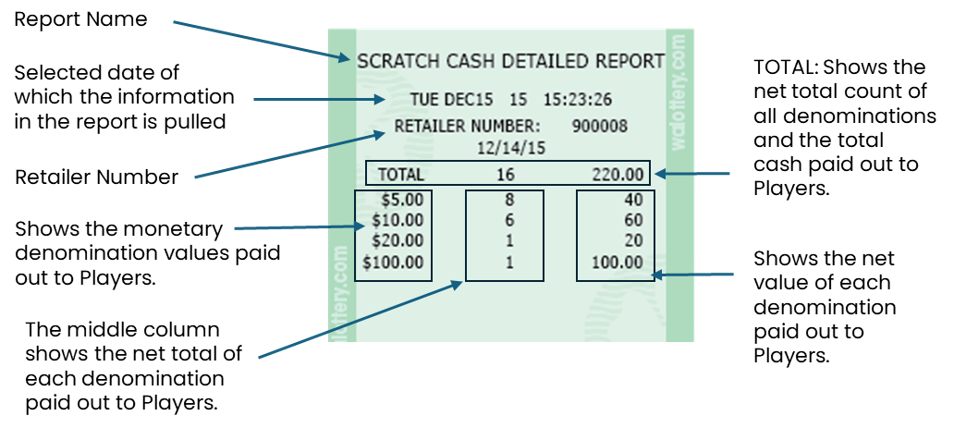
The Scratch Cash Detail Report shows a breakdown of cash revenue paid out to Players for scratch game purchases. Cash is shown by bill denomination values ($5.00, $10.00, $20.00, $100.00).
Accessing the Scratch Cash Detail Report on the GT-1200
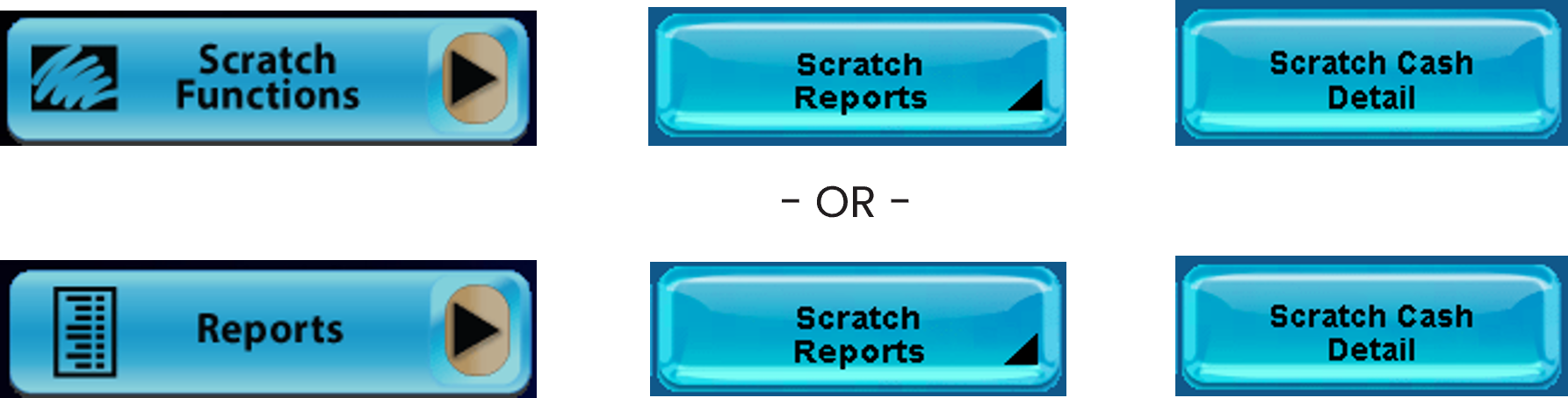
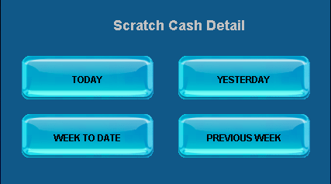
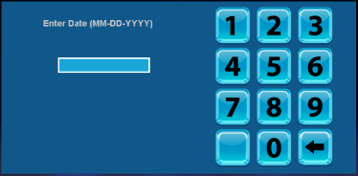
When ‘Previous Week’ is selected, Retailers must enter the selected date. Report will show data from a week leading up to the date selected.
Scratch Cash Detail Report Overview
Scratch Reports: Activated Pack Detail
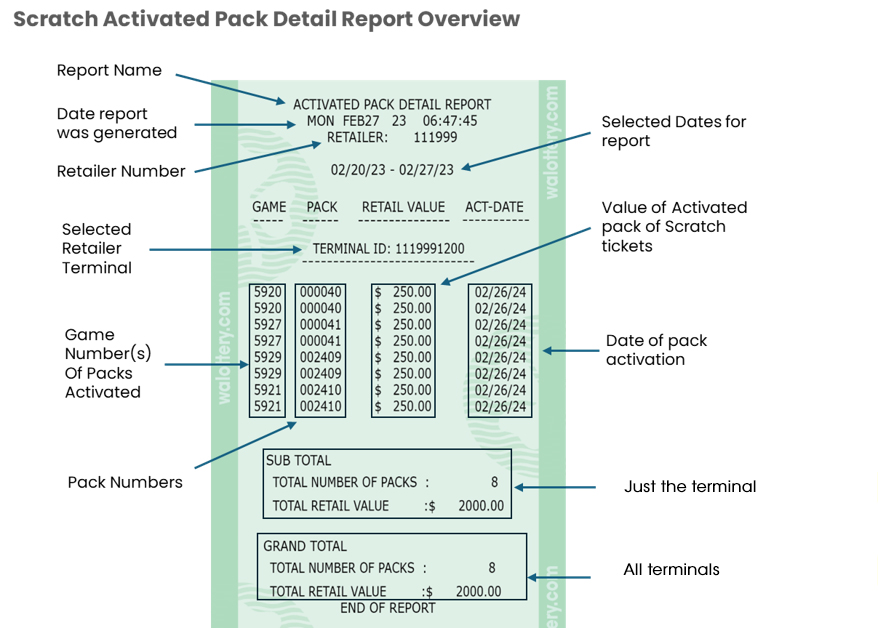
The Activated Pack Detail report is generated by using the “Activated Pack Detail” button on the GT-1200s. This report shows all packs activated during a selected time frame.
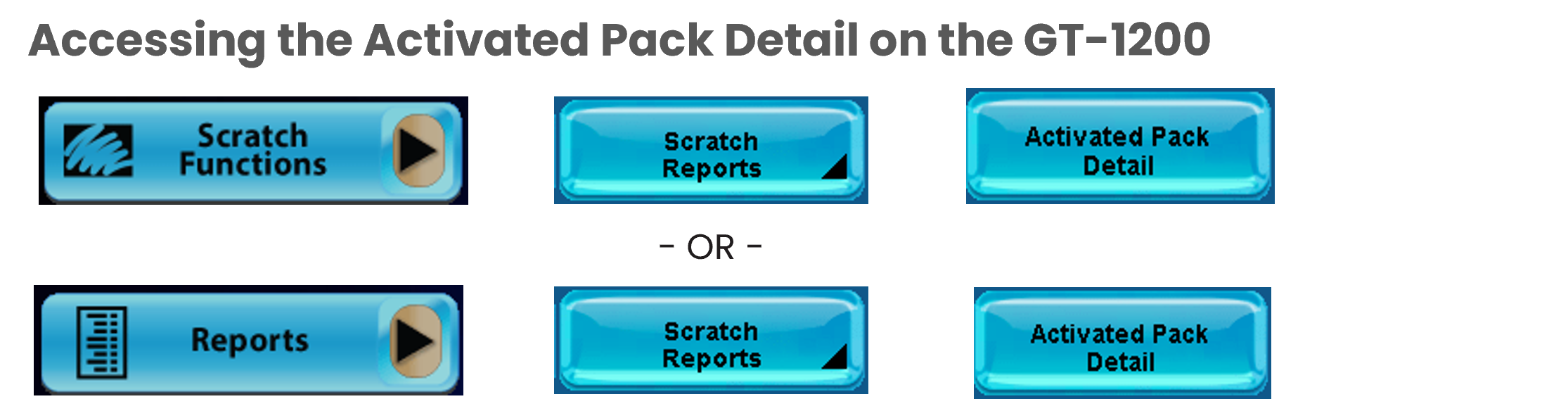

When Previous Week is selected, Retailers must enter the selected date. Report will show data from a week leading up to the date selected.
Scratch Reports: Settled Pack Detail
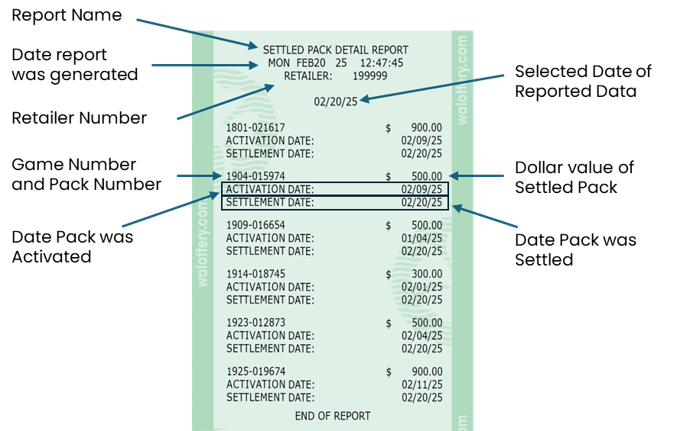
The Settled Pack Detail report is generated by using the “Settled Pack Detail” button on the GT-1200s. This report shows all packs – Game & Pack number, Date Activated, Date Settled, and Pack Values - that were Settled during a selected timeframe.

- OR -

Options for Settled Pack Reports
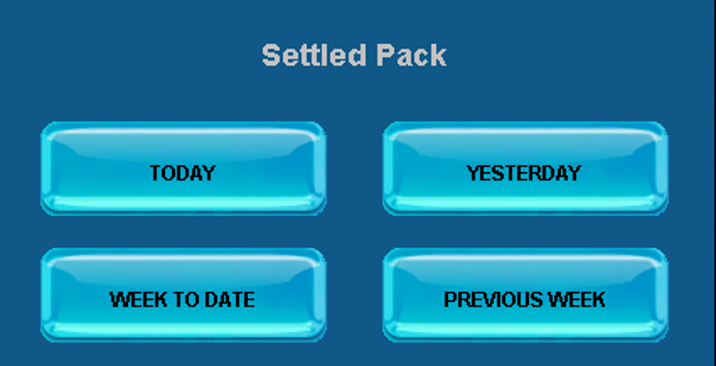
When Previous Week is selected, Retailers must enter the selected date. Report will show data from a week leading up to the date selected.
Settled Pack Detail Report Overview
Scratch Reports: Inventory Detail Report
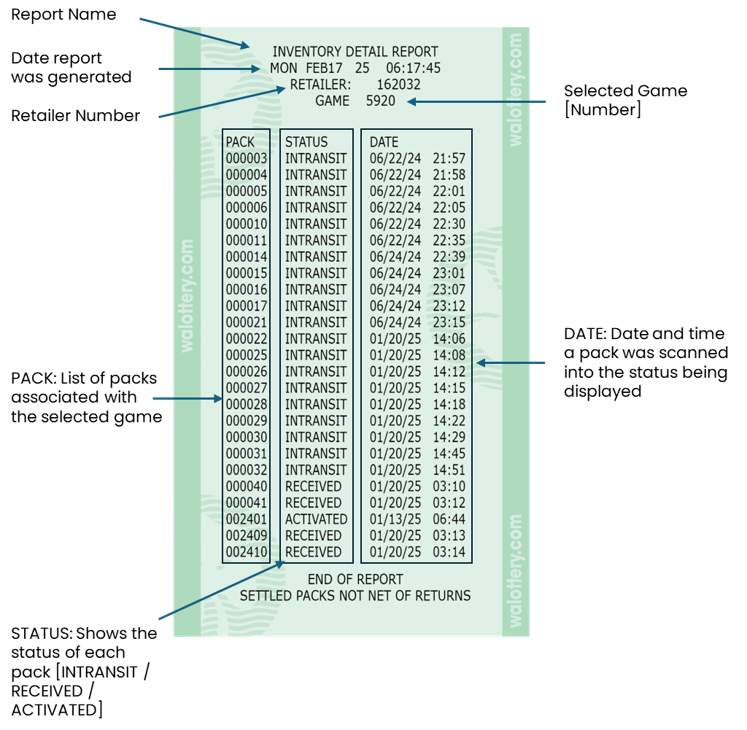
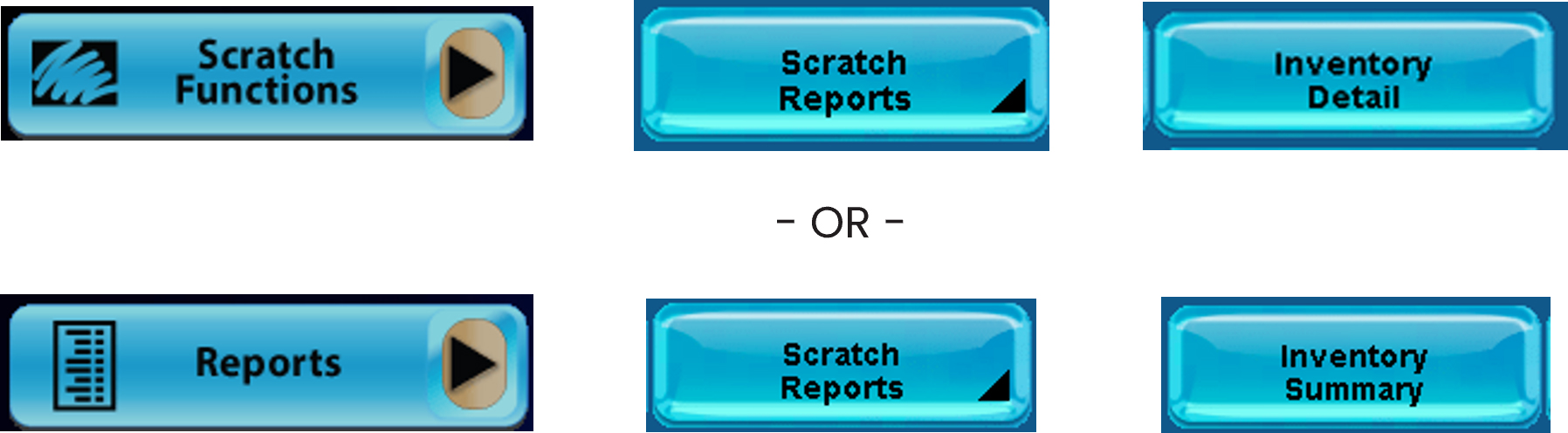
The Inventory Detail Report shows the status of all packs associated with a specific game. Pack status can include In-transit, Received, or Activated.
Accessing the Inventory Detail Report on the GT-1200
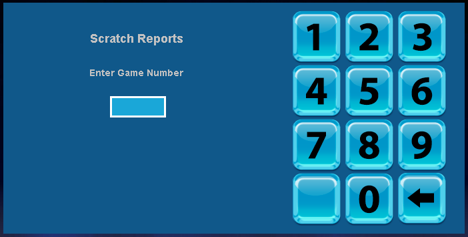
Use the digital keypad to enter the selected game for the report.
Inventory Summary Report Overview