Bin Status
Displays bin status via the following color coded buttons:
Green = Good
Orange = Low inventory
Red = Jammed Bin
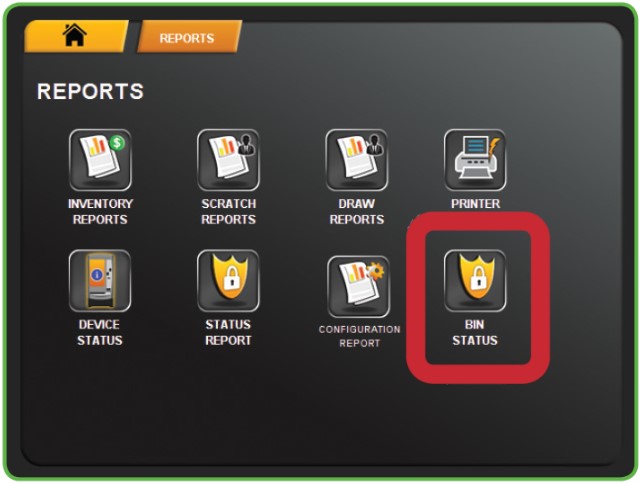
1. Touch BIN STATUS from the Reports Menu.
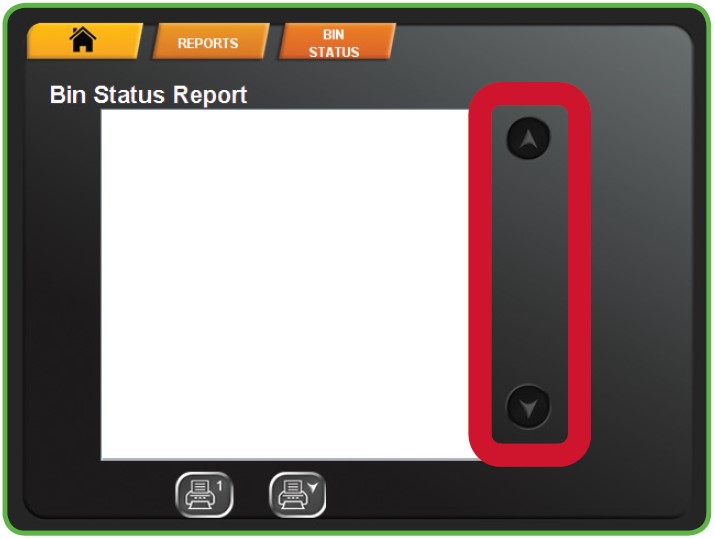
2. The screen displays the report. Use the UP and DOWN ARROWS to scroll through text.
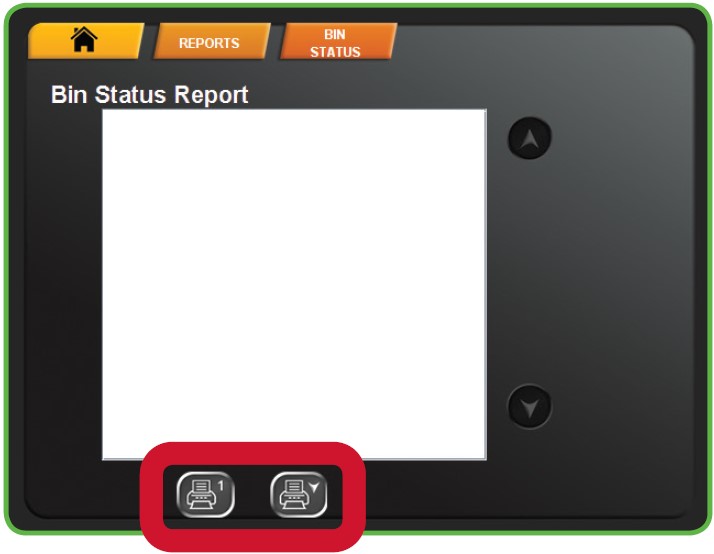
3. Touch one of the PRINT buttons to print the report. Touch HOME to return to the Manager Functions Menu.
Status Report
Provides the status and inventory information for each of the Scratch Ticket bins.
1. Touch STATUS REPORT from the Reports Menu.
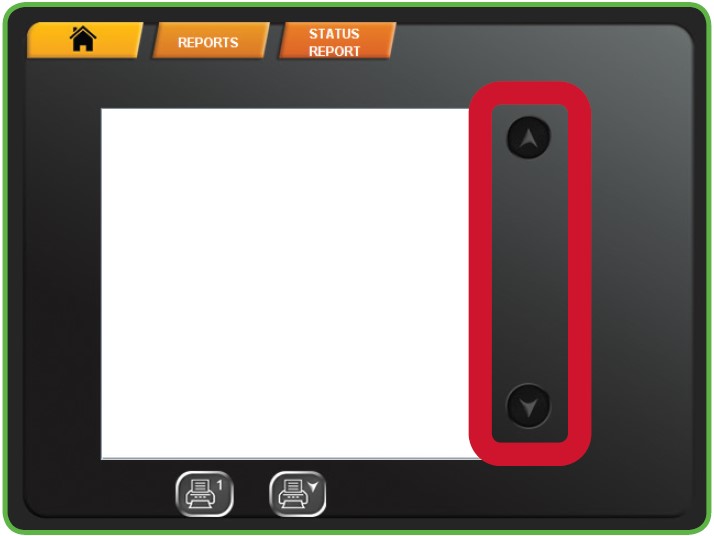
2. The screen displays the report. Use the UP and DOWN ARROWS to scroll through text.
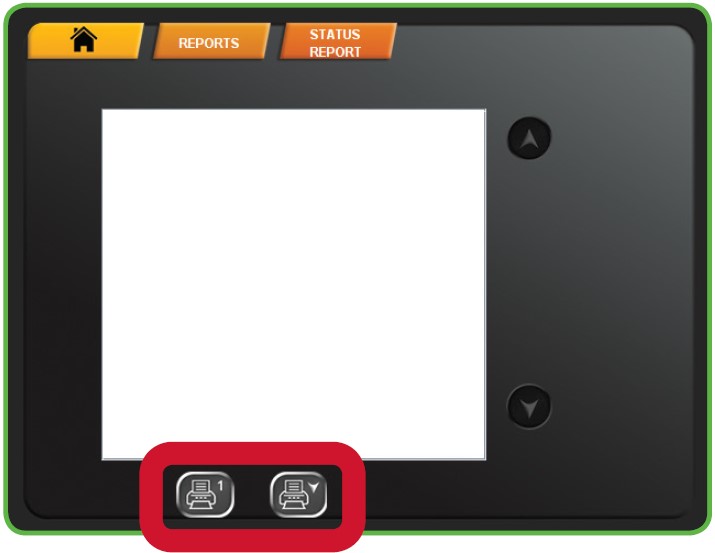
3. Touch one of the PRINT buttons to print the report. Touch HOME to return to the Manager Functions Menu.
NOTE: The first button prints only what is visible on the screen. The second button prints the full report.
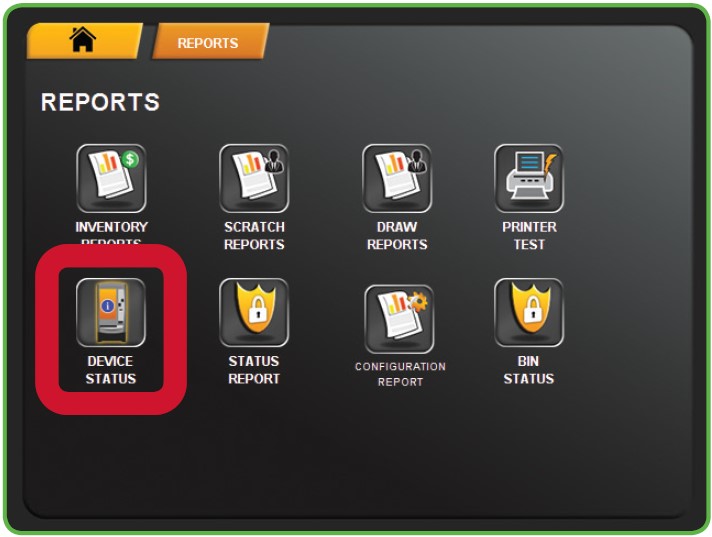
Device Status
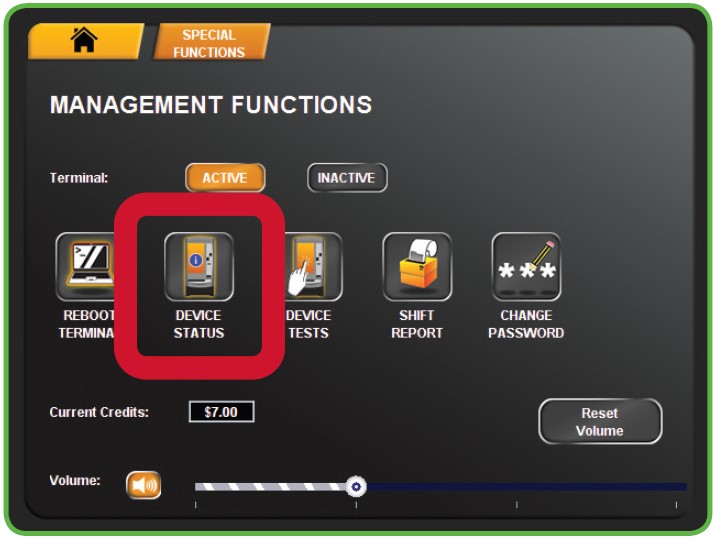
The Device Status Report lists all the peripherals of the Gemini Touch and shows the status of each one of them. This button is the same as the Device Status button on the Special Functions Menu.
Printer Test
Use the Printer test to test your printer to ensure the paper is loaded properly and print is clear and legible.
1. Touch PRINTER TEST from the Reports Menu.
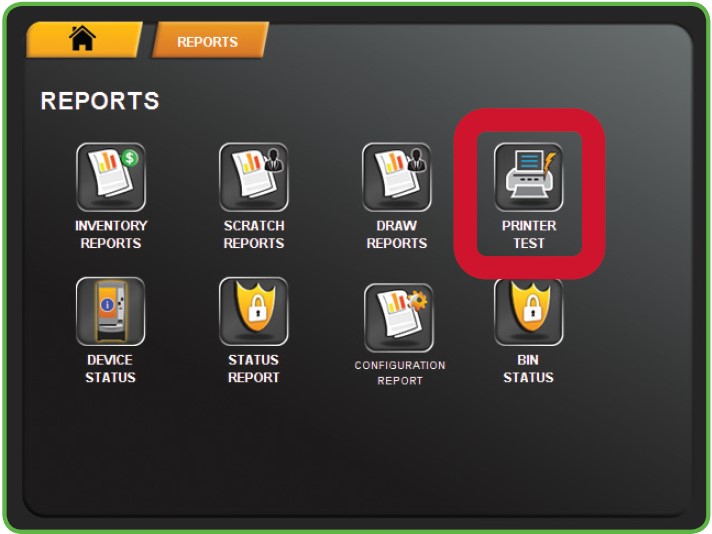
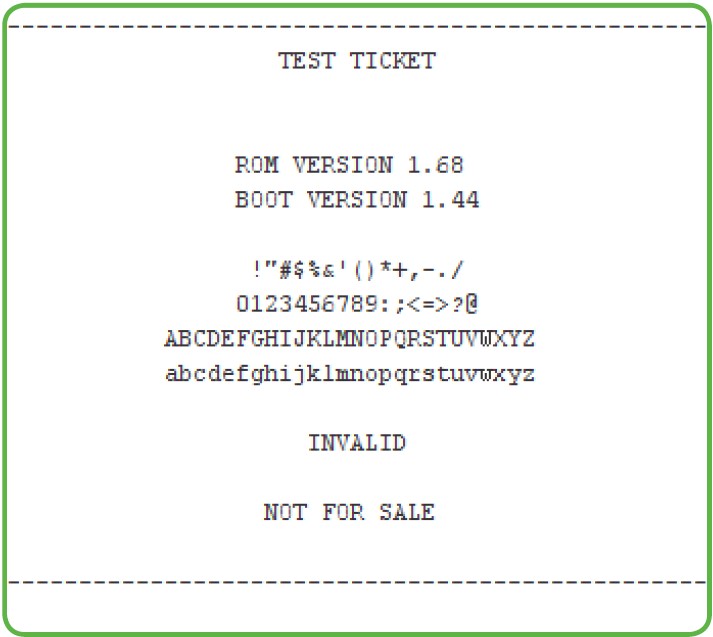
2. A test ticket prints automatically, and you are returned to the Reports Menu.