
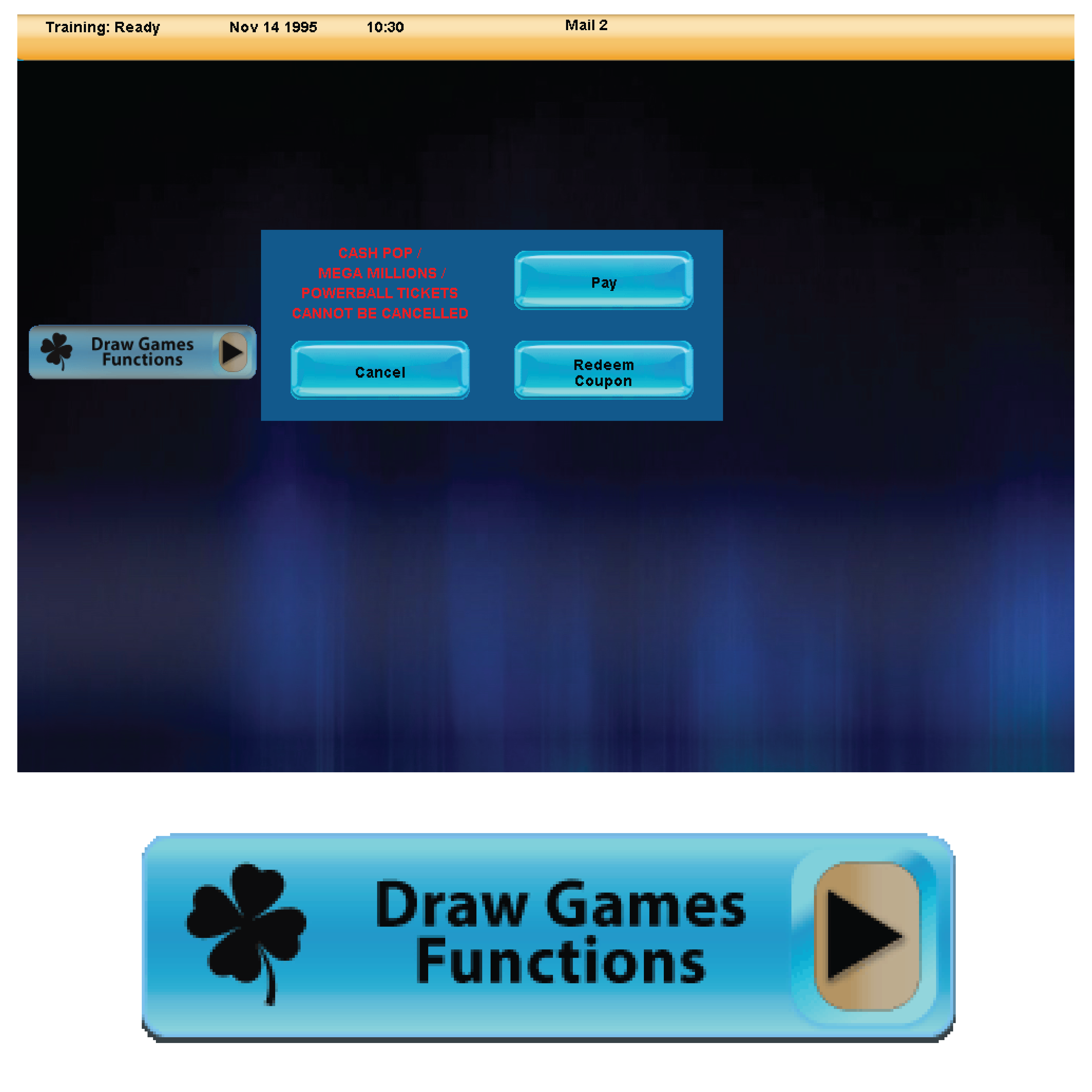
Pay
Cancel

Redeem Coupon
Scratch Pay
Receive Pack
[GT1200]
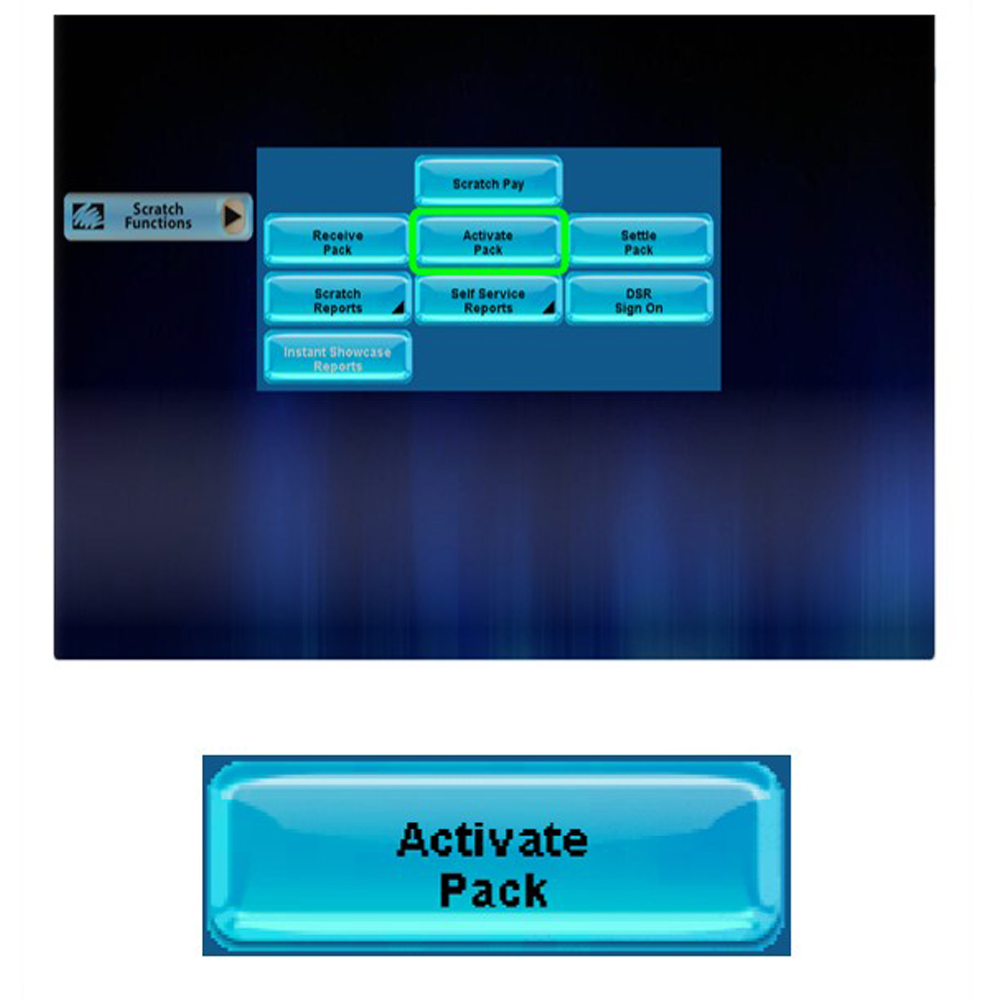
Activate Pack
[GT1200]
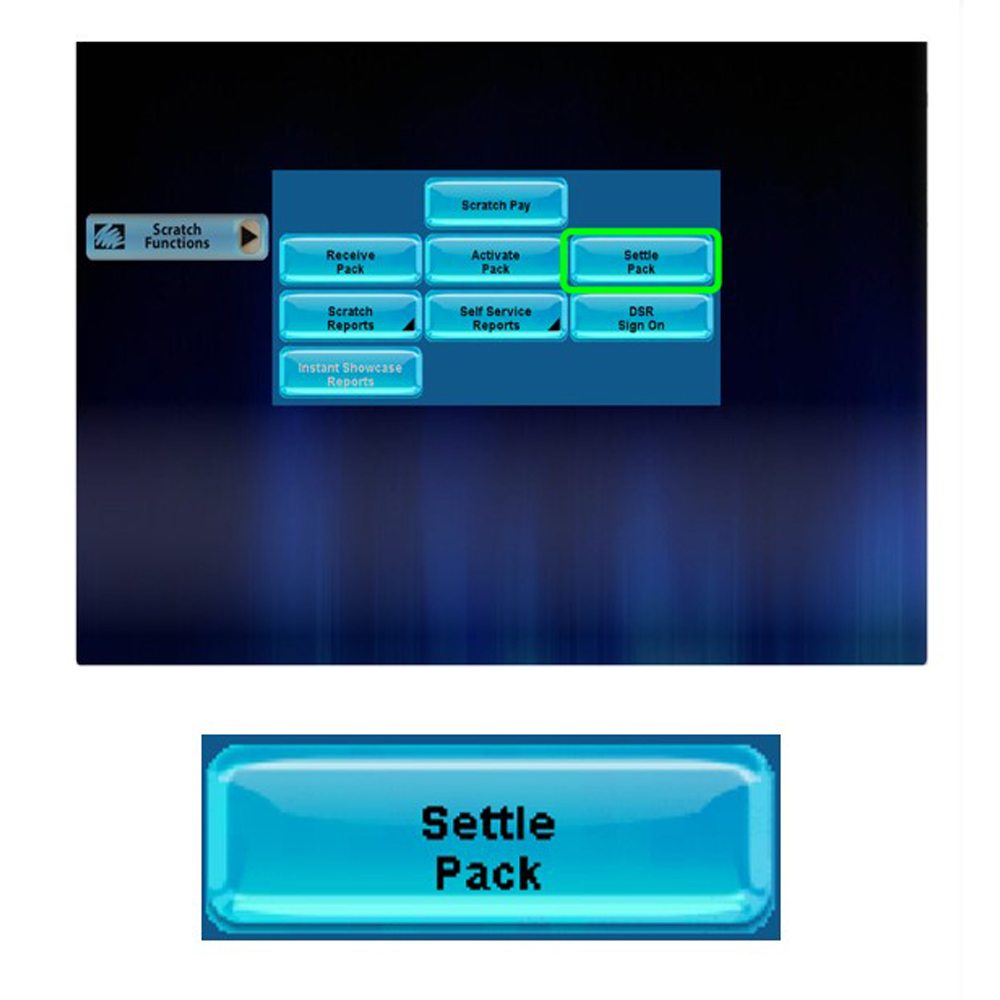
Settle Pack
[GT1200]
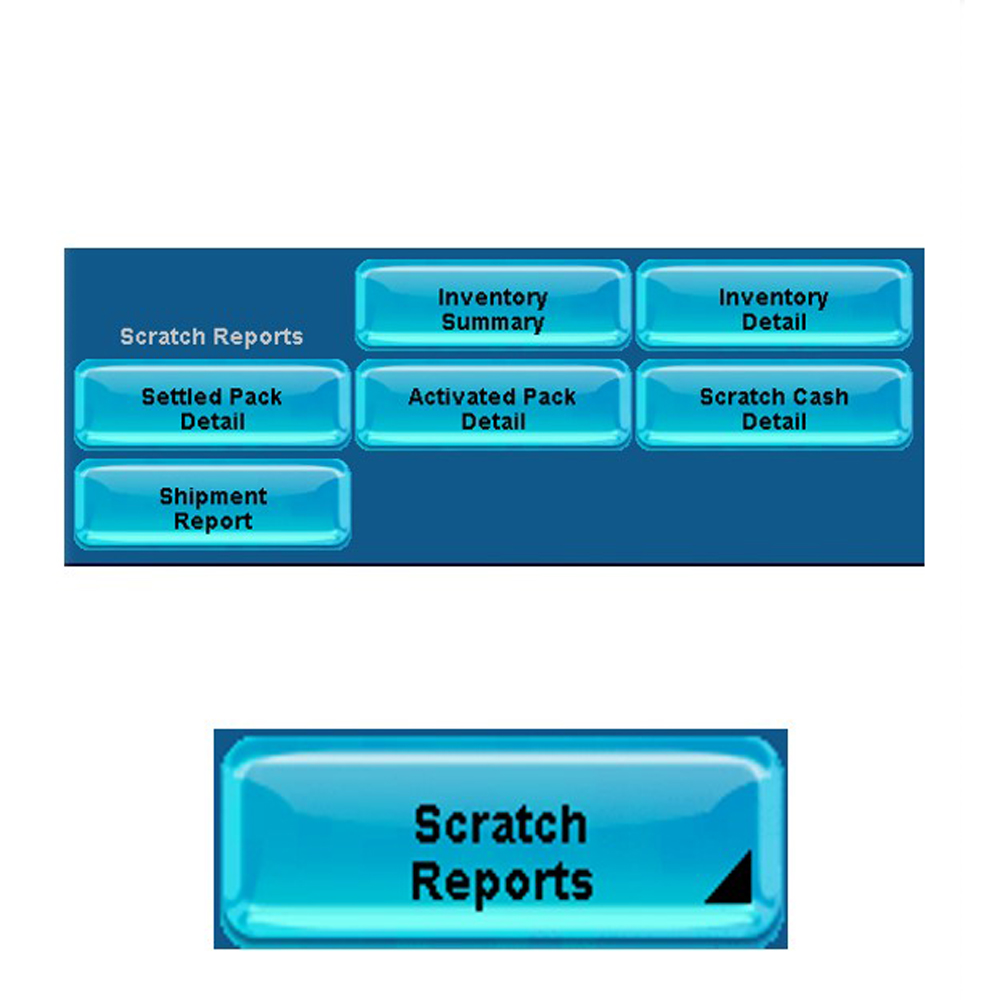
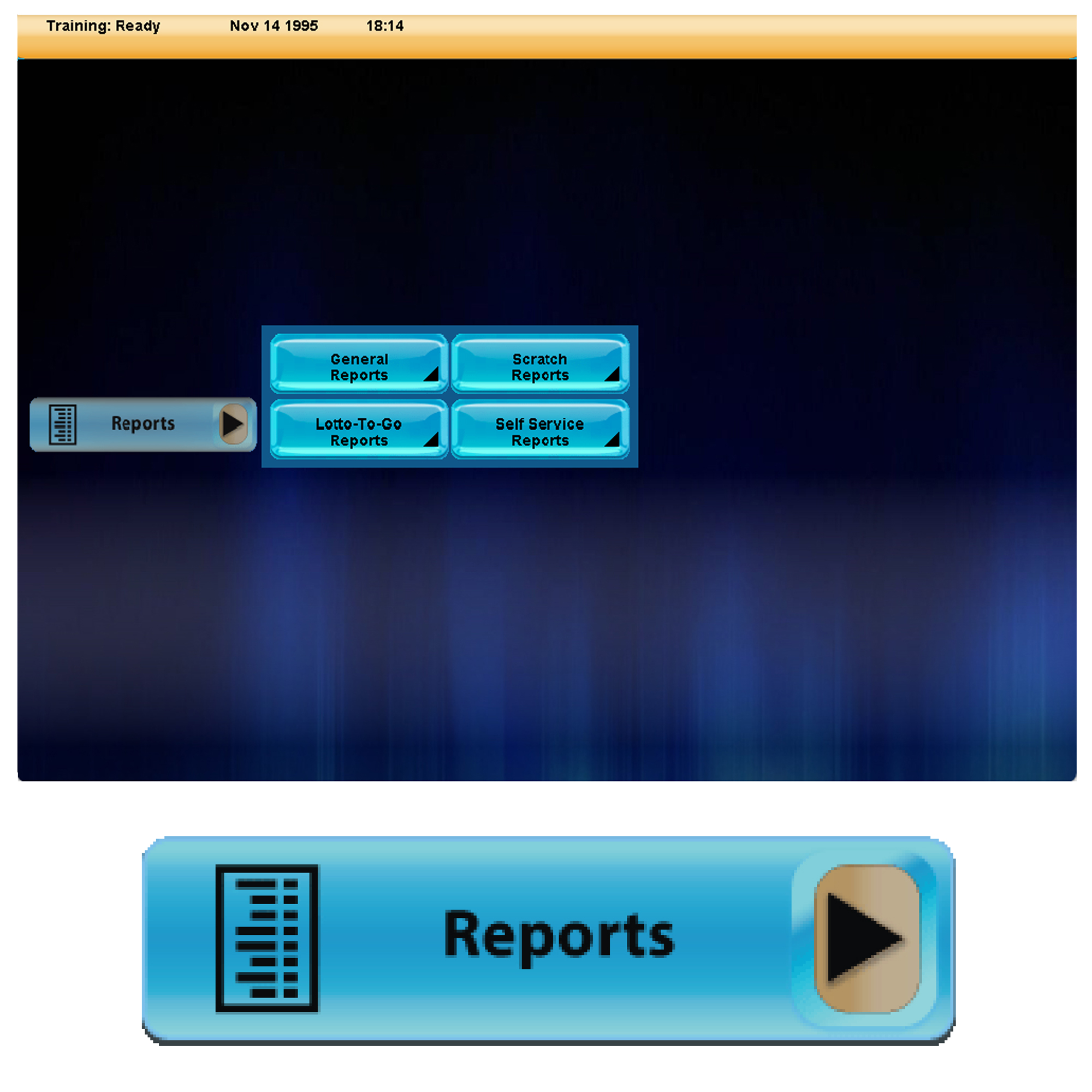
Scratch Reports
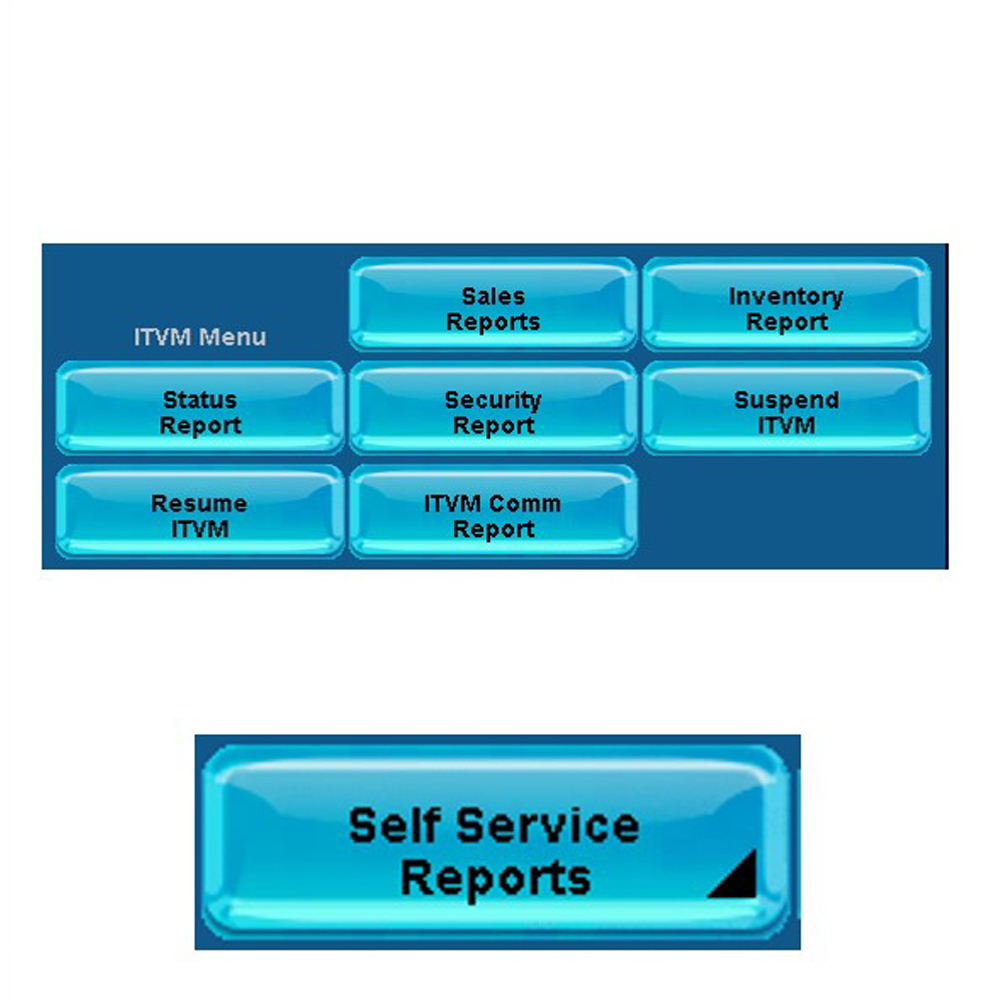
Self Service Reports
DSR Reports
Instant Showcase
Reports
Scratch Pay and Validations on the GT-1200
The Scratch Pay Function on the GT-1200 terminal is used to validate and payout on winning scratch tickets.
Validating Scratch Tickets
How to Validate Scratch Tickets on the GT-1200
Scratch Ticket Validation and Payout Process
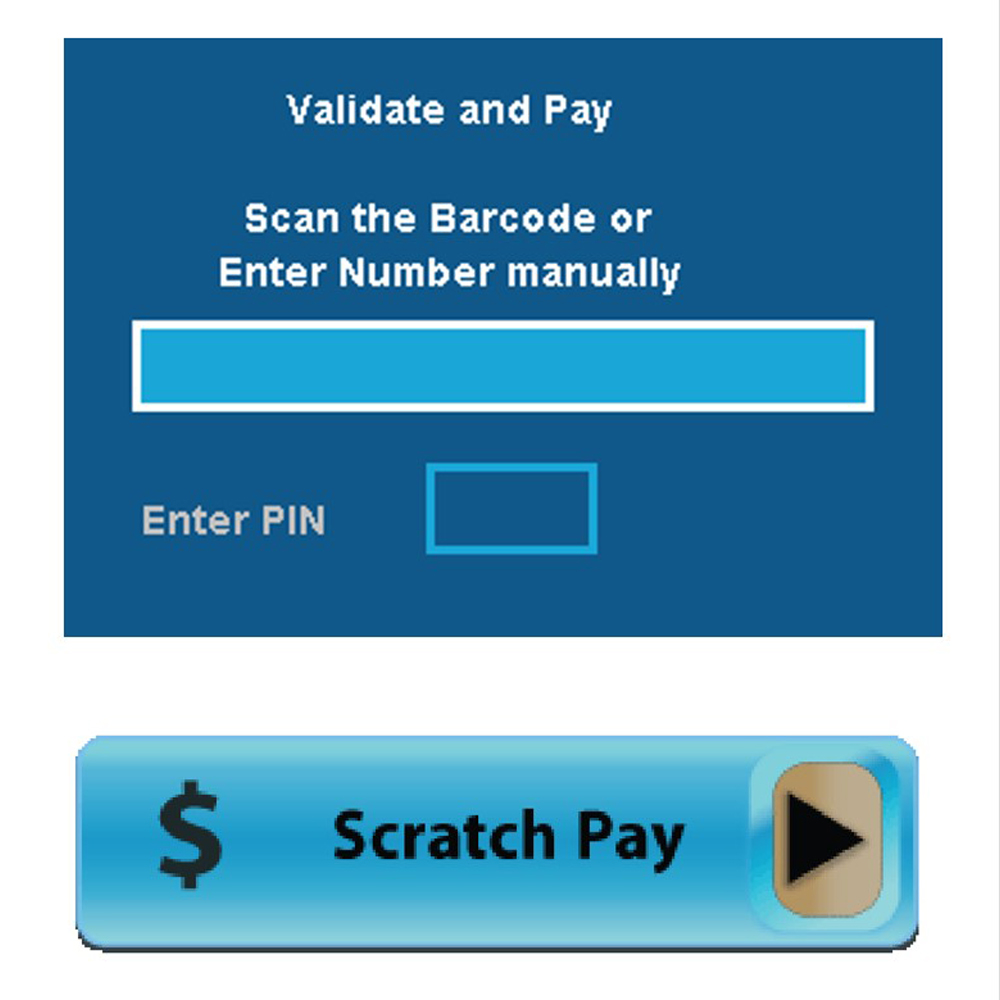
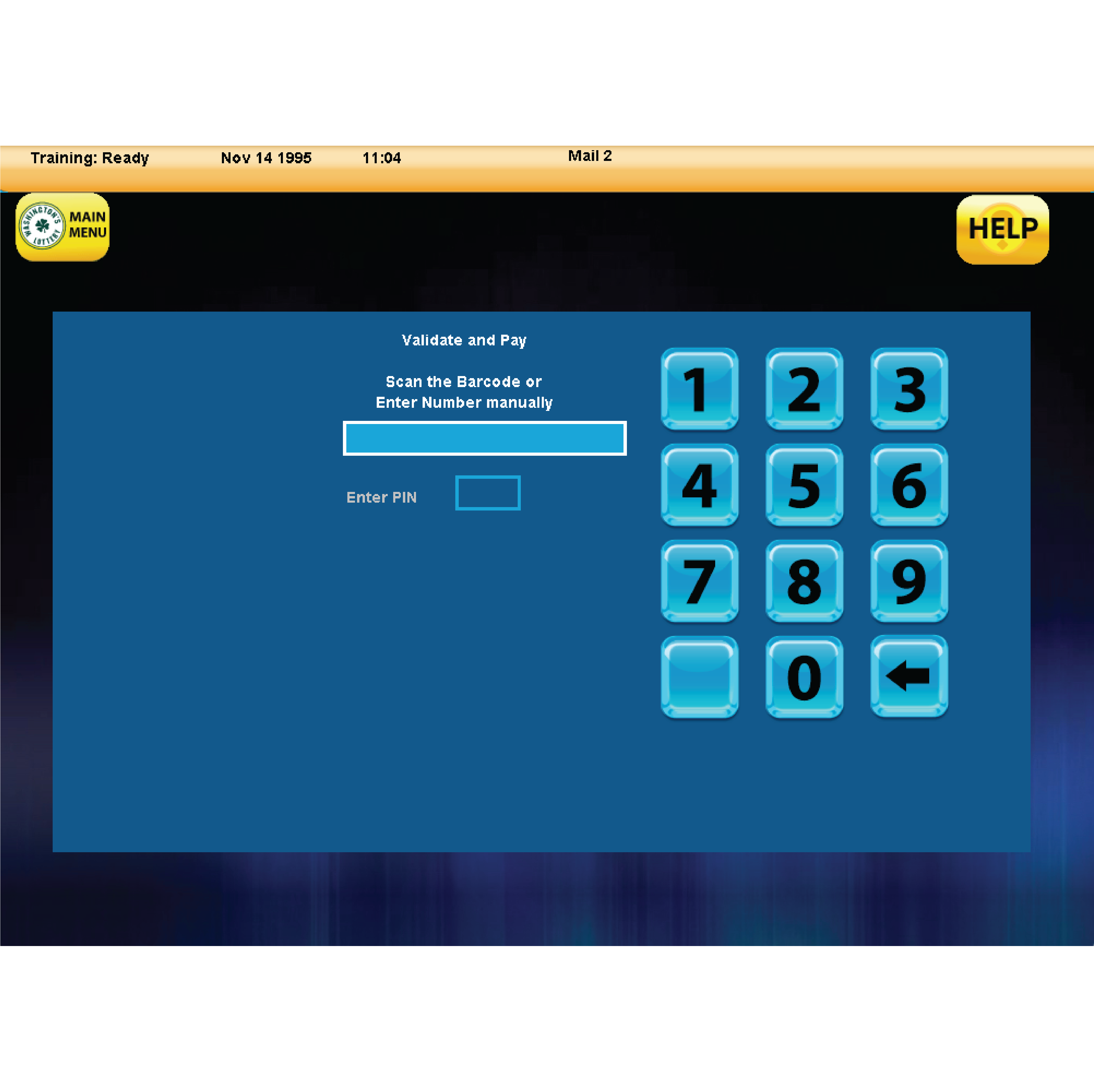
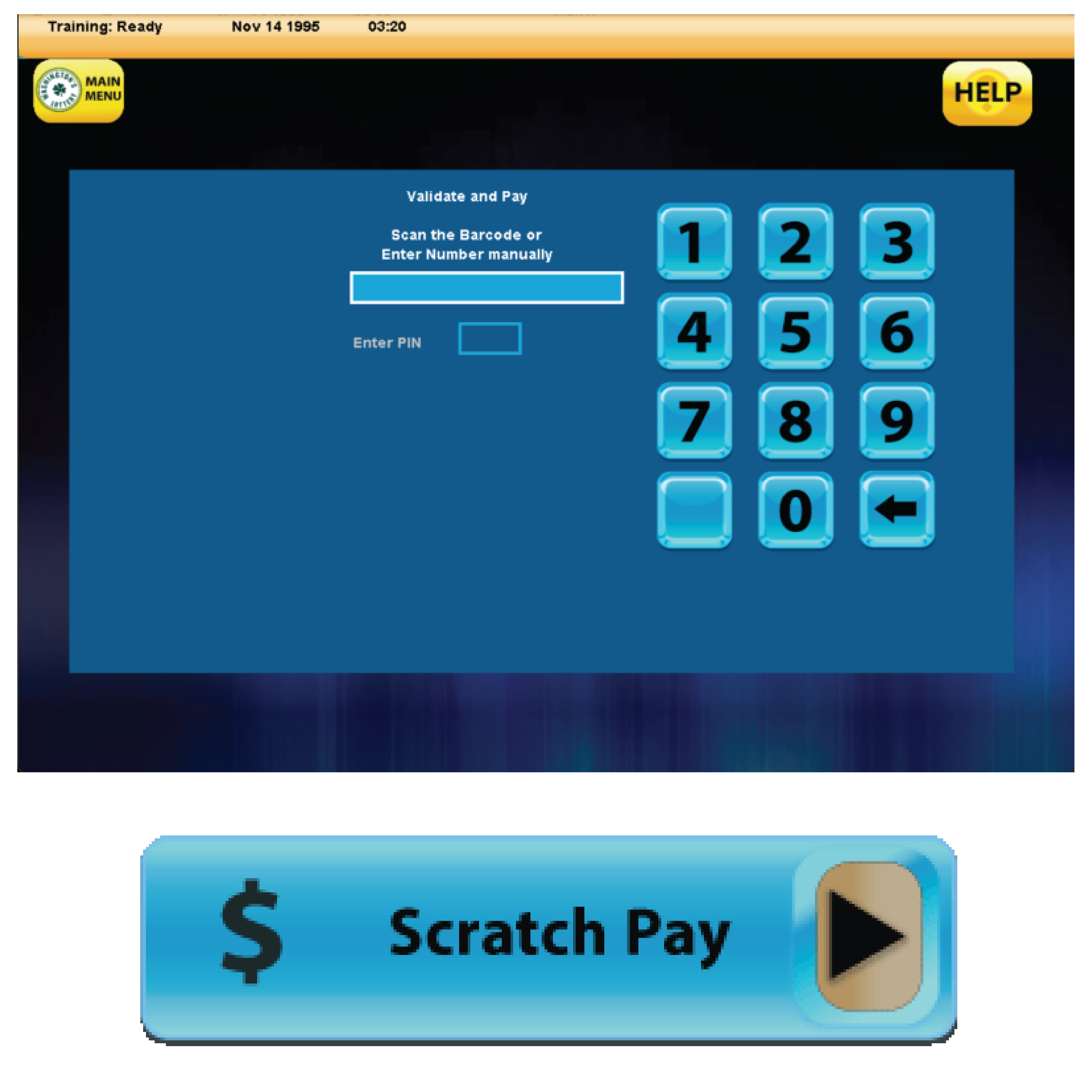
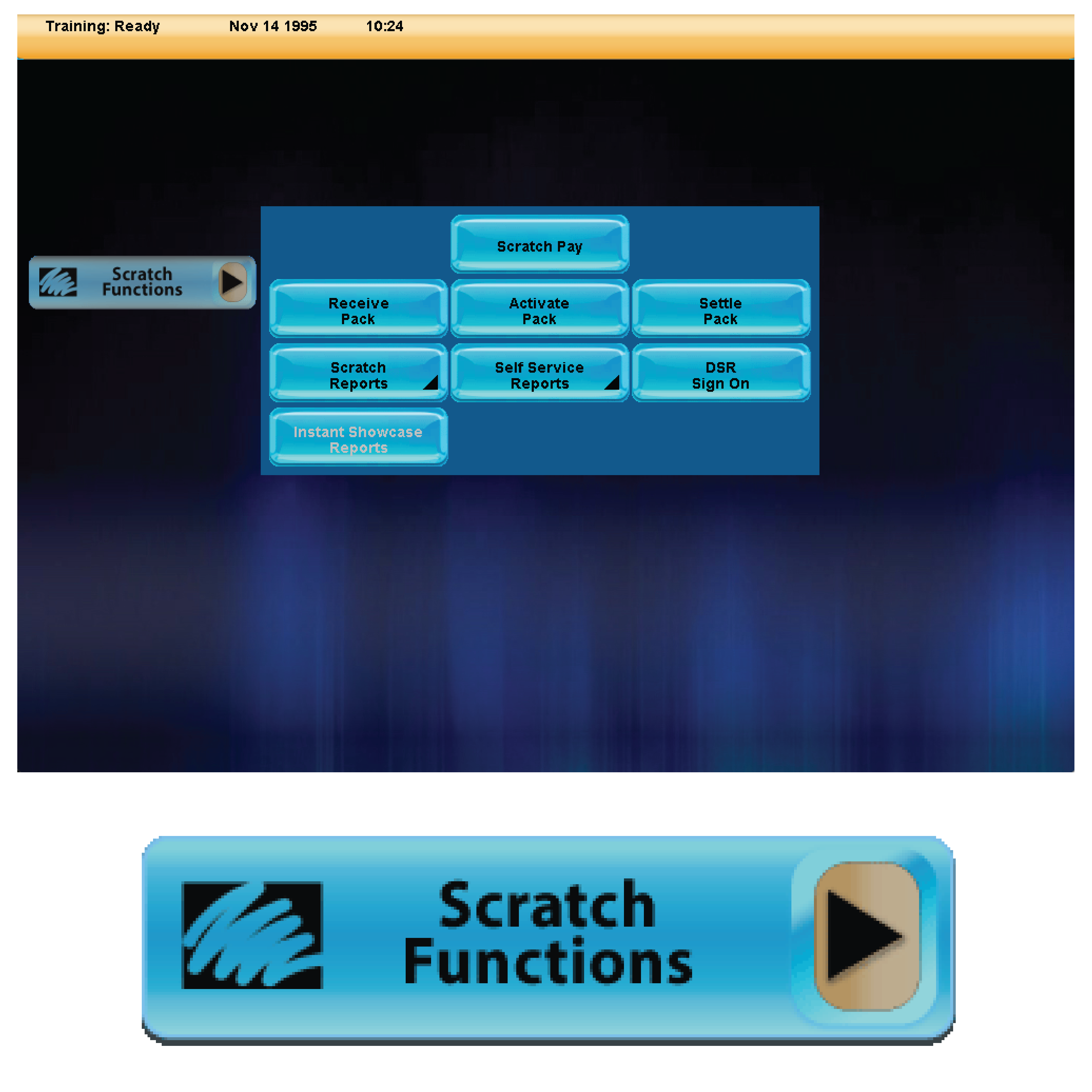
- Access the Scratch Pay button as described above. The Validate and Pay window will appear.
-
With the Validate and Pay window open, Retailers can either Scan the Scratch Ticket Barcode or Manually Enter the Game’s Number and PIN.
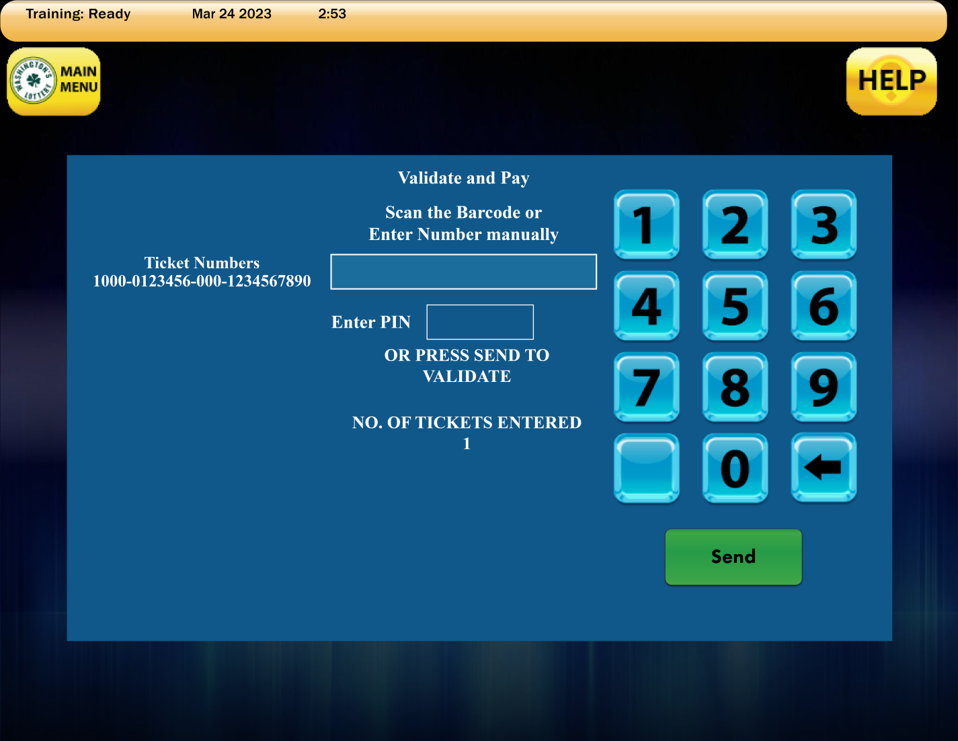
- Repeat this process until all tickets are entered, up to 10 scratch tickets can be scanned at one time. Tickets will automatically send when a tenth ticket is scanned.
Scanning the EZ Val Barcode
Retailers can utilize the GT-1200 ticket scanner to scan the EZ Val Barcode located on the front of each Scratch Ticket.
-
- NOTE – Barcode is not visible until it is exposed after ticket is scratched
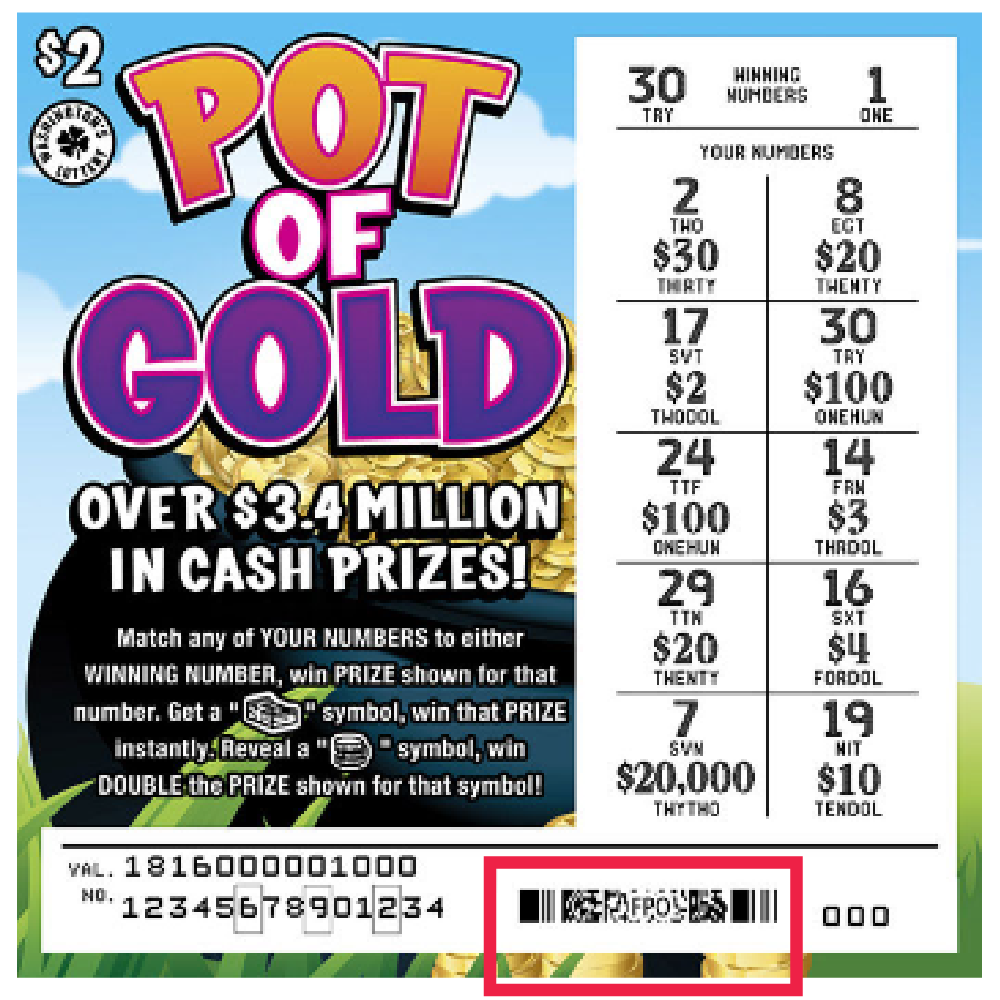
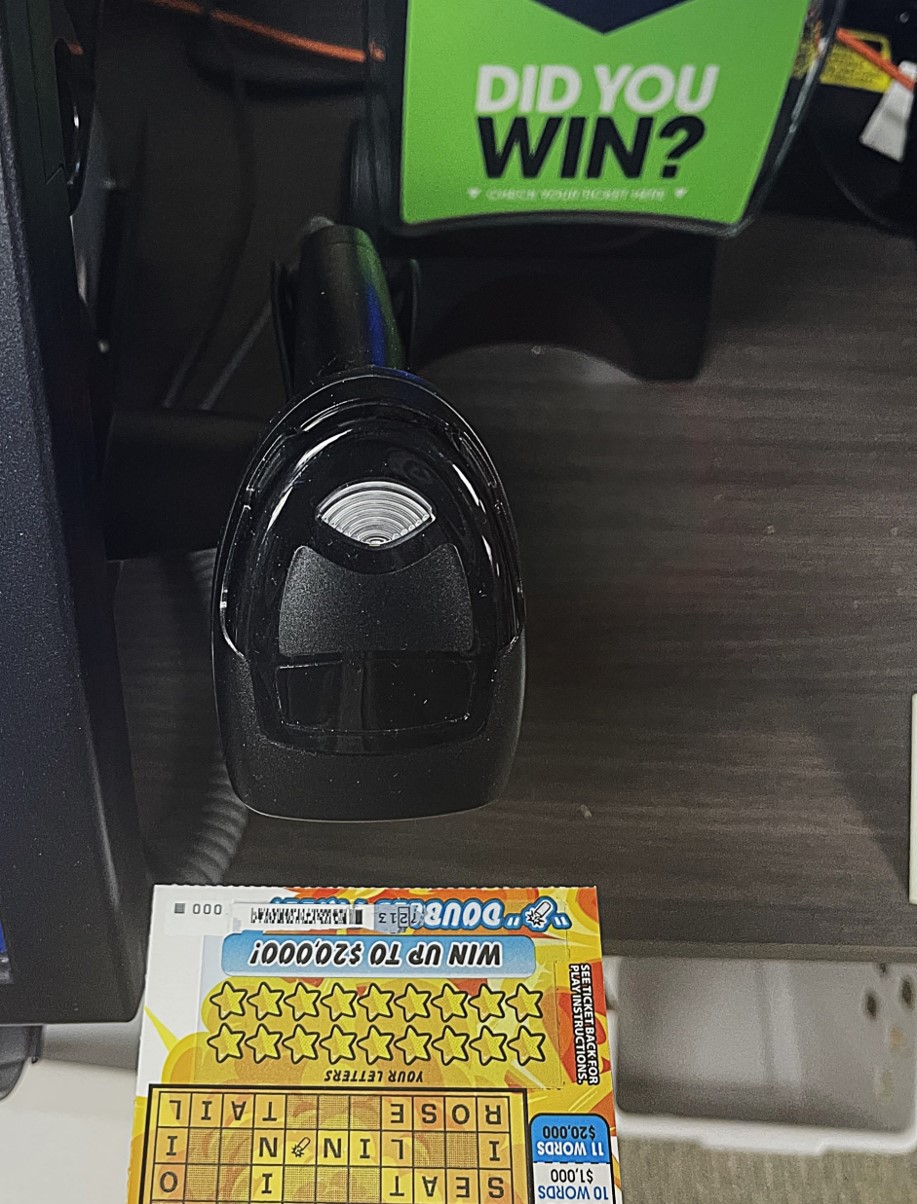
Repeat this process until all tickets are entered, up to 10 scratch tickets can be scanned at one time. Tickets will automatically send when a tenth ticket is scanned.
If the EZ Val Barcode is not scannable, then Retailers can scan the long barcode on the back of the Scratch Ticket. When this barcode is scanned, the system will ask the Retailer to enter the ticket’s PIN number. The Pin Numbers can be found in the serial number on the front of the ticket, indicated by the small boxes surrounding the numbers.
Manual Validation Procedures
Retailers can also manually enter the serial number and the 3 or 4 digit security number (VIRN) located on the front of the ticket using the numeric touchpad located on the GT-1200.
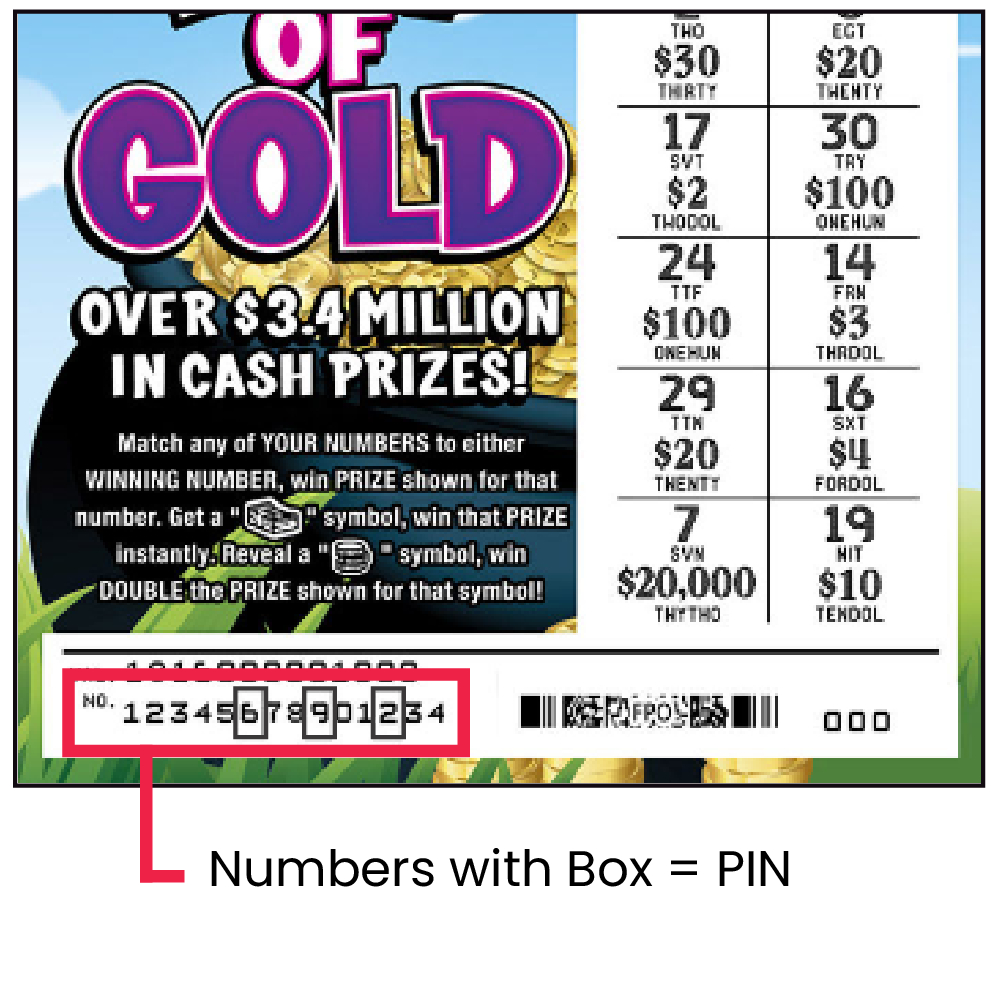
When Manually entering the serial number, Retailers will skip the PIN numbers in the boxes.
After all the numbers not in boxes have been entered, the Retailer will then enter the PIN numbers last.
Winning Ticket – Scratch Validation and Payout
After scanning or manually entering all Scratch Ticket numbers, press SEND.

- If a winning ticket was entered, a SCRATCH VALIDATION receipt will print from the GT-1200.
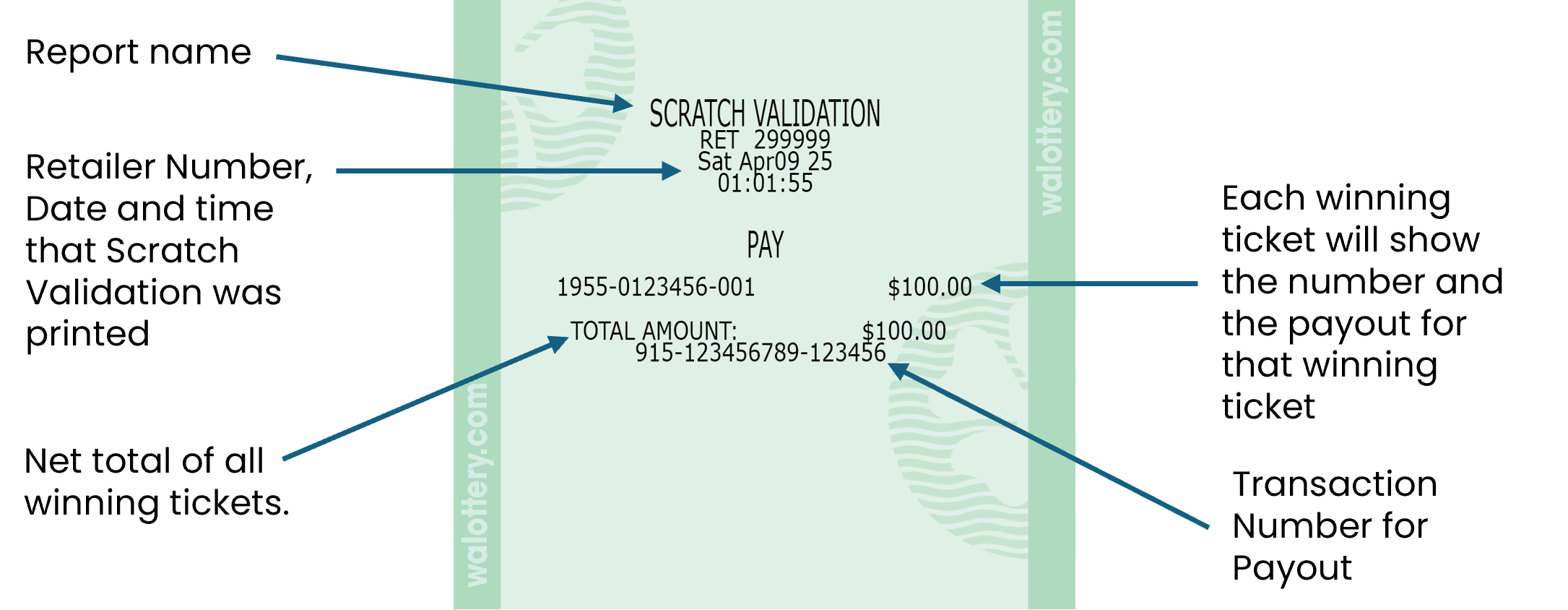
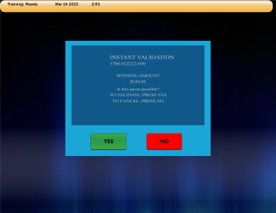
- For validations totaling from $101 up to $600, a confirmation screen displays.
- Retailers must ensure enough cash is available to payout tickets before they are validated.
- Retailers must ensure enough cash is available to payout tickets before they are validated.
- Touch Yes to validate.
- Before paying a prize, Retailers must validate all tickets.
- Retailers MUST PAYOUT AT TIME OF VALIDATION.
- Touch No to cancel.
NOTES:
- Retailers must ensure that they have enough cash on-hand to pay out any validated ticket under $100.
- For prizes over $600, Claim Instructions print automatically.
If the ticket will not validate for ANY reason, it must be returned to the player and have player contact the Lottery for instructions.
Nonwinning Ticket GT-1200 Screen Message
- If a nonwinning ticket was entered, a DO NOT PAY, NOT A WINNER screen will appear on the GT-1200.
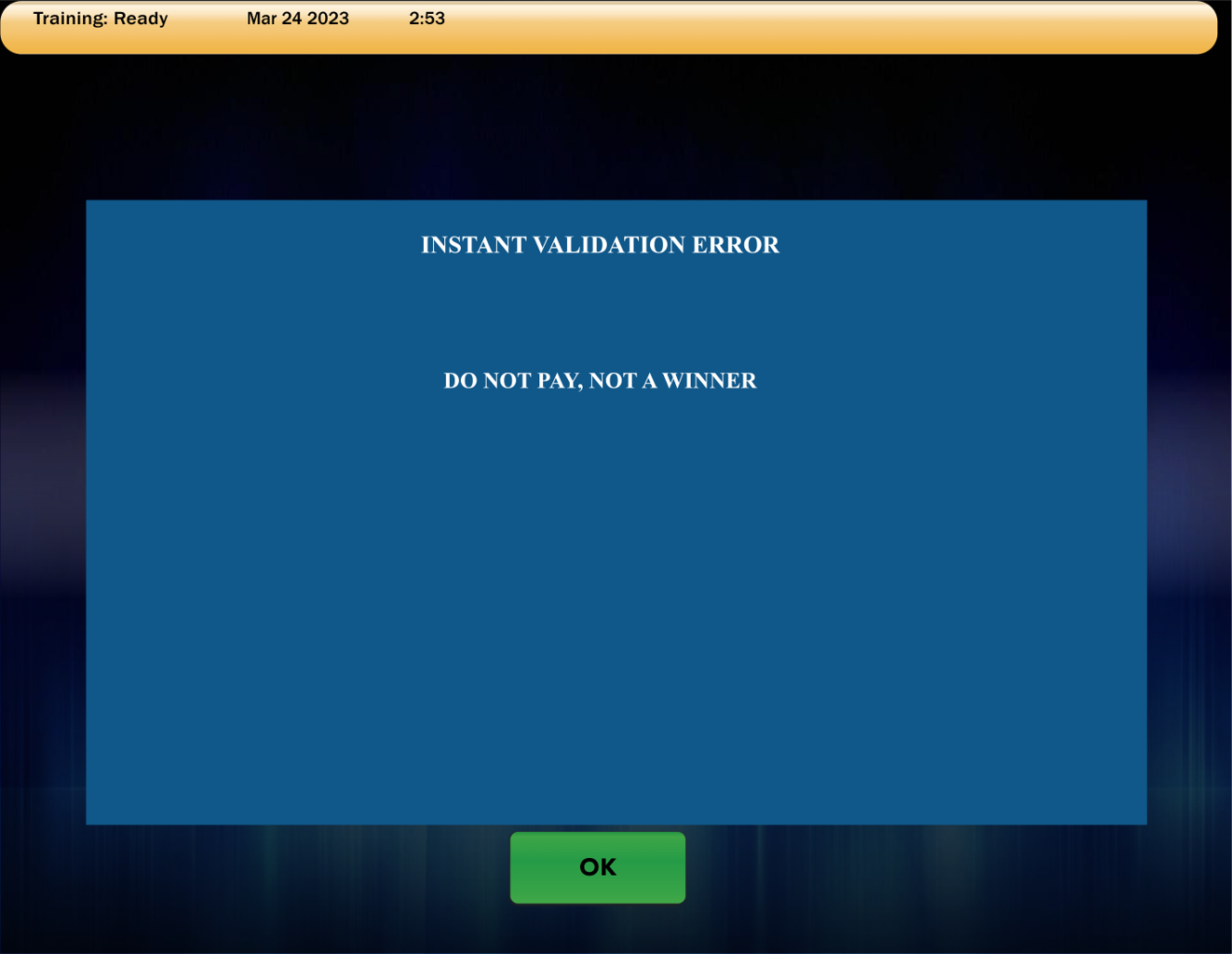
- TICKET EXPIRED This message displays when a validation attempt is made on a ticket that is expired.
Scratch Pay
Scratch Functions
Draw Games Functions
Reports
History Reprints
Services
