
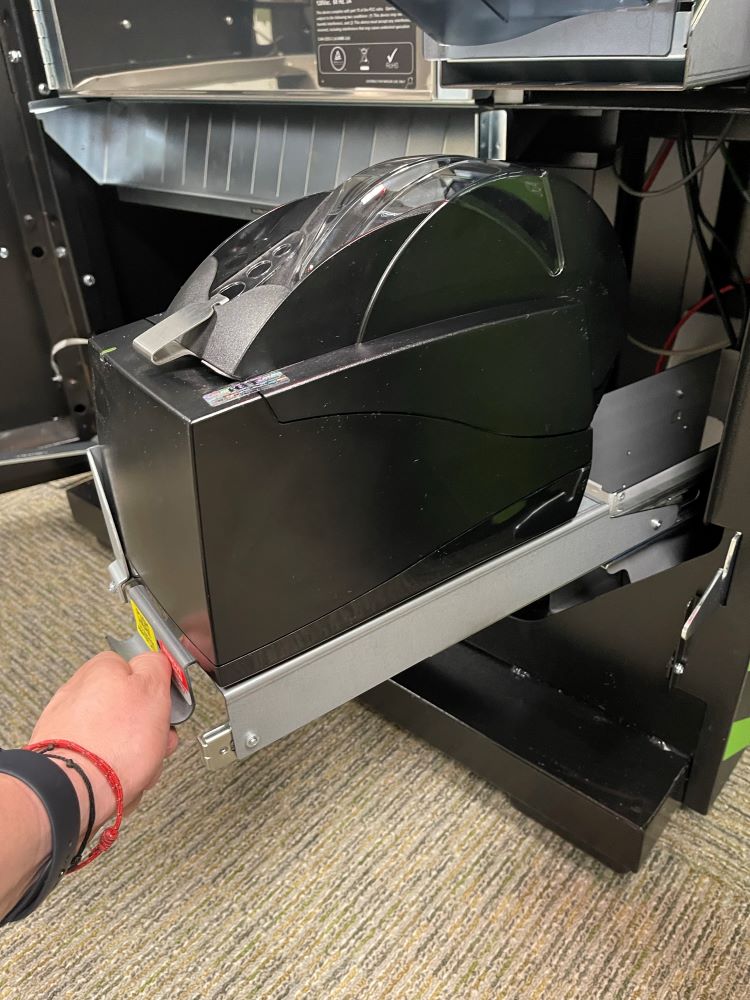
Accutherm Printer - Change Paper
- Using the Pull Handle, slide the Printer tray forward.
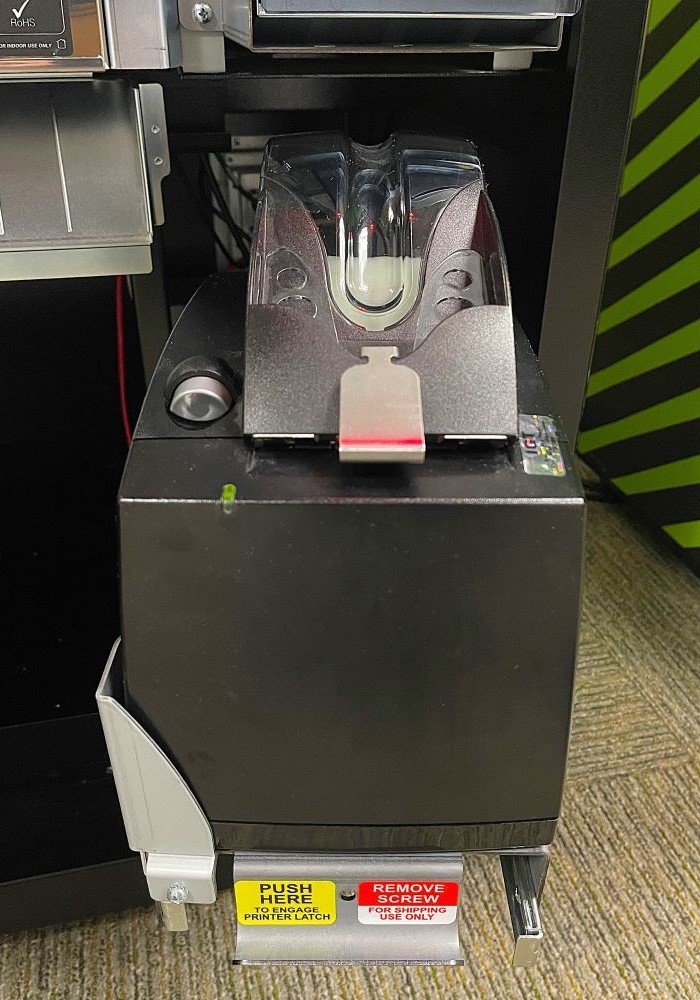
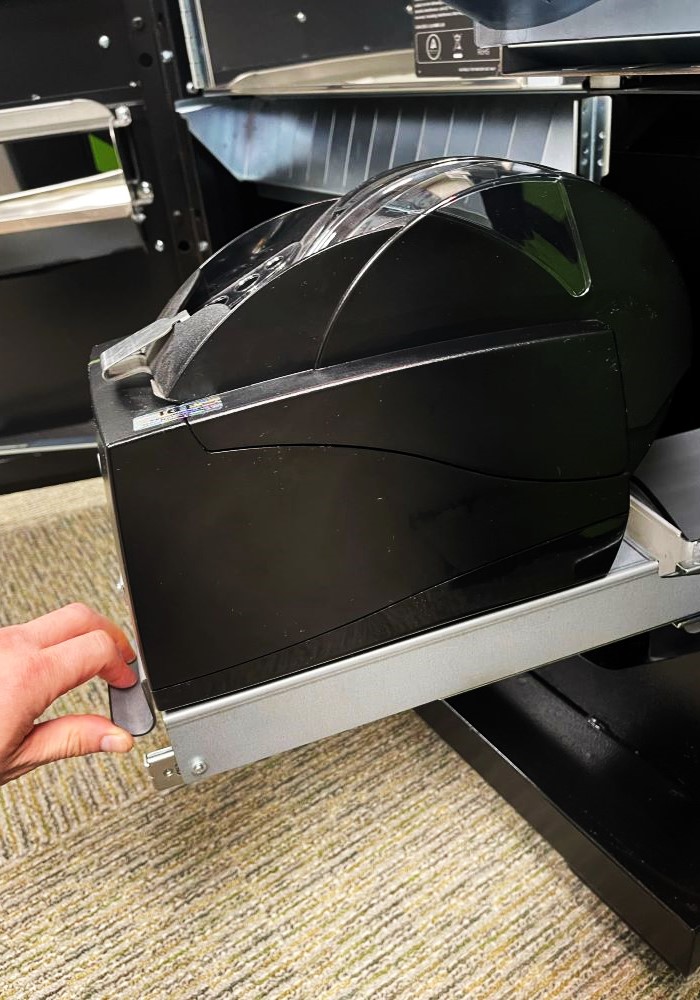
- Press Gray button on the top of printer and lift to open lid.
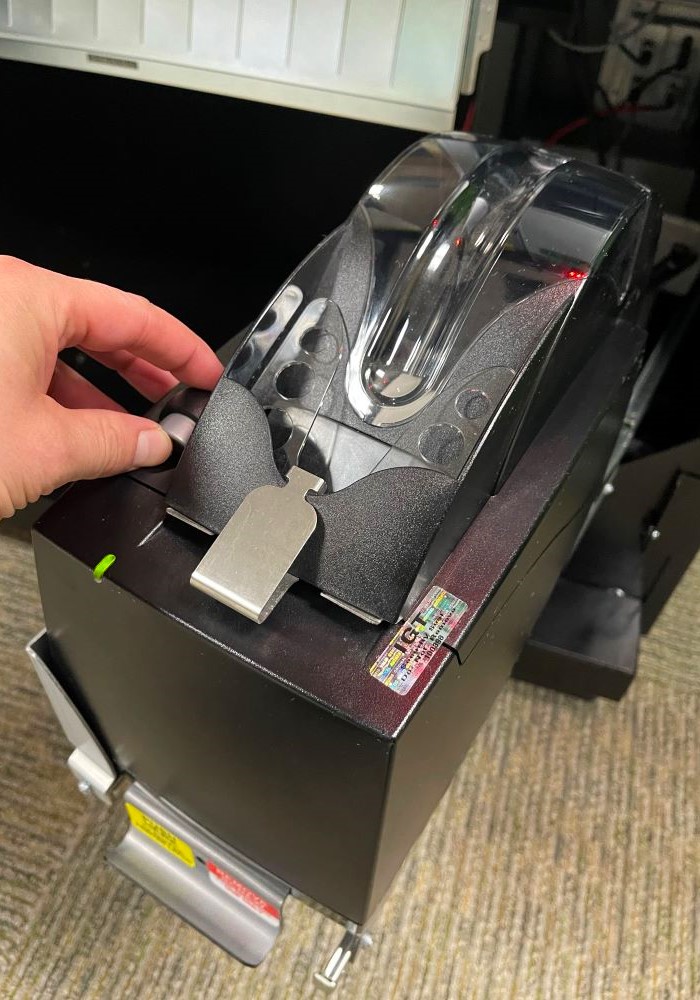
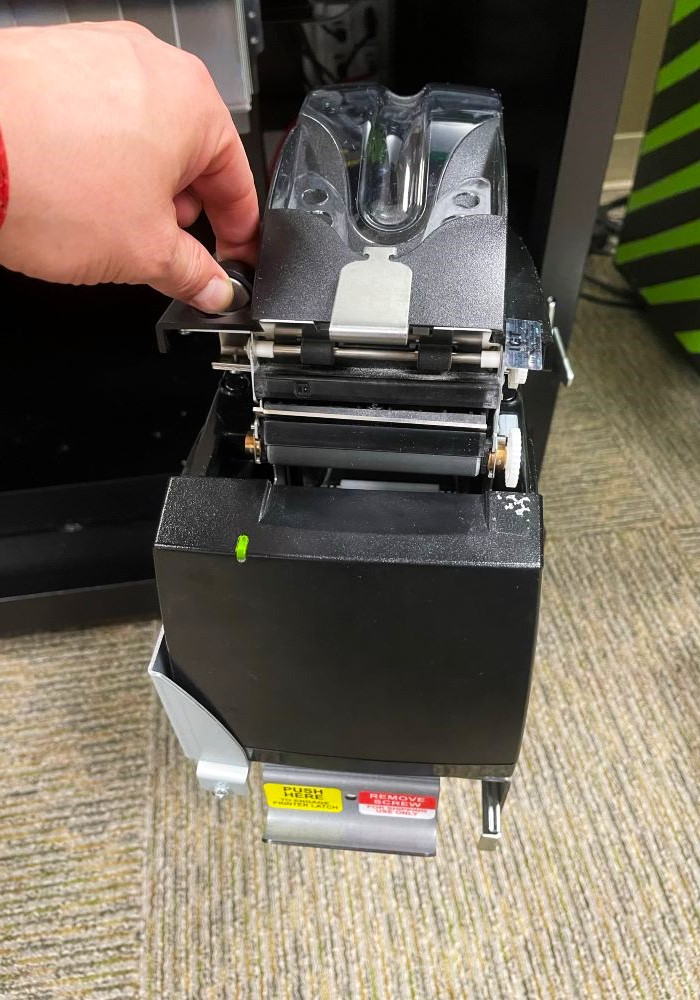
- Place Thermal Paper into Printer and pull paper up and Over the Roller.
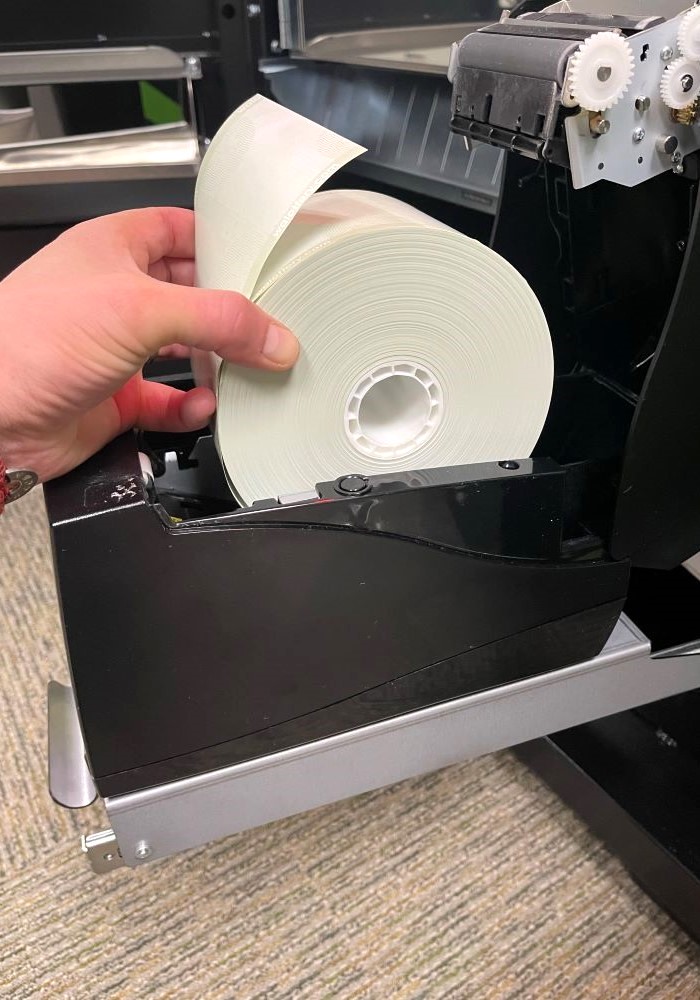
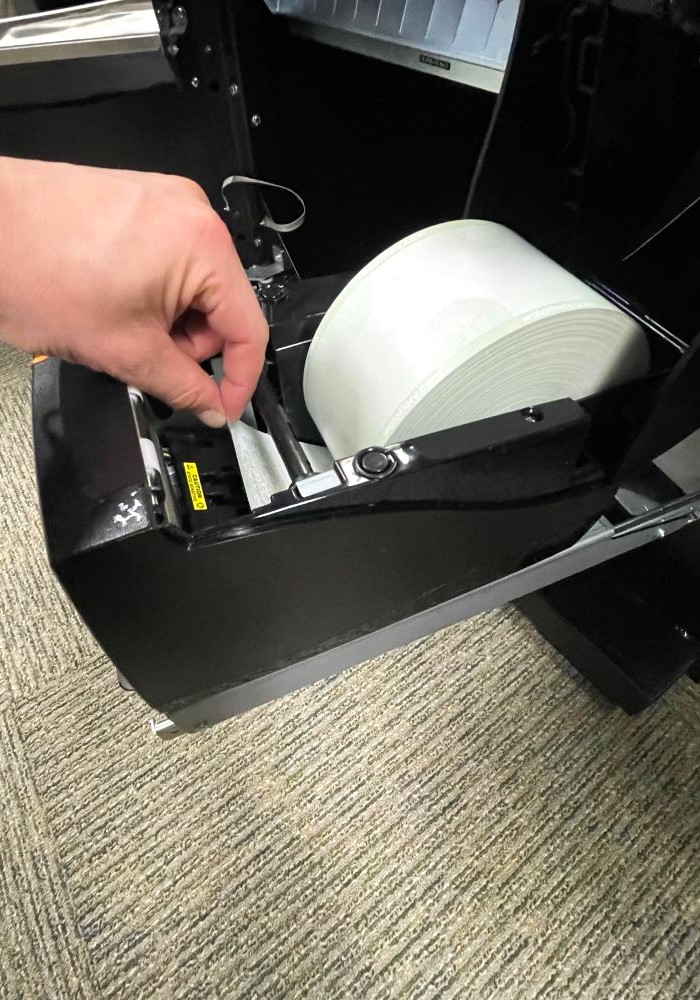
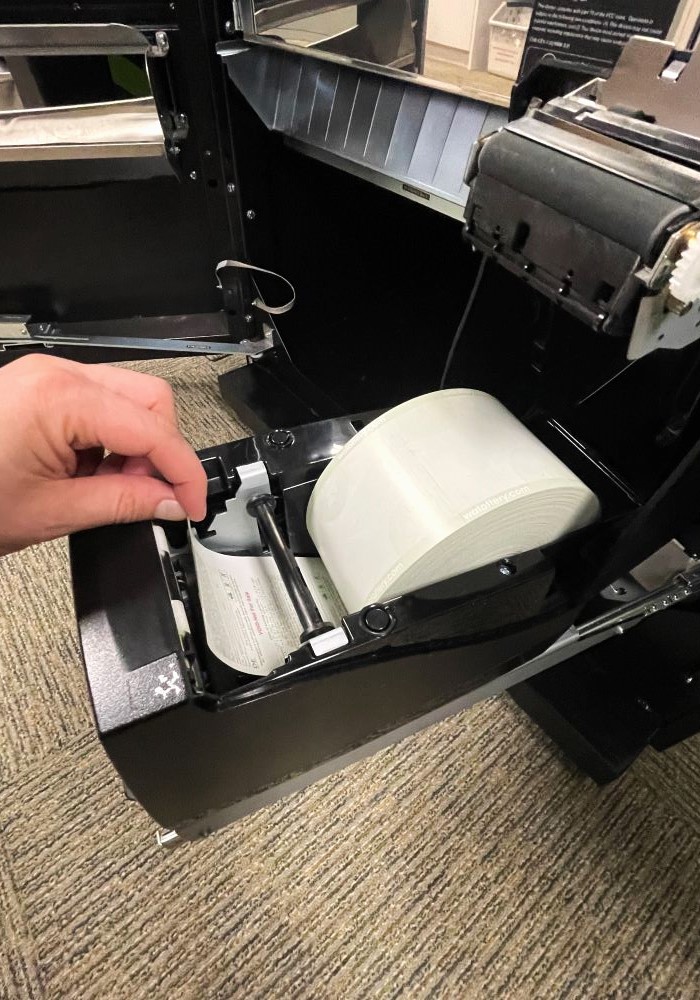
- Close Printer. The Printer will automatically begin to feed paper through once the lid is closed.
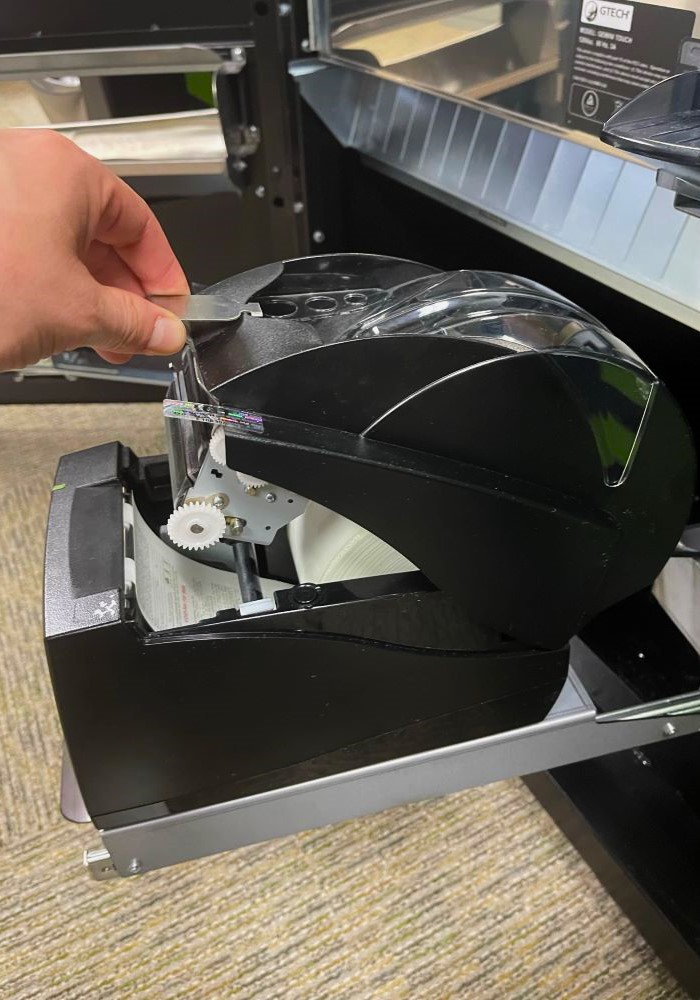
GT24/28 System Overview
The Game Touch terminal acts as both a Scratch Vending Machine to distribute Scratch Tickets and operates in Self-Service Terminal to perform Draw Game functions. The barcode reader on the GT-24s and GT-28s can be used by players to scan their tickets to see if they are winners, and reinvest their winnings, if they choose to.
Game Touch Self Service Terminal External View
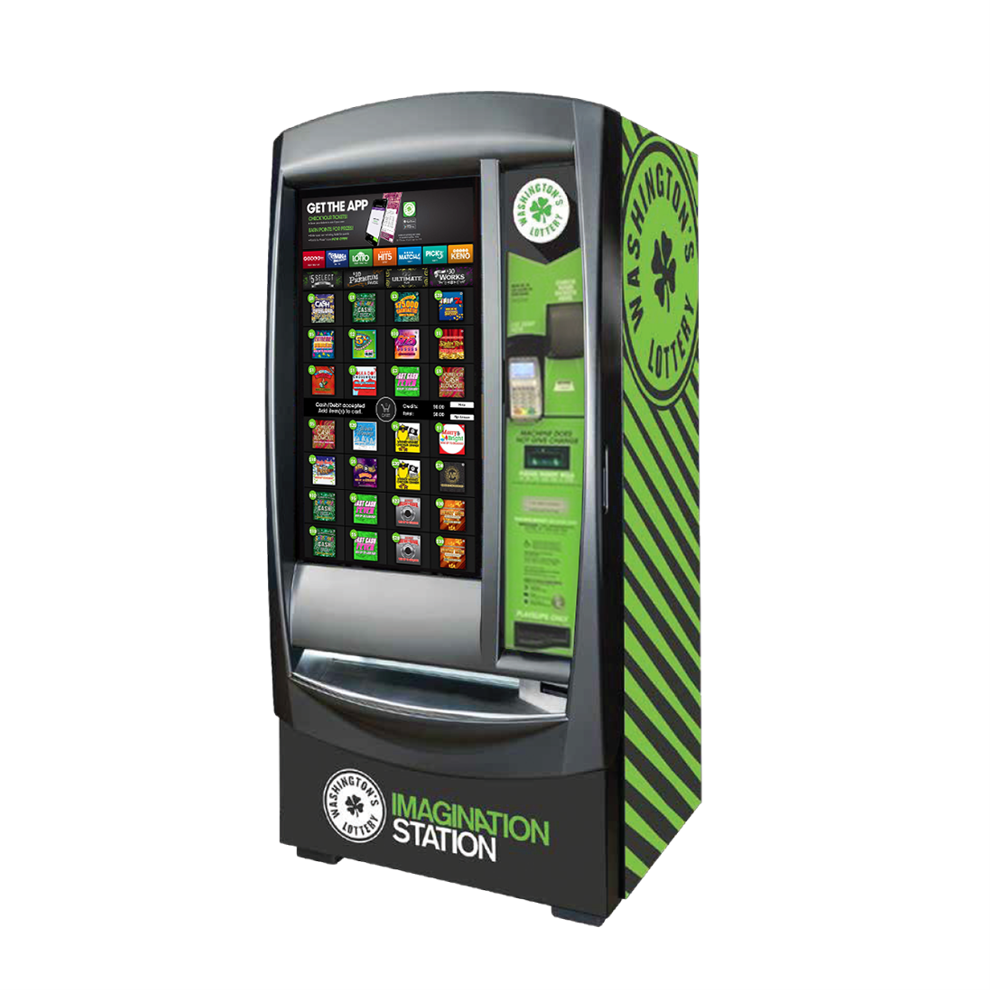
Washington’s Lottery has two (2) different versions of the Gemini Touch Self Service Terminal (SST). The GT24, which has twenty-four (24) bins, and the GT28 with twenty-eight (28) bins.
Opening the Main Door
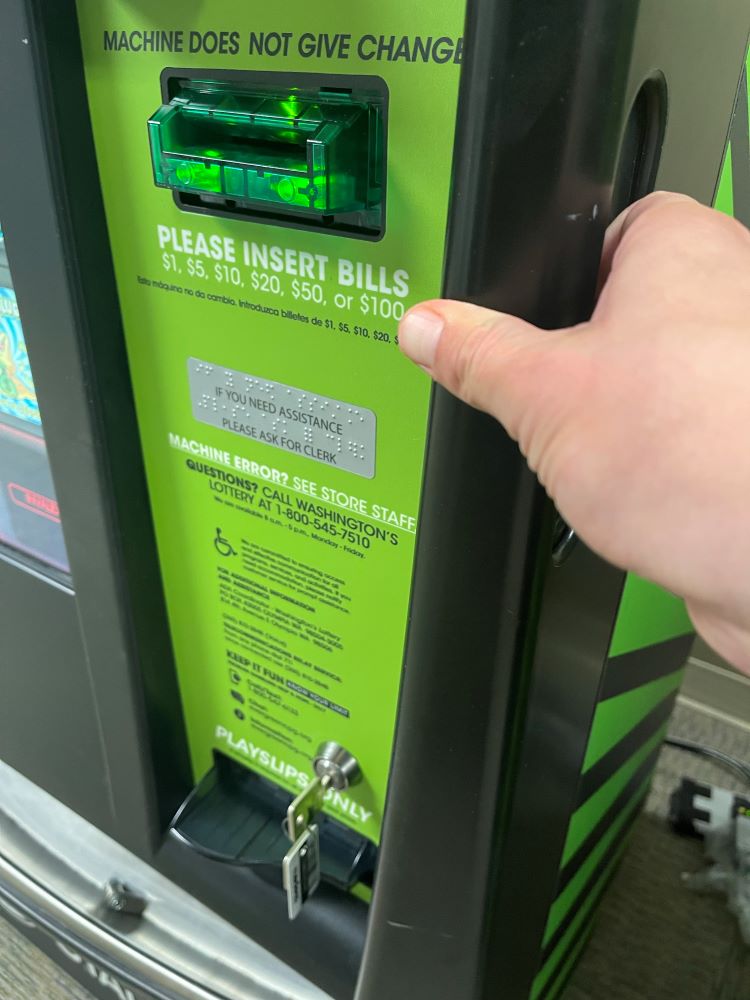
Insert the Main Door (MD) key into the main door lock located on the front of the machine, above the ticket collection bin.
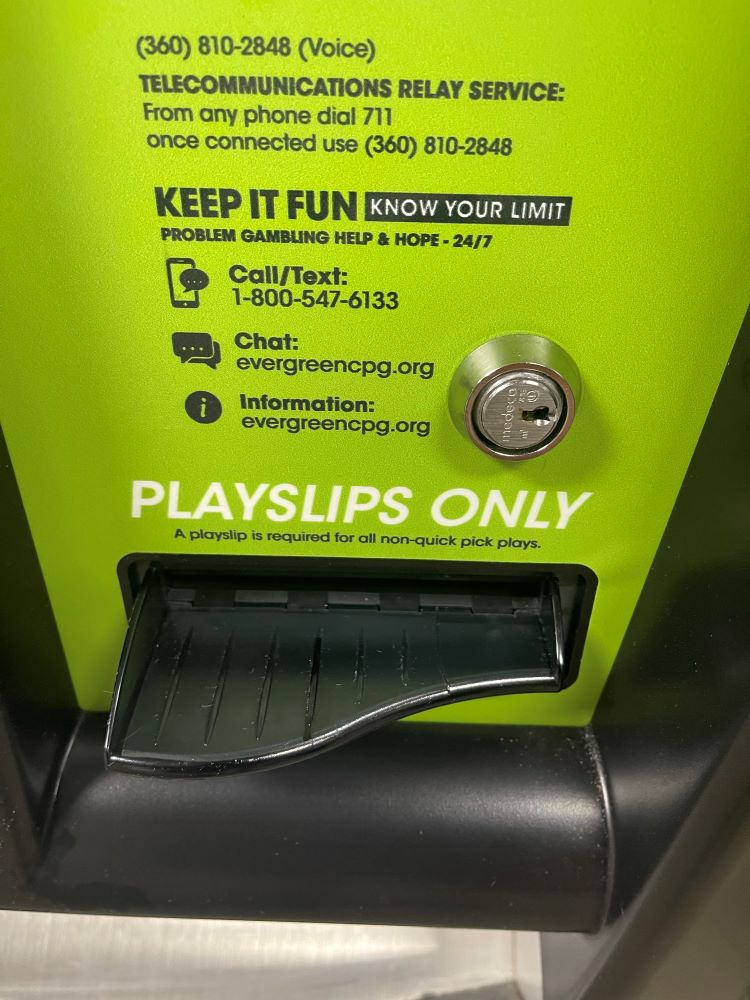
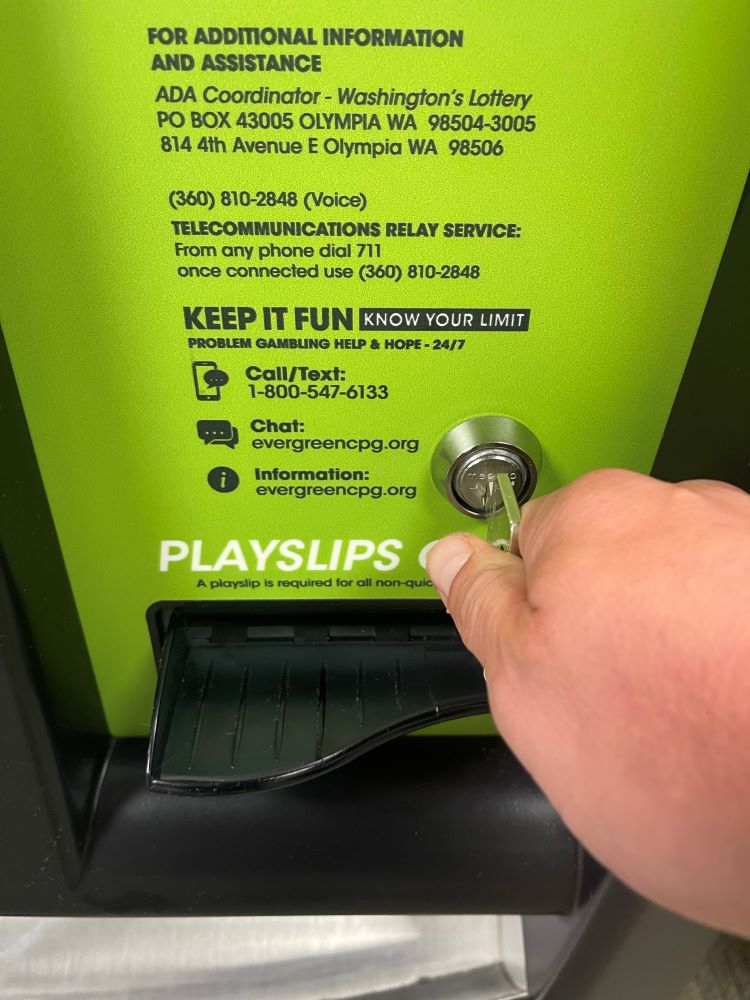
To open the door, pull up on the lever located on the right side of the door.
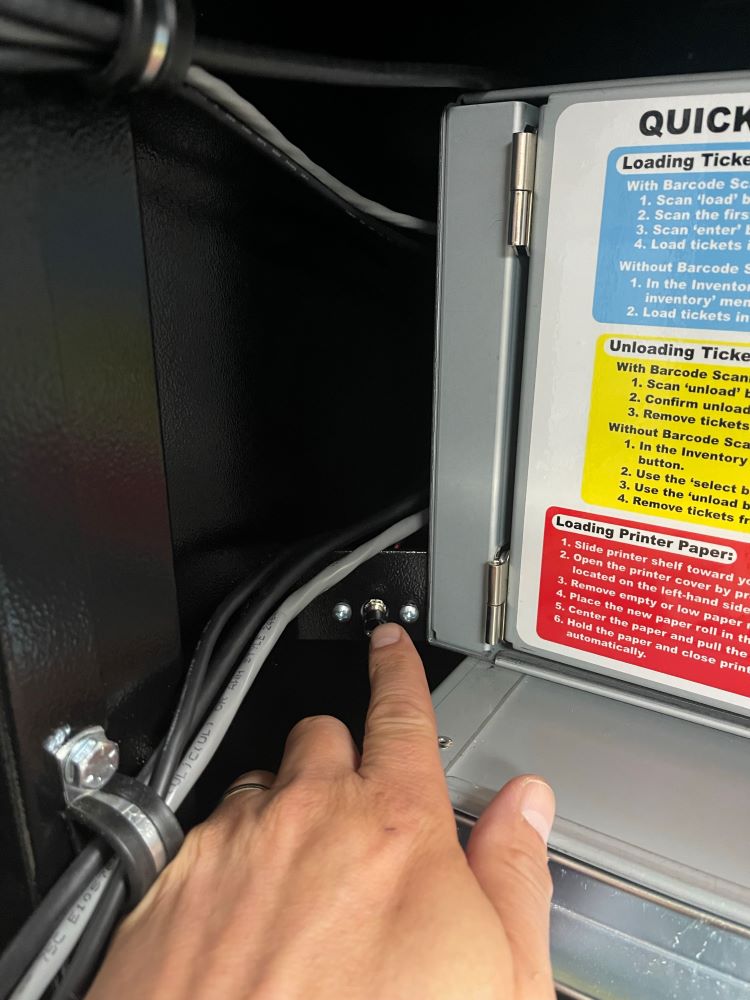
An audible alarm begins soon after the main door is opened. To silence the alarm, the Retailer must press the override button on the side of the terminal board at the bottom of the machine or sign-on to the terminal.
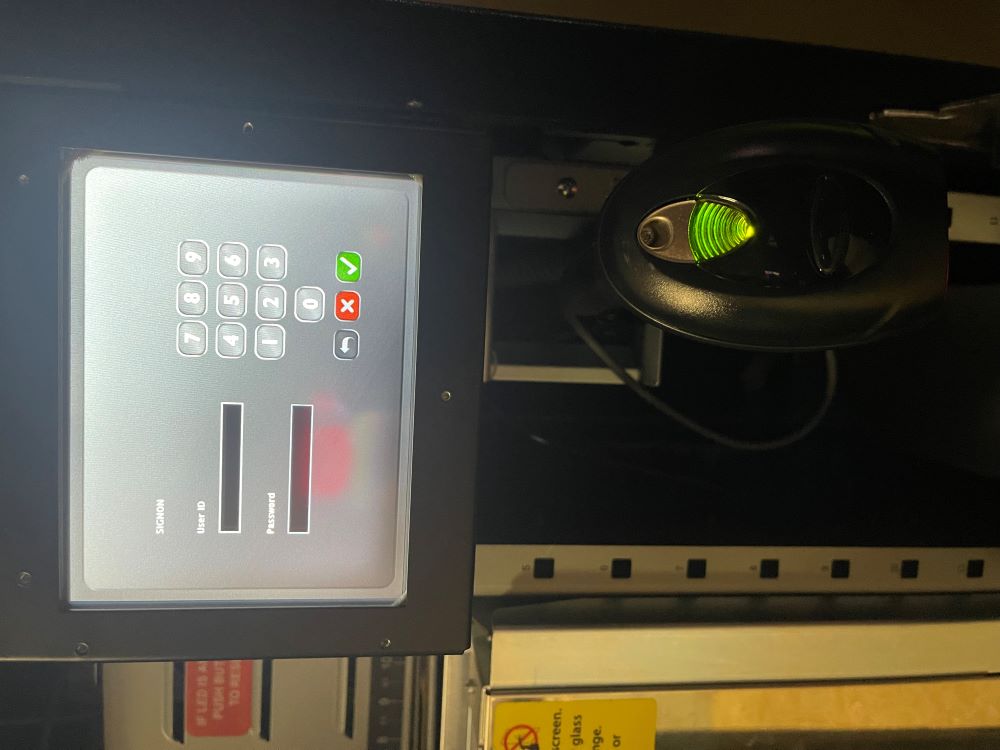
Retailer Sign-In
After opening the GT-24 or GT-28 terminal Main Door, the Retailer terminal display prompts retailers to sign-in.
- Enter 6-digit Username and 4-digit Password. Touch the GREEN CHECKMARK.
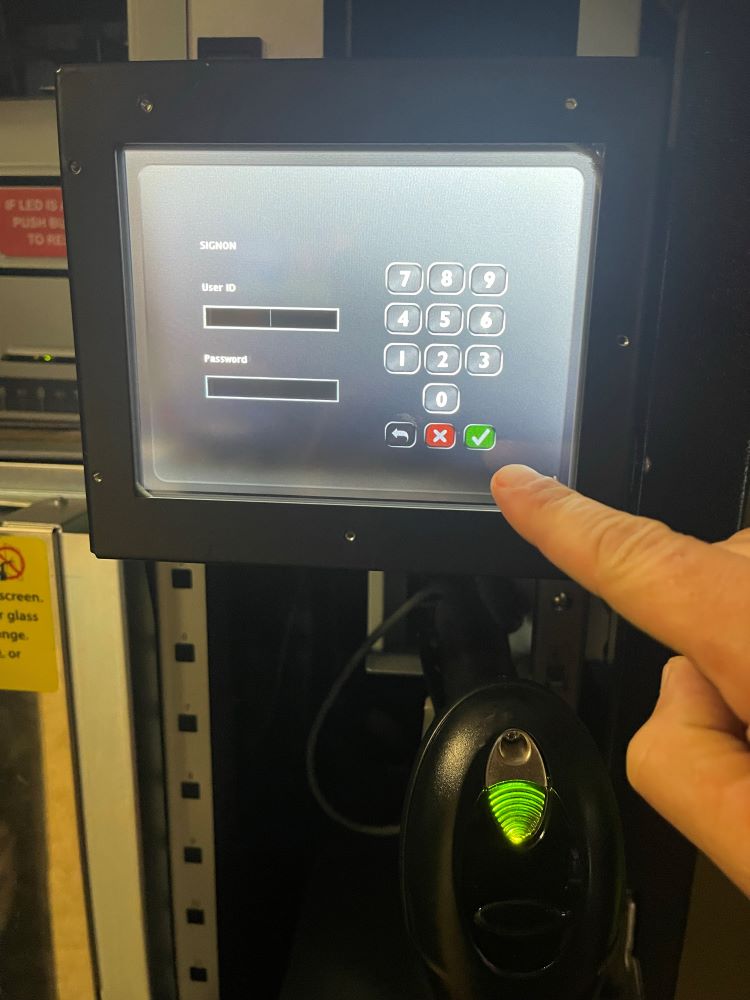
After a successful Sign-In, the Manager Functions Menu will display.
Manager Functions
The Game Touch Home Screen, or Manager Functions Menu, is available once you are signed in. This menu provides access to the terminal management functions.
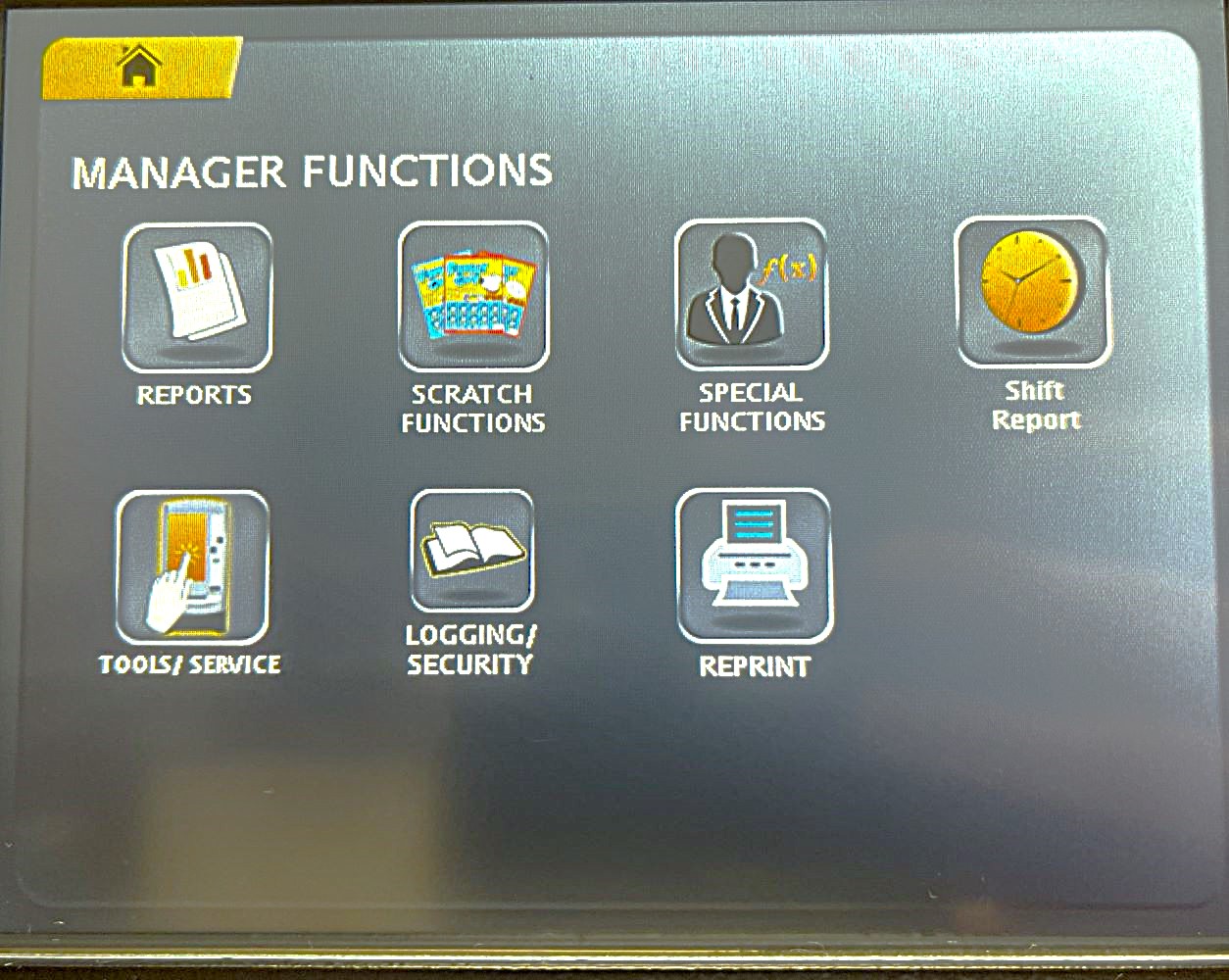
- Access this menu from any of the administrative screens by touching the HOME button.
Terminal Settings
Provides general setting options and terminal information.
Accessing Terminal Settings on the GT-1200

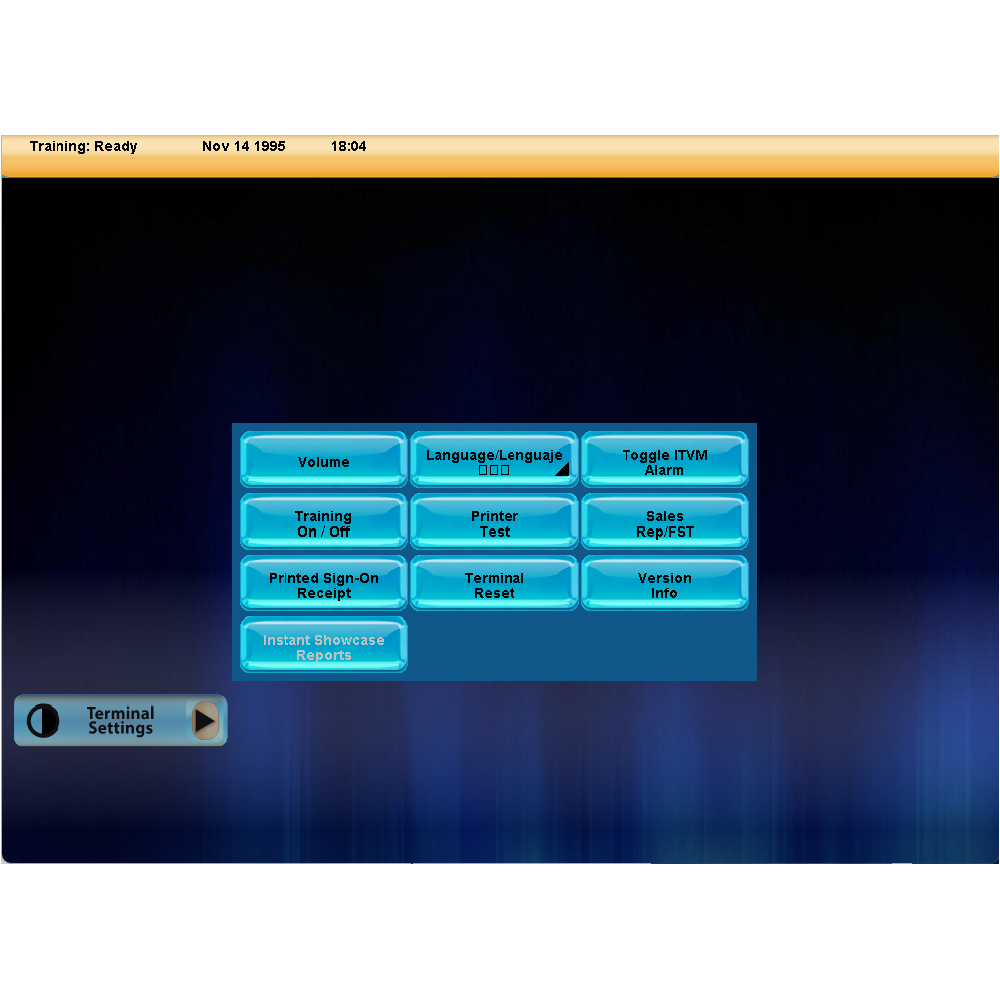
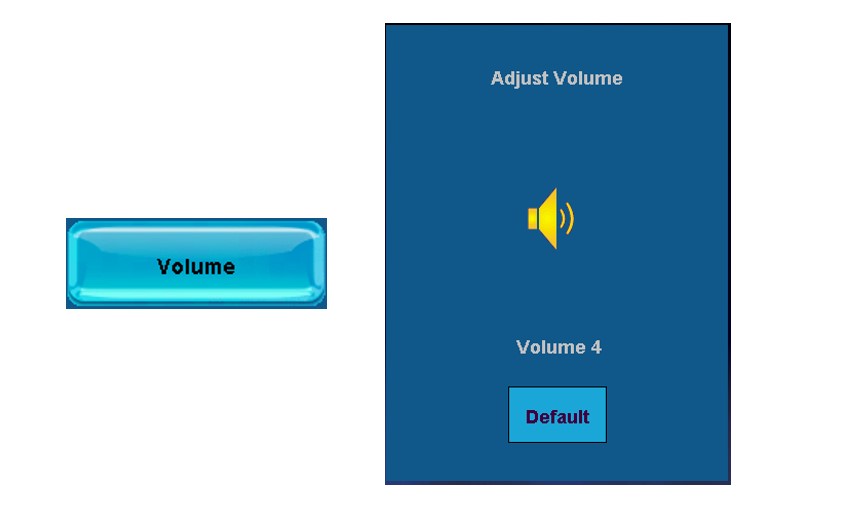
Volume
- Adjust GT-1200 terminal volume
Language/Lenguaje
- Change terminal language (English / Espanol / Korean)
Toggle ITVM Alarm
- Turn terminal alarm On or Off
Training On/Off
- Turn Training mode On or Off (FOR BRIGHTSTAR LOTTERY PERSONNEL ONLY)

Printer Test
- Test Printer
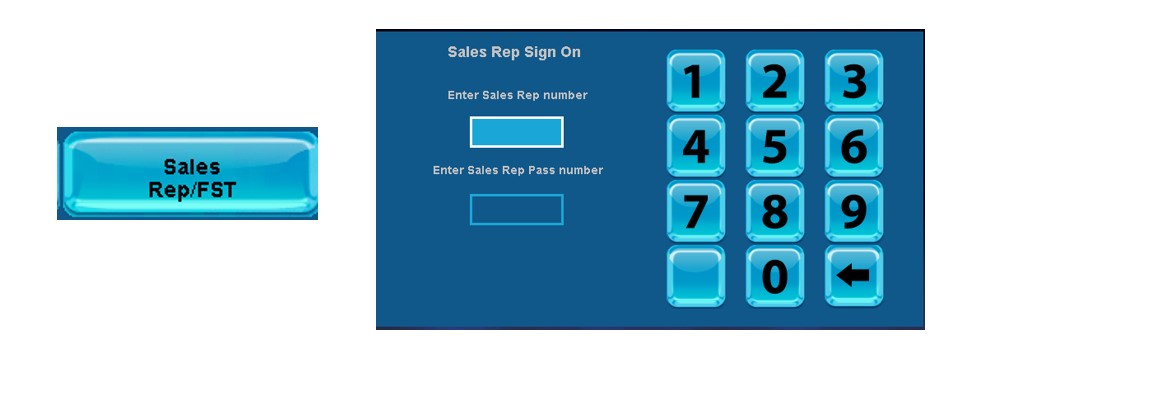
Sales Rep/FST
- Display assigned Lottery Representative and Field Service Technician information.
Printed Sign-On Receipt
- Turn On or Off automatic Printed Sign-On Receipt
Terminal Reset
- Resets terminal
Version Info
- Displays terminal details
Instant Showcase Reports
- For Retailers with a connected Instant Showcase peripheral equipment.

GT1200 Retailer System Overview
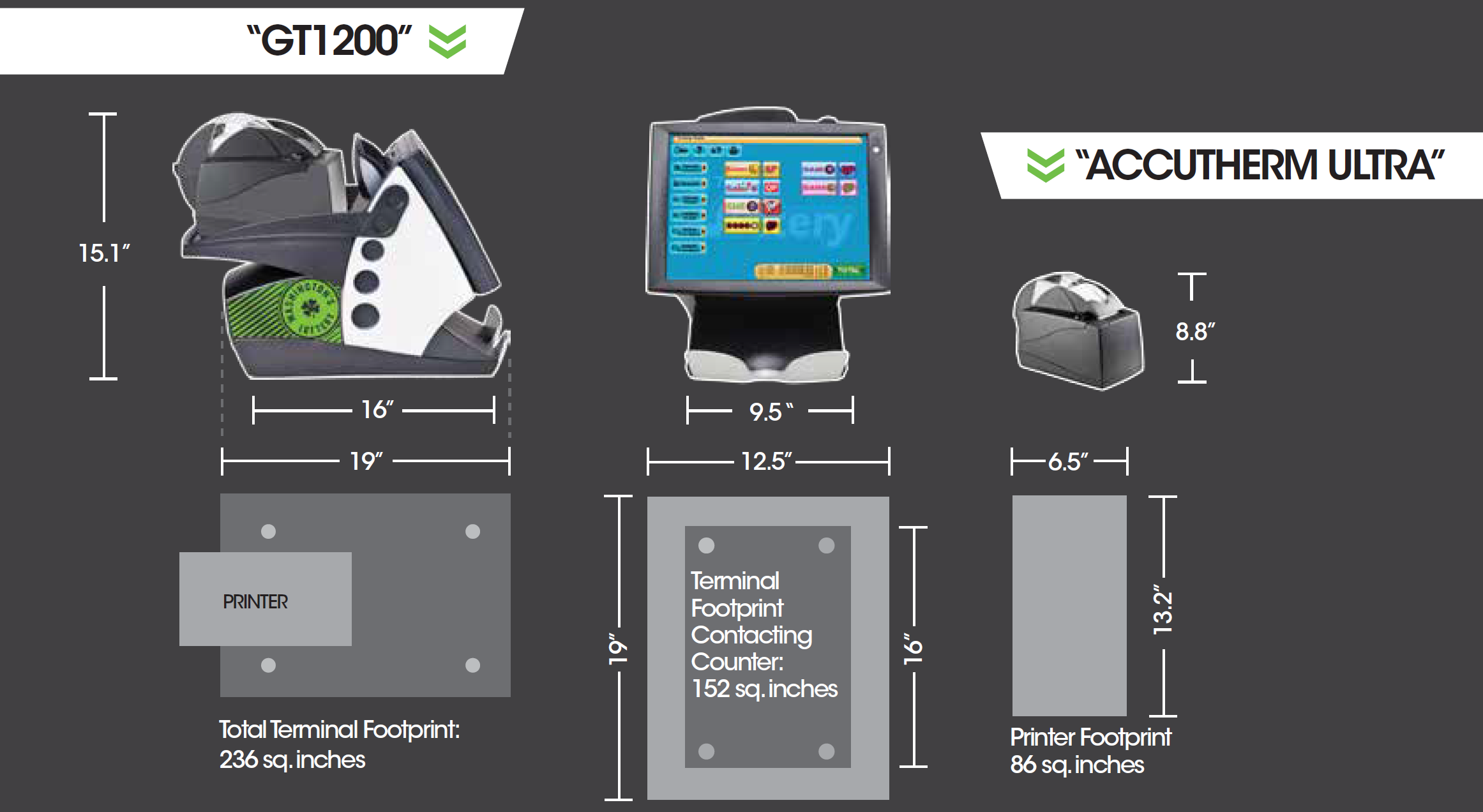
Retailer Facing Equipment
GT1200 - Retailer Terminal
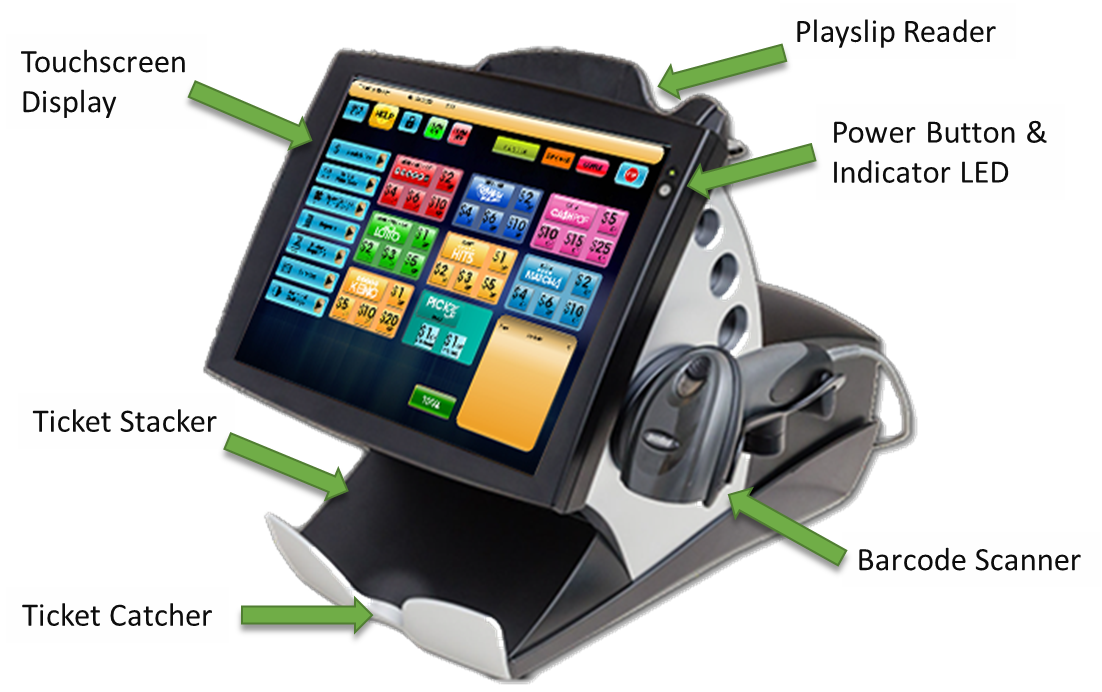
The GT1200 Retailer Terminal is the primary Lottery POS for all Washington’s Lottery Retailers. It is the central hub for Lottery Sales, Ticket Inventory, and running system reports.
Accutherm Ultra Printer
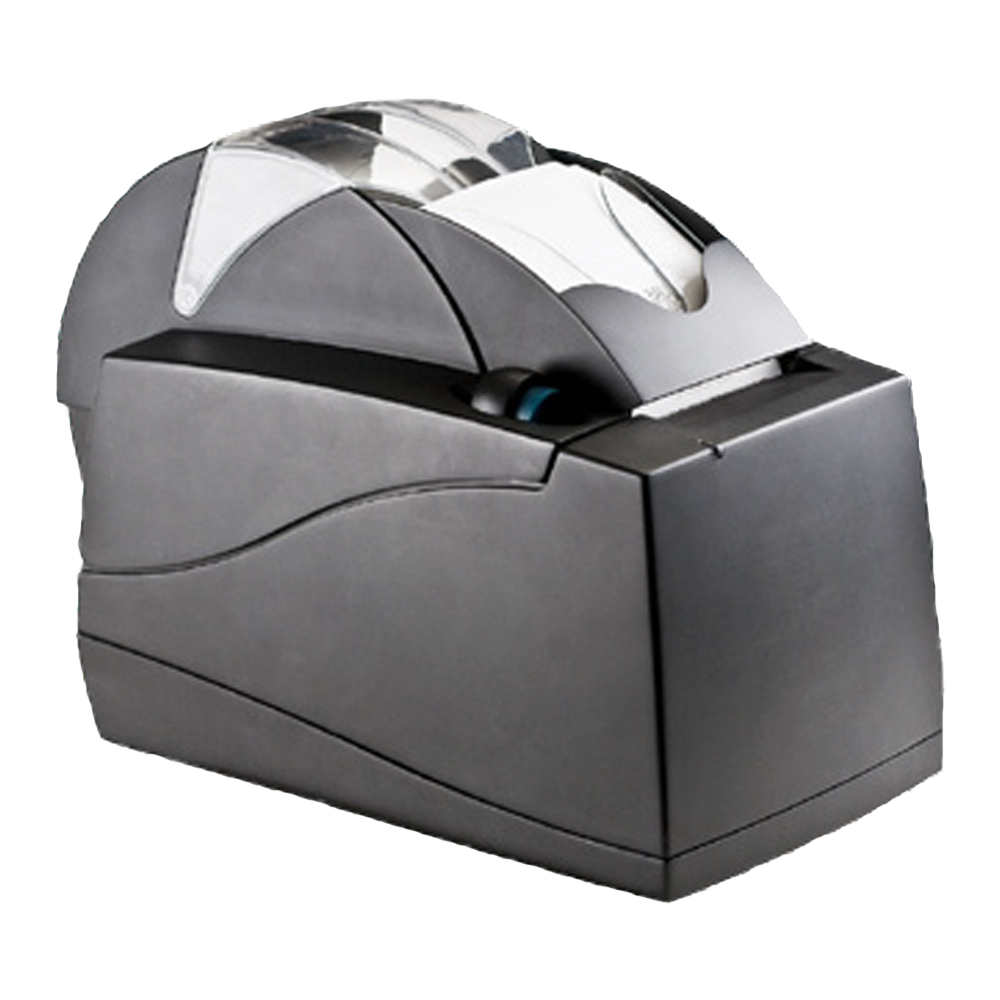
The Accutherm Ultra Printer is used to print tickets, system reports, and various Washington’s Lottery Messaging.
Customer Facing Equipment
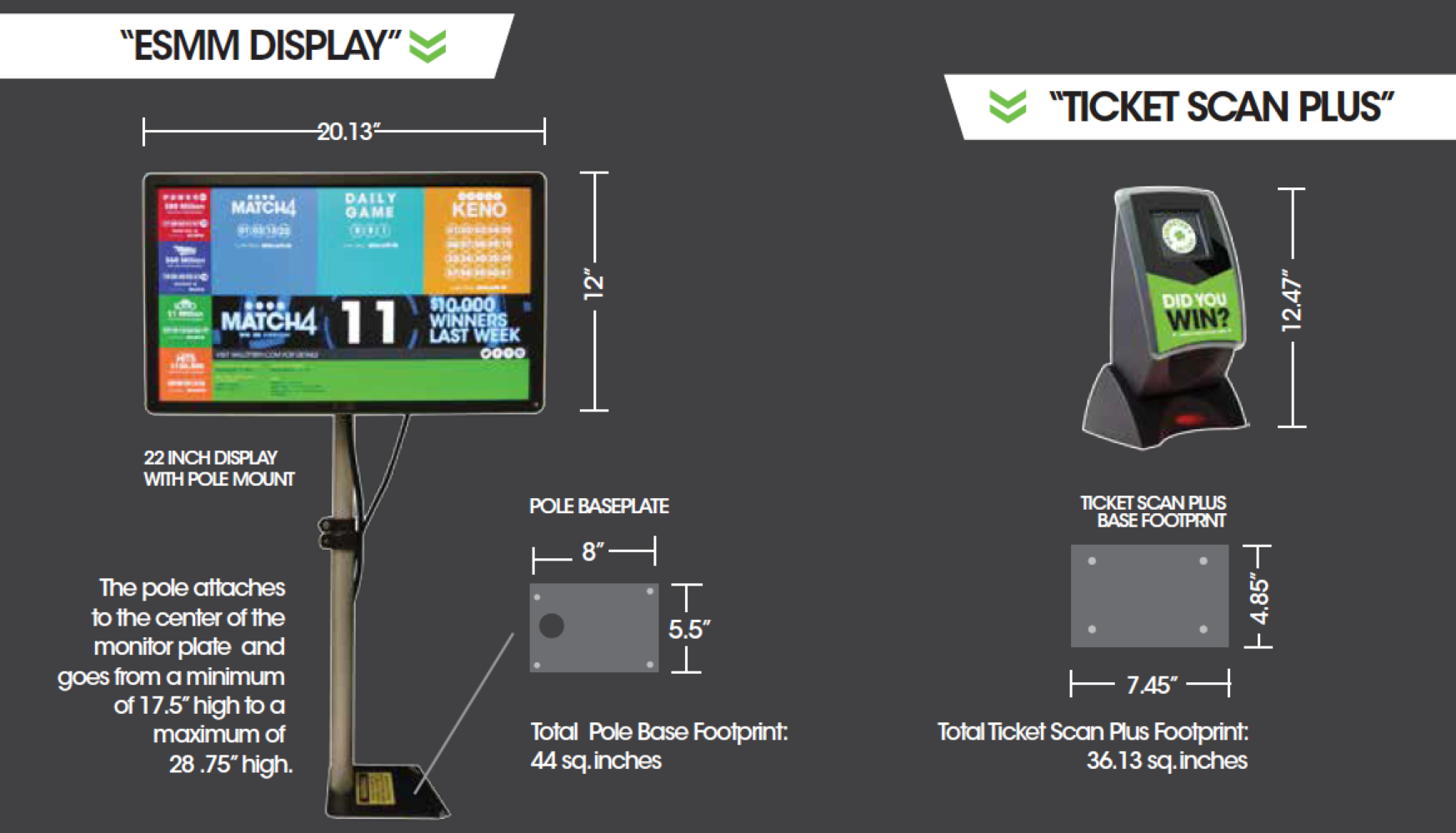
ESMM 22" Retailer Monitor
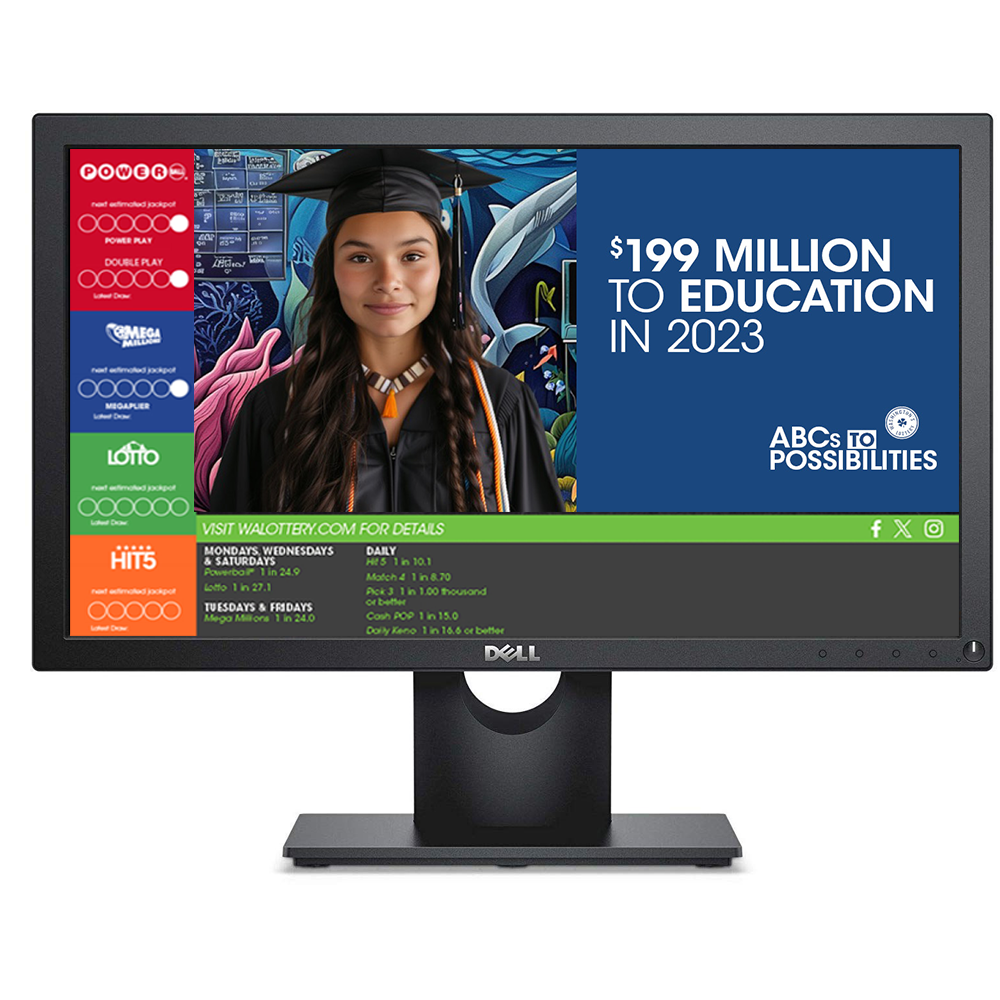
ESMM Retail Monitors provide customers with their lottery transaction in addition to Draw Game information, promotions, and current Lottery advertising.
Ticket Scanner Plus (TSP)
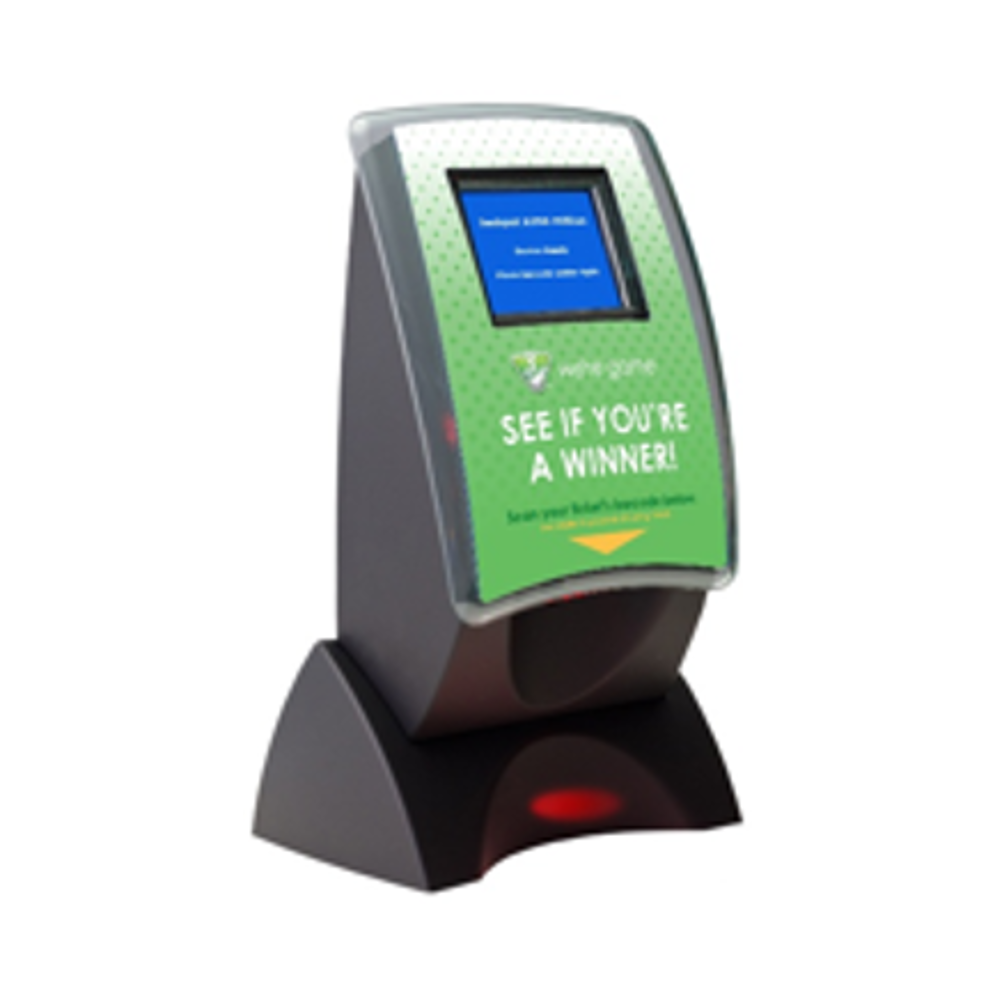
Ticket Scan Plus stations give Retailers and Customers a quick and efficient way to check for Winning Tickets.