Draw Games
Overview:
Draw games are different than scratch games. For Draw games, players will select a set of numbers from a predetermined range of numbers that are then compared to a set of randomly drawn numbers. Depending on the type of game played, the player will win by matching their pre-selected numbers to the numbers that are drawn for that specific game. Typically, the more numbers a player matches, the bigger the payout of prizes.
Common Phrases and Terminology:
- DRAWINGS: When the winning numbers are randomly drawn. These numbers are generated from a central computer system without predetermined results.
- Number Matrix: The range of numbers that a player can chose from. Each draw game may have a different range of numbers that can be selected.
- WAGER AMOUNT: The desired dollar amount that player would like to bet.
- NUMBER OF DRAWS: Means how many consecutive draws the player would like to wager.
- ADD-ON: An “Add-On” is an added side wager associated with a Draw Game.
- ADVANCE PLAY: Skips ahead a desired number of draws. (Advance Play not available on PowerBall & Mega Millions)
- QUICK PICK : Allows terminals to randomly select Player’s Numbers
- VALIDATION: Confirmation of a winning ticket.
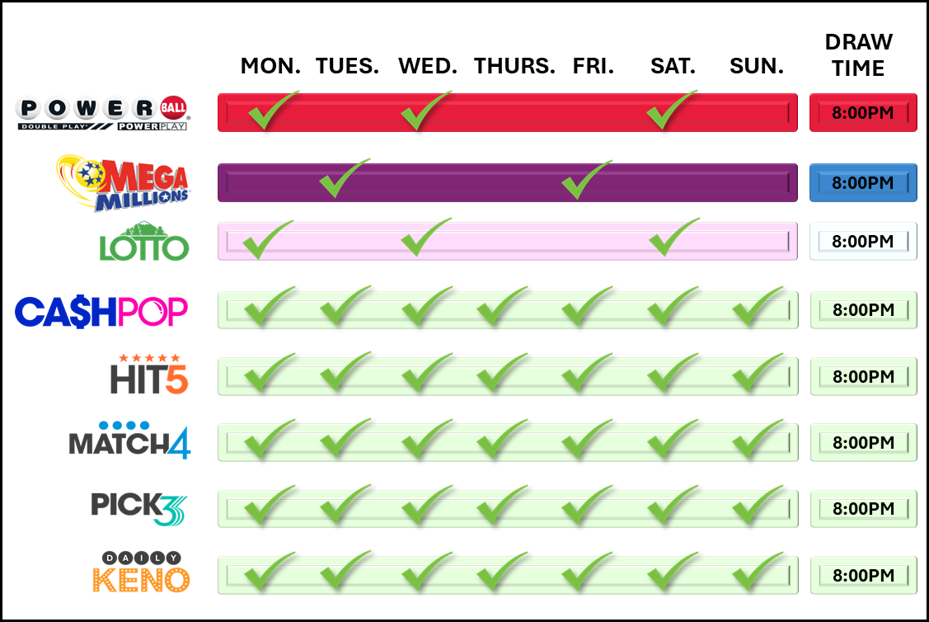
Daily Draw Game Schedule:
Draw Games
Overview
Bundle Packs
Powerball
Mega Millions

Cash POP

Lotto

Hit 5
Match 4

Pick3

Daily Keno
Ticket Validations & Redemptions
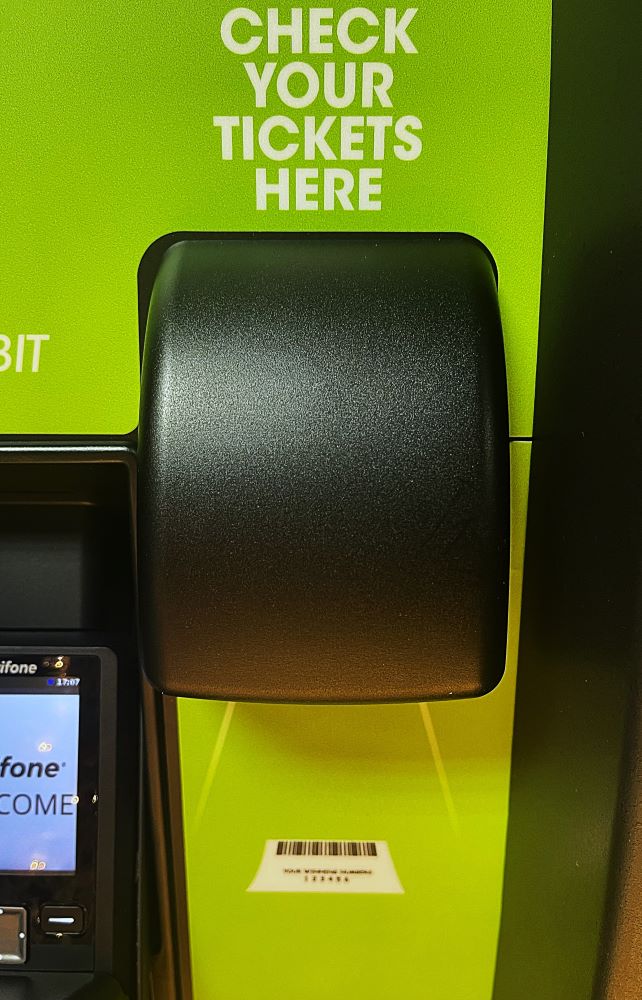
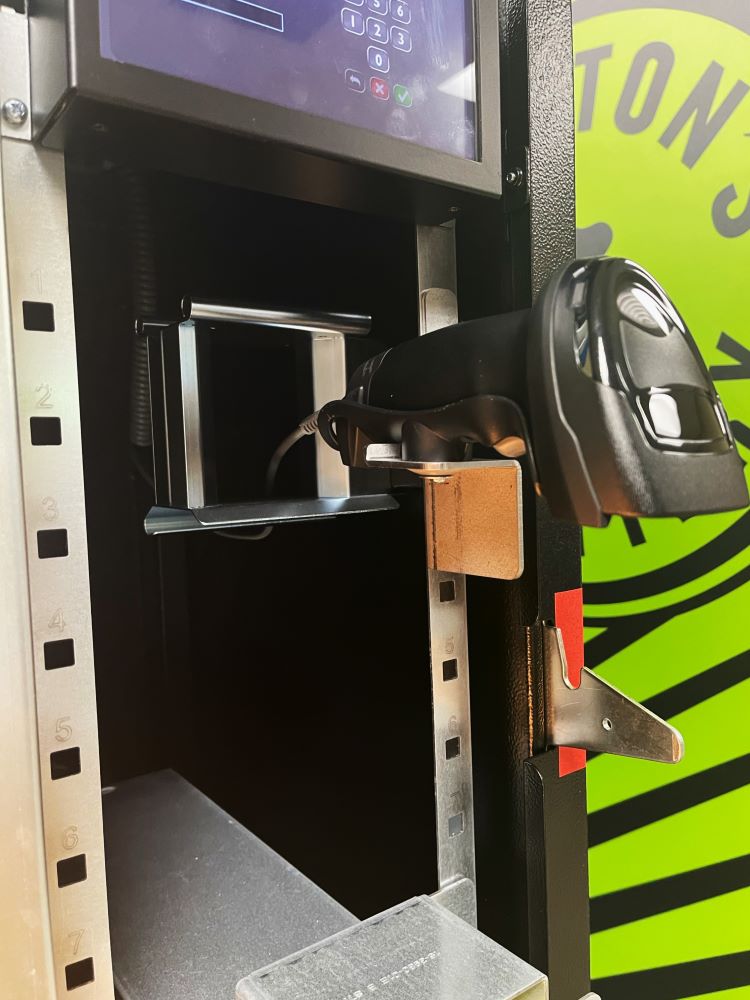
Players can verify a winning or non-winning ticket by using the Self-Service Terminal's Barcode Scanner.
Winning Tickets
When a Player scans a winning ticket, a window will appear asking if they’d like to reinvest their winnings as credits to be played immediately on the machine.
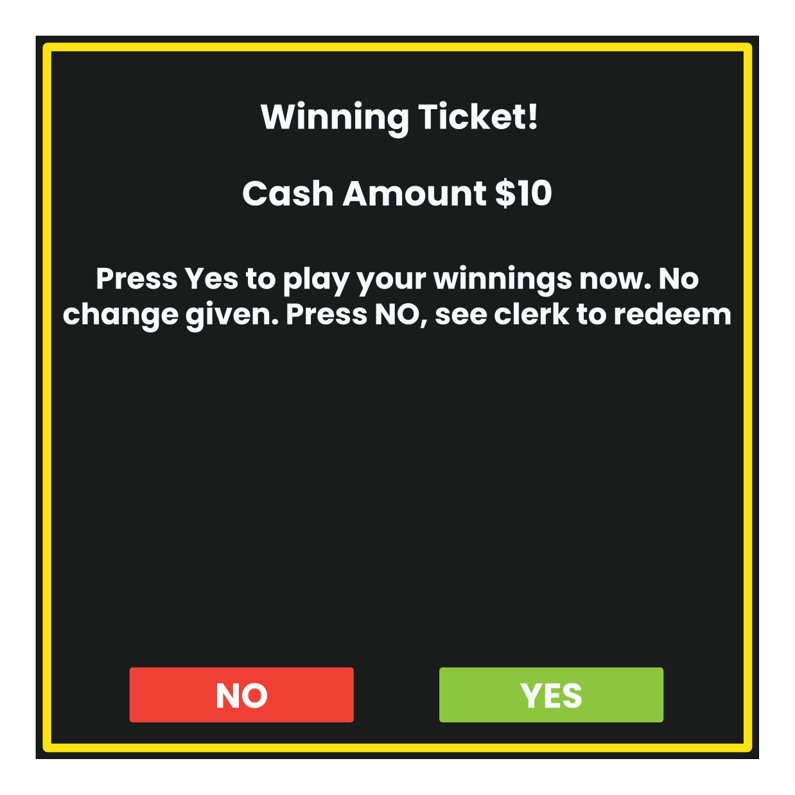
- If “YES” is selected, the winning amount of the ticket will be added to the Self-Service Machine, as credits, to be used to purchase additional Lottery games.
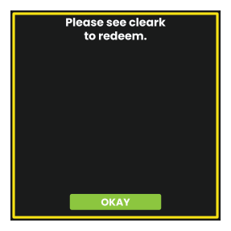
- If “NO” is selected, the player will be asked to see the clerk.

Self Service Terminals : Debit Purchases
In 2022 Washington’s Lottery added the ability for Players to make purchases using their Debit Card.
To use this feature, Players will proceed with adding products to their virtual Shopping Cart before selecting PAY WITH DEBIT.

For more information on using the Shopping Cart feature, click here:
Using the Self-Service Terminal Debit Card Readers
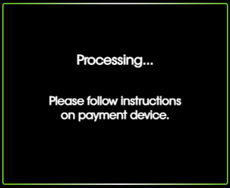
When PAY WITH DEBIT is selected as the desired payment option, the Self-Service Terminal will direct the Player to follow the instructions on the Debit Card Reader payment device.
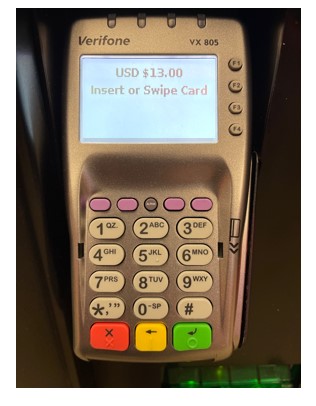
After Players insert their Card, they will be directed to enter the ZIP code associated with the Debit Card being used. The system will then verify the information entered.
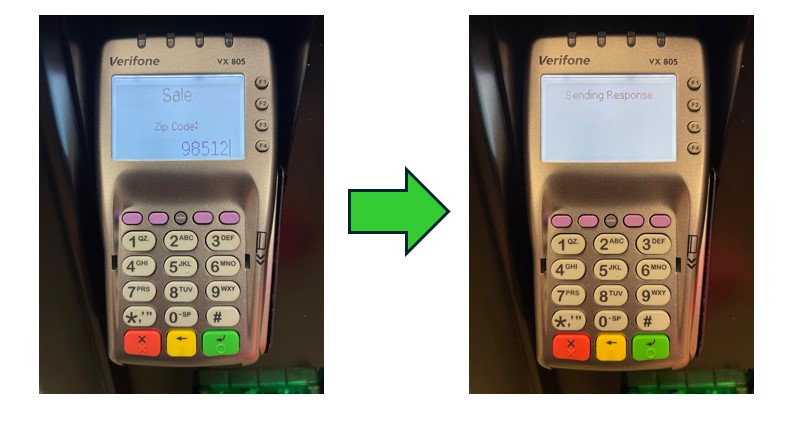
Once the entered Debit Card information is verified, the Self-Service Terminal will display a confirmation message and begin dispensing purchased tickets.
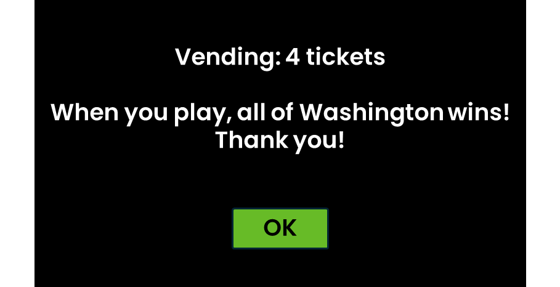
Player can then press OK and collect tickets from the ticket tray after dispensing.
Debit : Frequently Asked Questions
Do you accept credit cards?
- No. Debit is the only acceptable cashless payment for lottery products sold by Lottery Vending Machines (LVMs).
Can you use a debit card issued by any bank?
- Yes. However, in the rare occurrence that the sale does not go through properly, a few issuing banks, do not always allow us to refund your card directly. In that case, your refund may be all-all-debit and we may need to mail you a check. For this reason, you might want to use a debit card from another bank, if possible.
Who pays the debit card transaction fee?
- Washington’s Lottery will be paying the transaction fees. No fees will be passed on to players, Washington state residents or taxpayers.
Is there a minimum dollar amount for debit card purchases?
- No.
Can you still use cash or winning tickets to purchase?
- Yes, you still have the ability to pay with cash or reinvest with your winning tickets to purchase lottery products. The addition of debit cards as a method of payment simply provides an option that was not previously available to players.
Can you split the payment process (Debit and Cash)?
- No. You will be required to complete your purchase as either an all-cash purchase or an all-debit purchase.
Are you required to use a pin number?
- In most cases, no. For all transactions you will need to type in the billing zip code associated with the debit card being used to make the purchase. Some banking institutions require both a zip code and pin number be used.
Can you use a pre-paid Visa/Mastercard to purchase?
- Possibly. Some cards may work, but it is dependent on the bank issuing the card. If the card does not work after being inserted, an error message will appear on the debit pen pad. What pre-paid cards are accepted is not a choice of the lottery or the retailer, but rather the bank issuing the card.
Is there a spending limit?
- Yes. The debit limit for lottery purchases is $700 over a seven-day period of time.
For more Frequently Asked Questions and information regarding Debit, please visit Washington’s Lottery information page at: https://walottery.com/debit