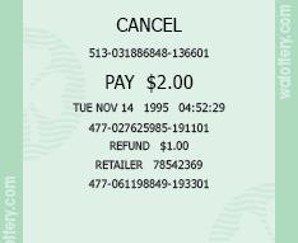
Last Cancellation
When a Draw game purchase is cancelled, the GT-1200 will print a Cancel Receipt. The Last Cancellation button will generate a reprint of the last cancel receipt printed.

Last Cancellation Overview
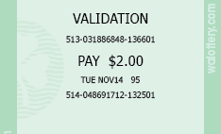
Last Validation
When a winning ticket is scanned, a Validation Receipt is printed. The Last Validation button will generate a reprint of the last Scratch or Draw game validation print out.
For more information regarding Validations and Payouts, please click link below:
LINK TO: Payout and Validation

Last Validation Overview
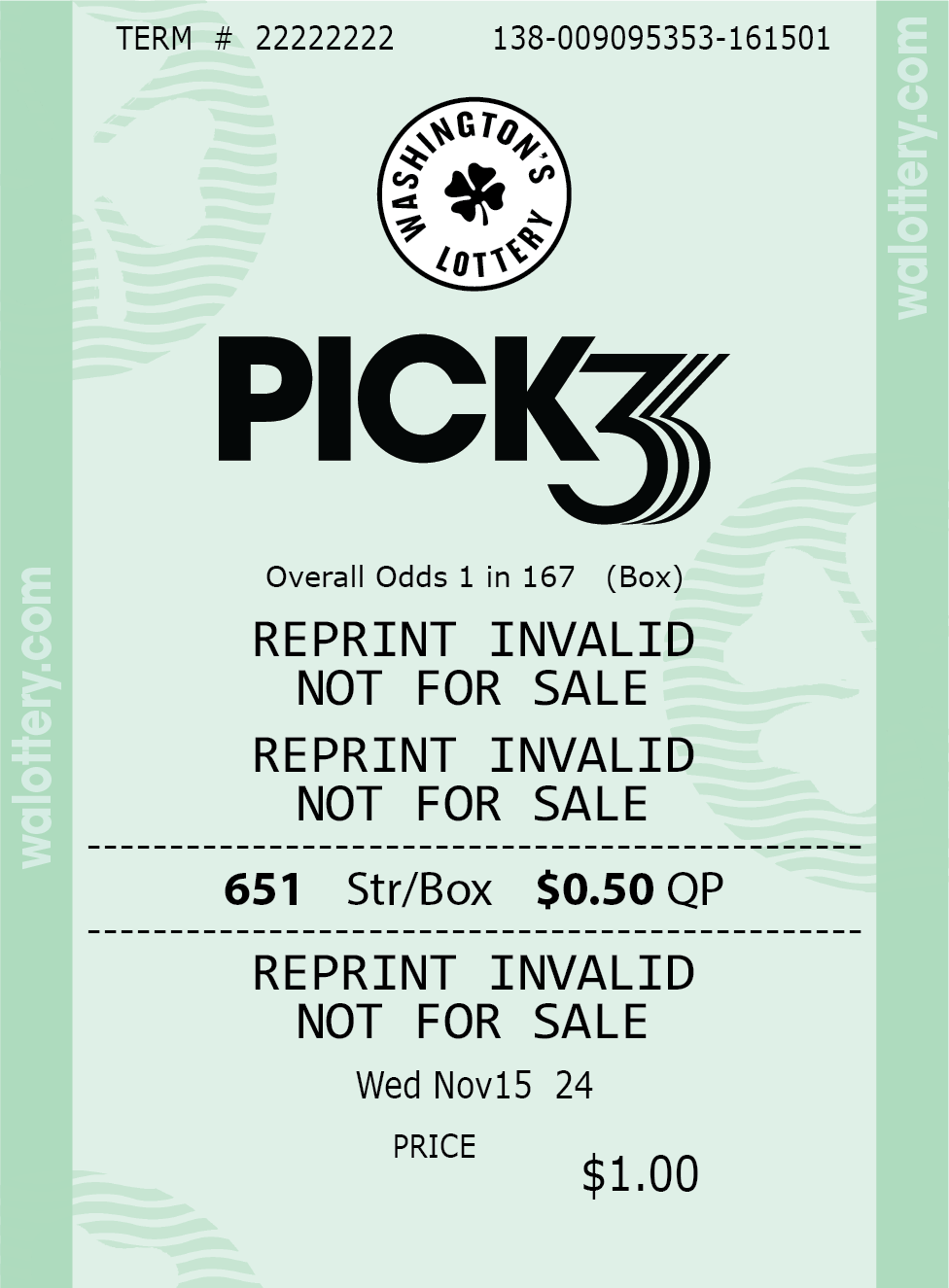
Last Play
The Last Play button will generate an Invalid reprint of the last purchased ticket.
Accessing the Last Play on the GT-1200

Last Play Overview
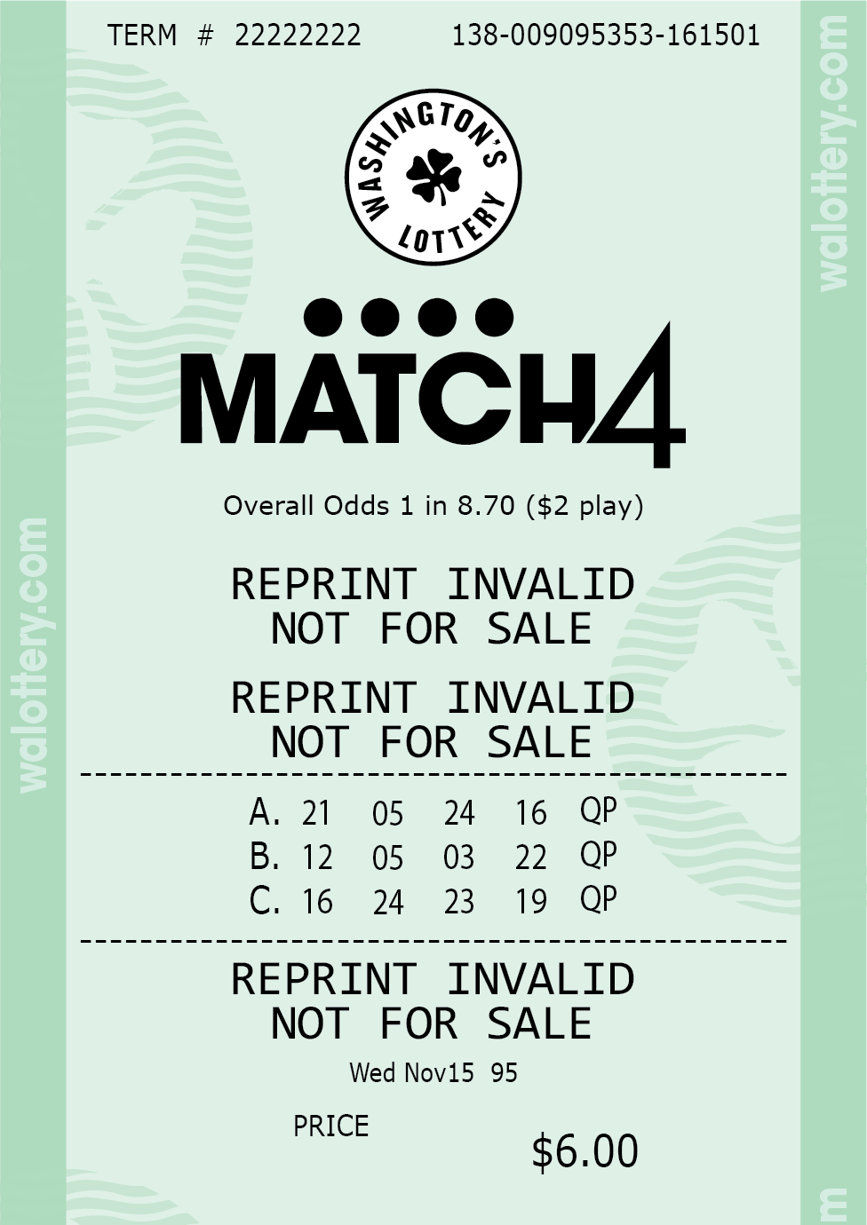
- Example: Match 4 Ticket was last ticket sold
Please Note: Last Play may not be available for PowerBall, Mega Millions, or Cash POP.
Last Transaction
The Last Transaction button will print out the last transaction made using the GT-1200 terminal. Transactions can include sales, payouts, and cancelations.
Accessing the Last Transaction on the GT-1200

Last Transaction Overview