
Lotto-To-Go Today Clerk Summary Report
Using the Lotto-To-Go Today Term Summary button, retailers can generate the Daily Summary Report for selected Clerks. This report shows Scratch and Draw game revenue and payouts for the date selected.

Retailer will be guided to Enter a Clerk Number.
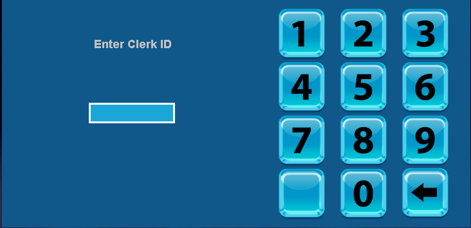
Note: Clerk Numbers are typically the Retailer Number plus the individual clerk number (for example: 01, 02, 03).
Lotto-To-Go Today Clerk Summary Report Overview
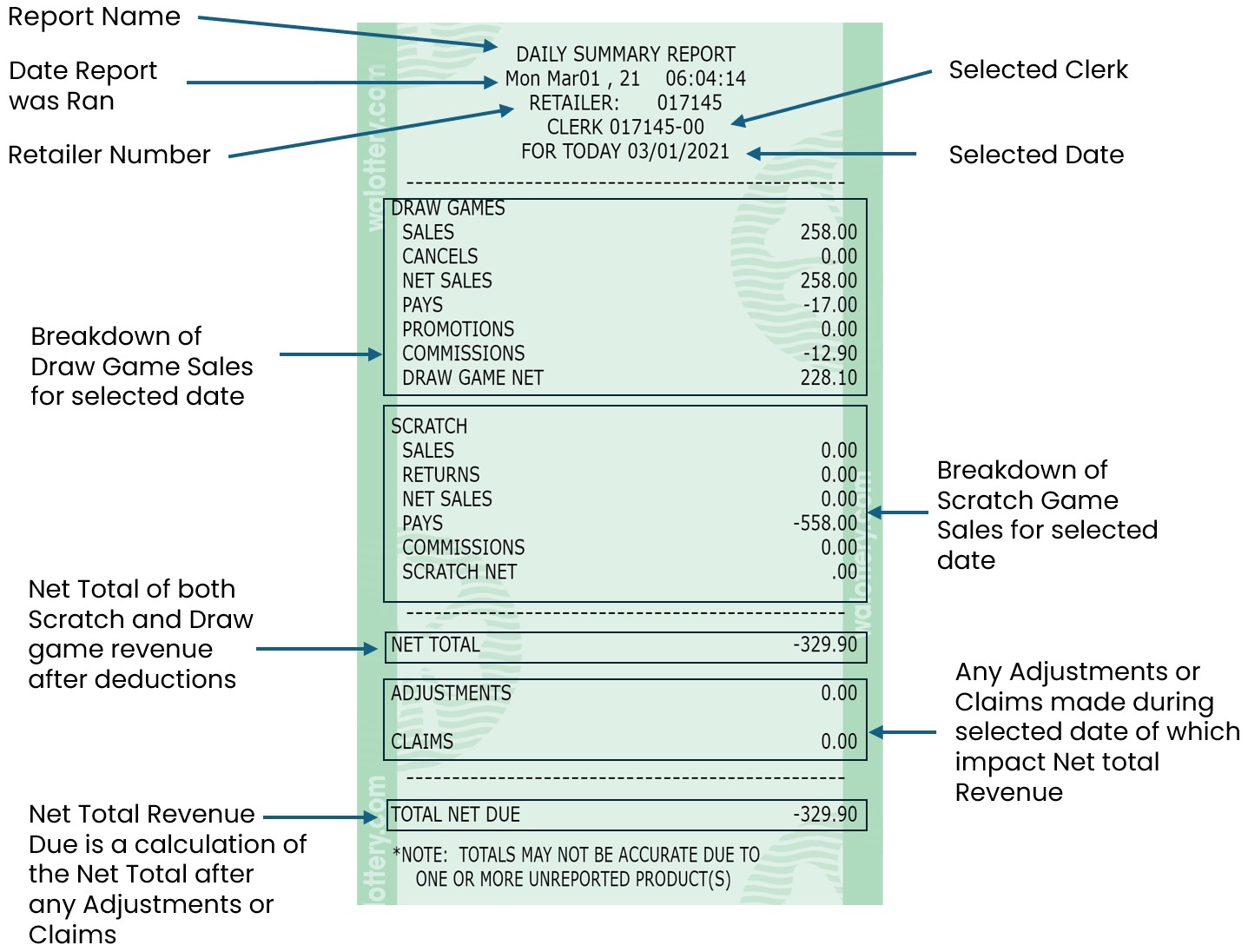
Lotto-To-Go Today Term Summary Report
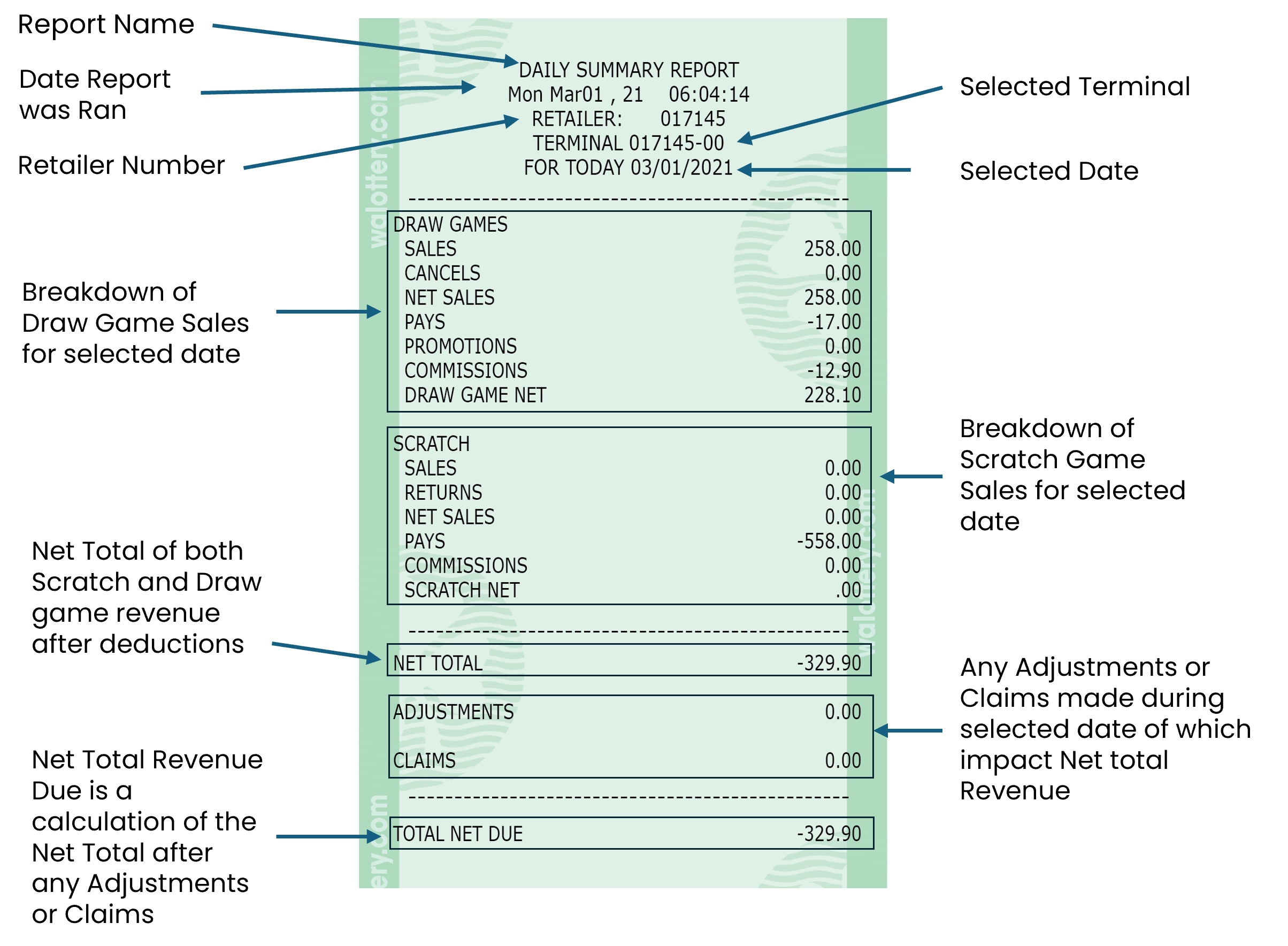
Using the Lotto-To-Go Today Term Summary button, retailers can generate the Daily Summary Report for selected Self-Service Terminals. This report shows Scratch and Draw game revenue and payouts for the date selected.

Retailer will be guided to Enter a Terminal Number.
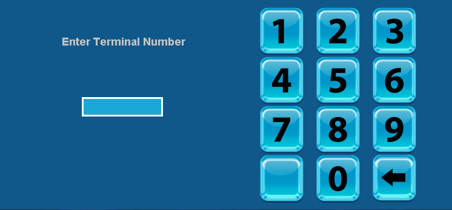
Note: Terminal Numbers are typically the Retailer Number plus 00 or + Retailer Number plus 01, 02, 03 depending on the desired connected Self Service Terminal.
Lotto-To-Go Today Term Summary Report Overview
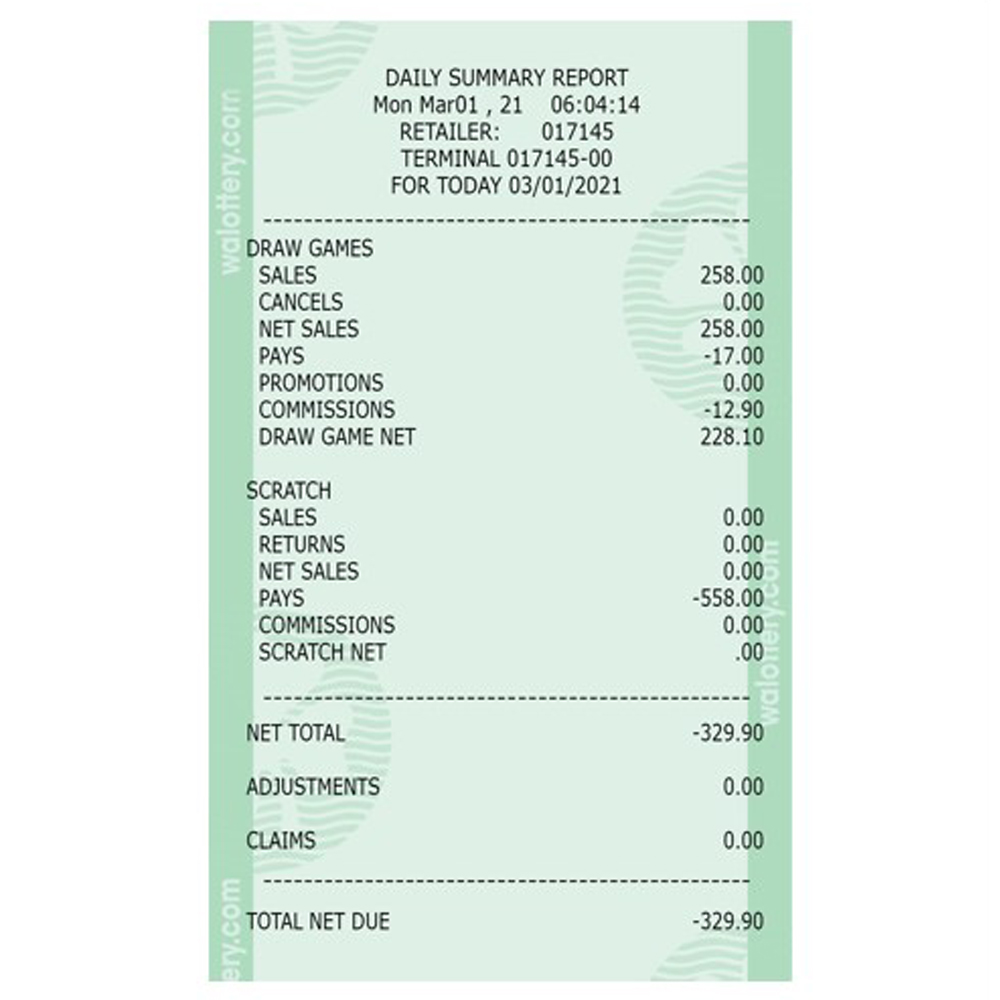
LTG Today Term
Summary
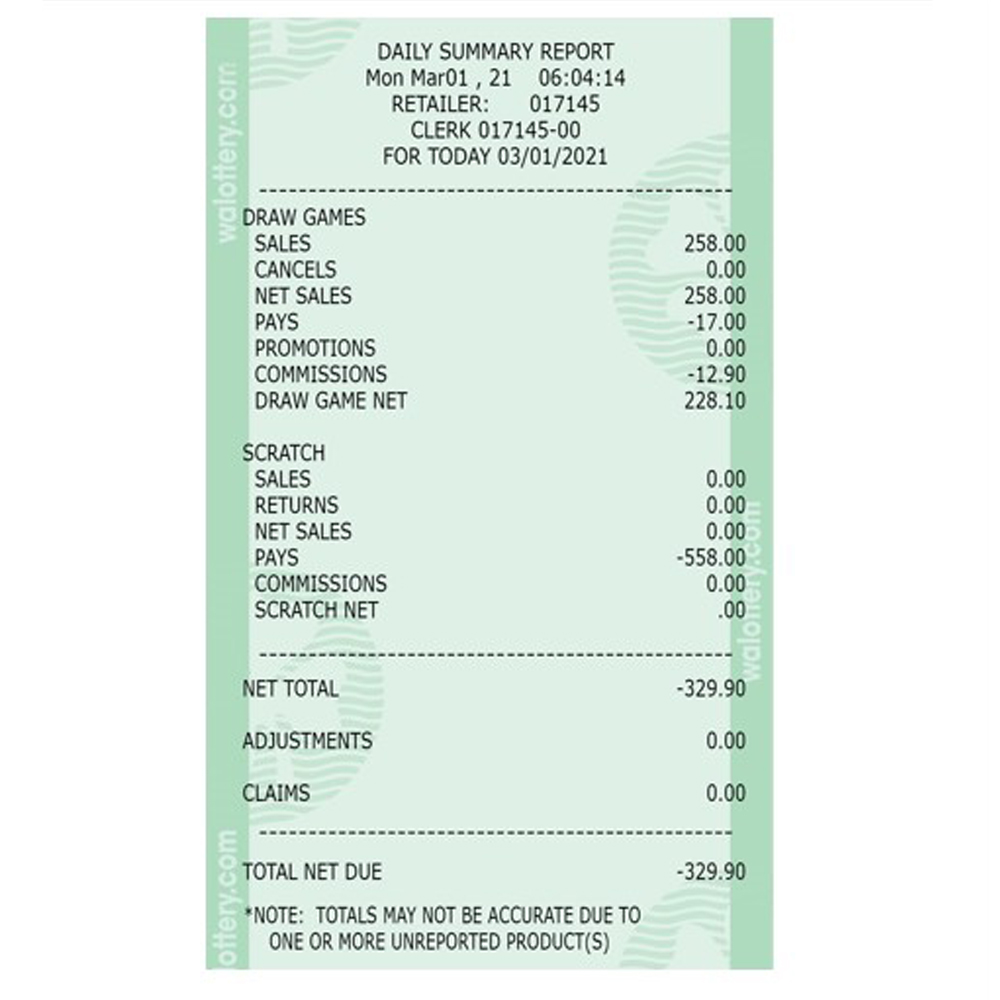
LTG Today Clerk
Summary
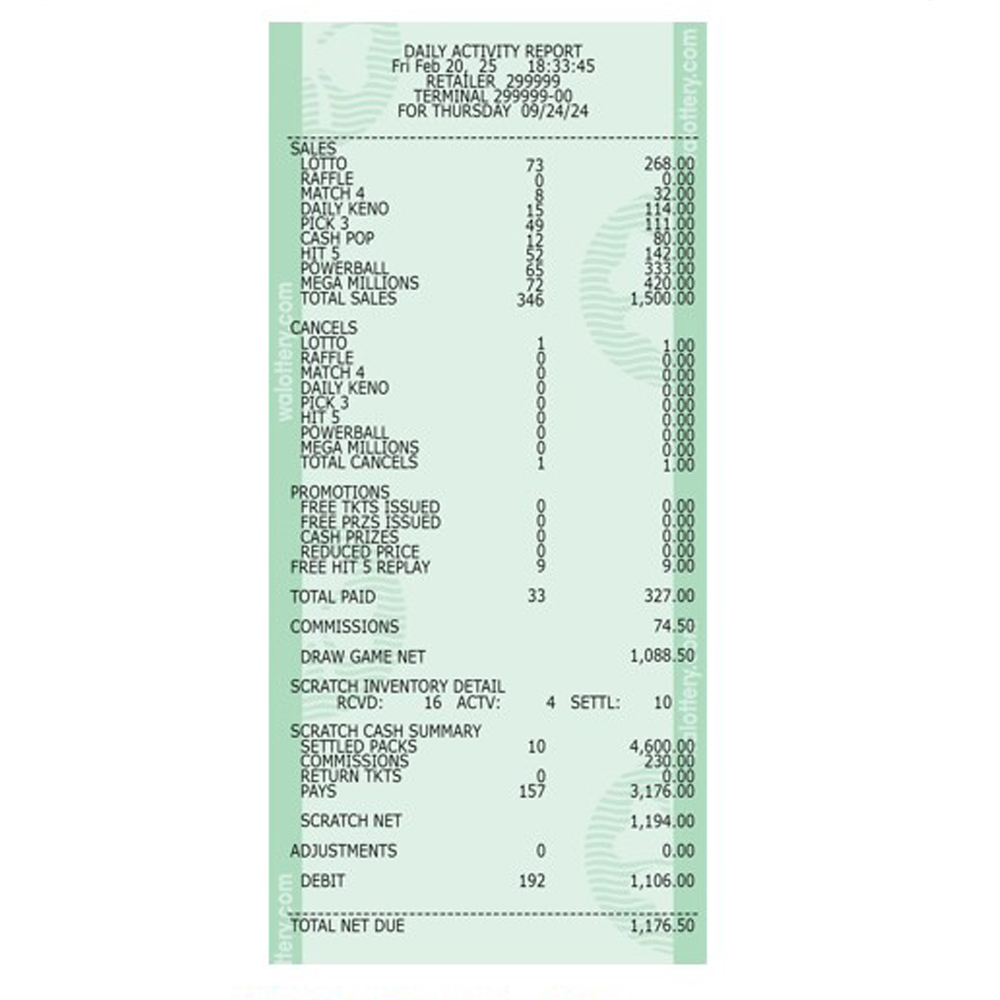
LTG Daily Term
Activity
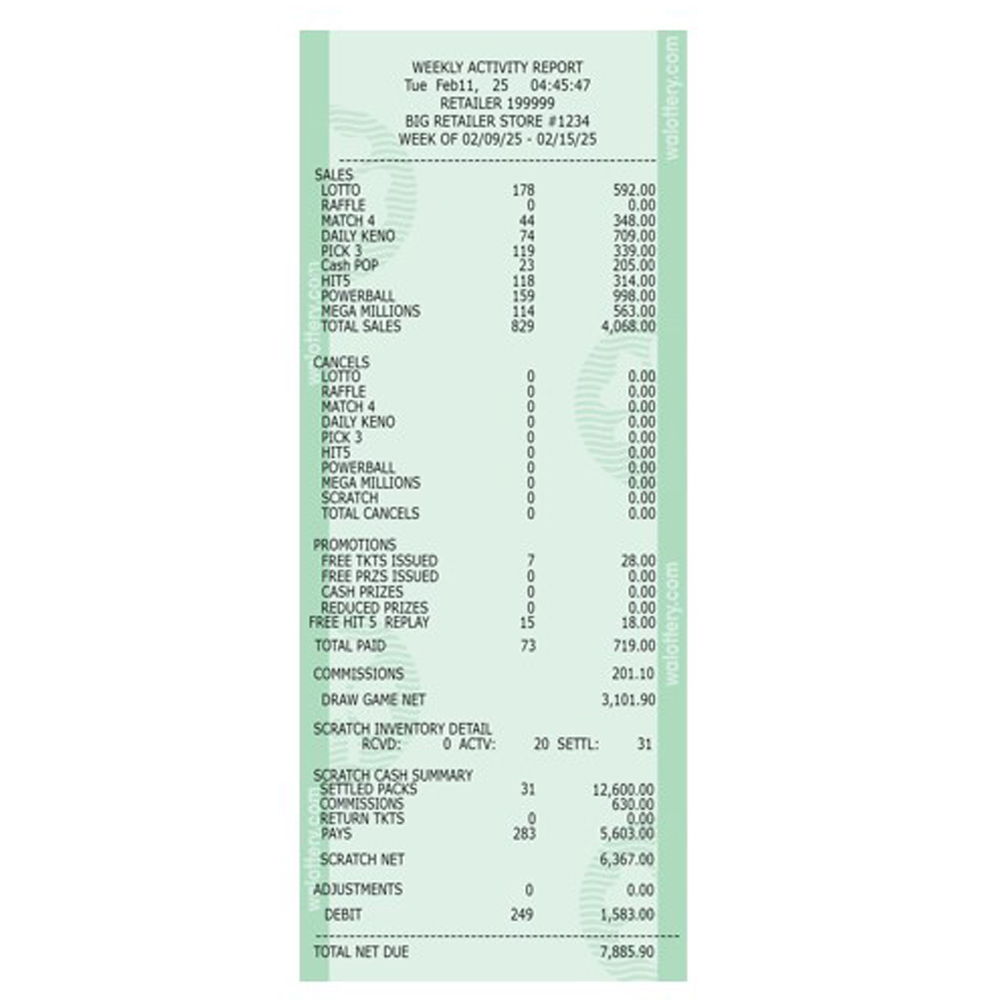
LTG Weekly Term
Activity

LTG Daily Clerk
Activity
Promo Draw
Report that shows all active Draw game promotions and their corresponding draw dates.

Promo Draw Information Report Overview